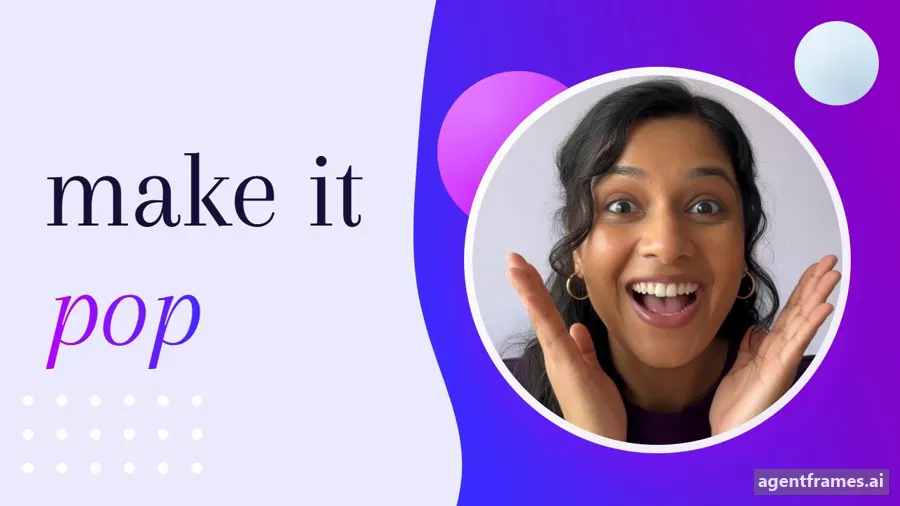
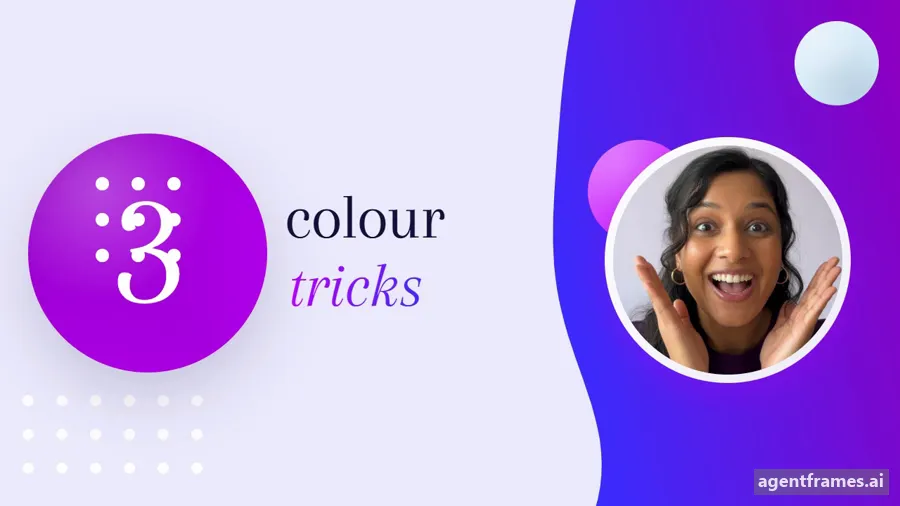
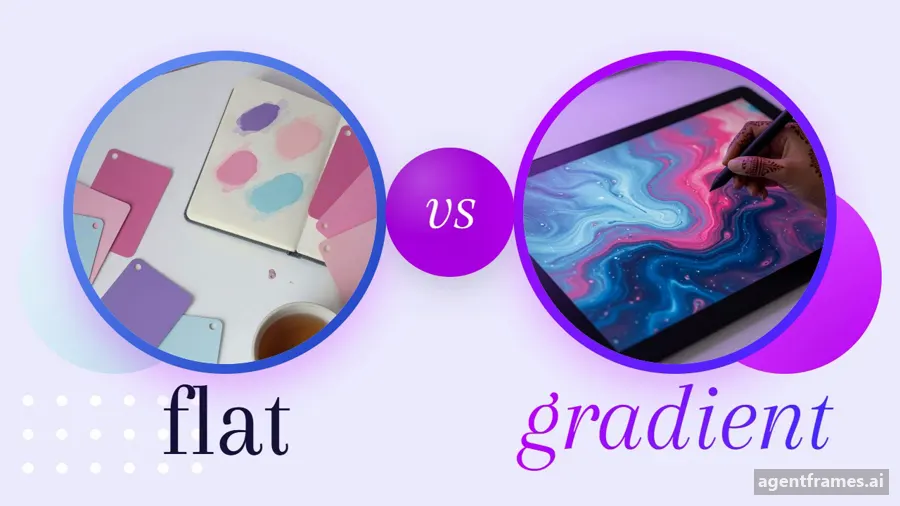
Creator Pack: glossy orbs, a floating speaker card and 59 pieces for every size you post.
Side by side (16:9) · 24s · made entirely with this pack
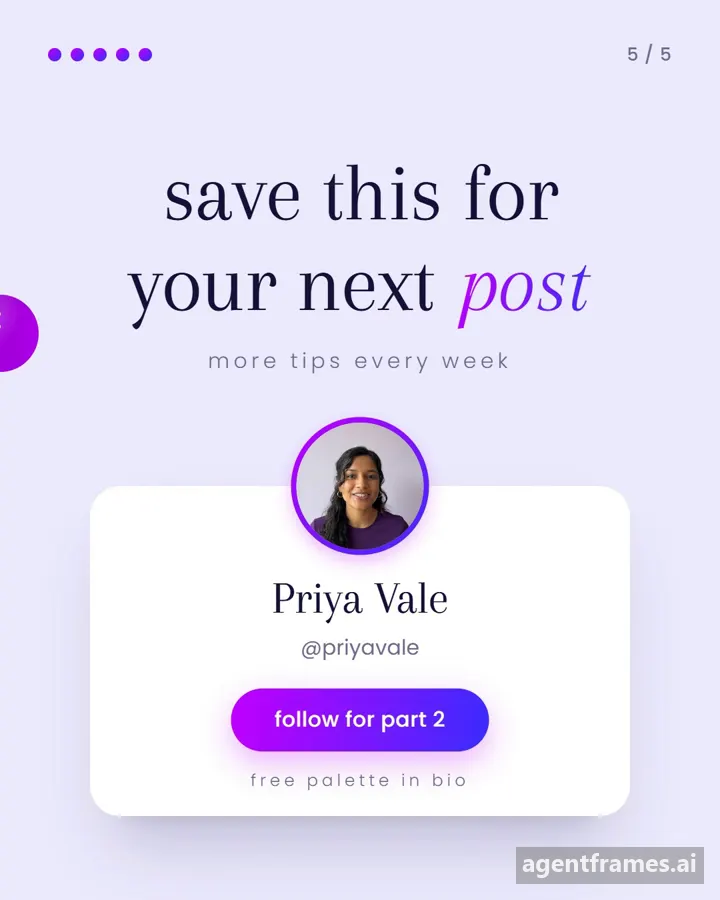
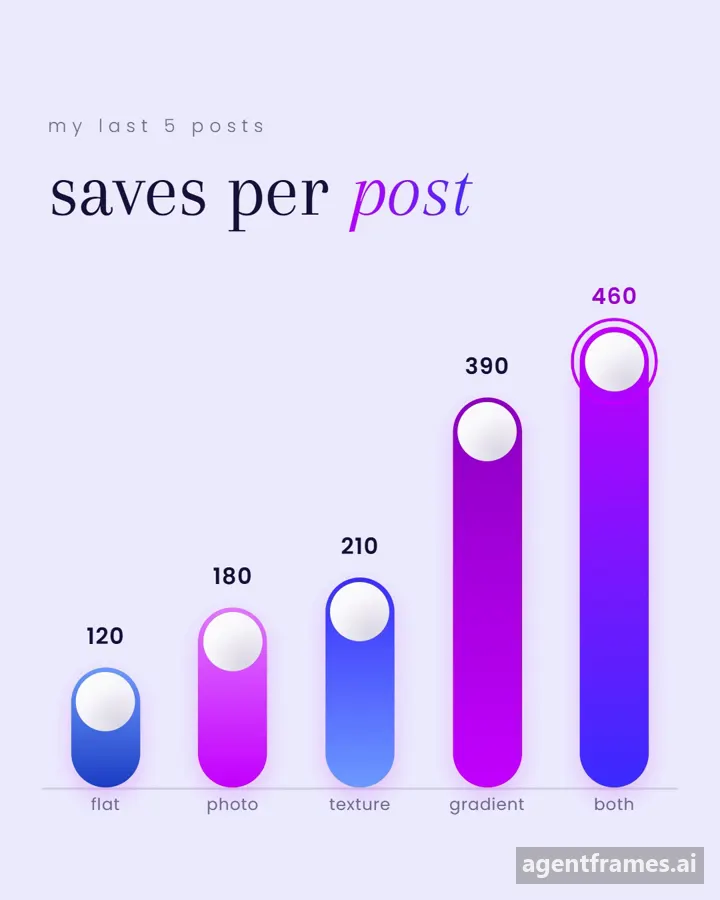
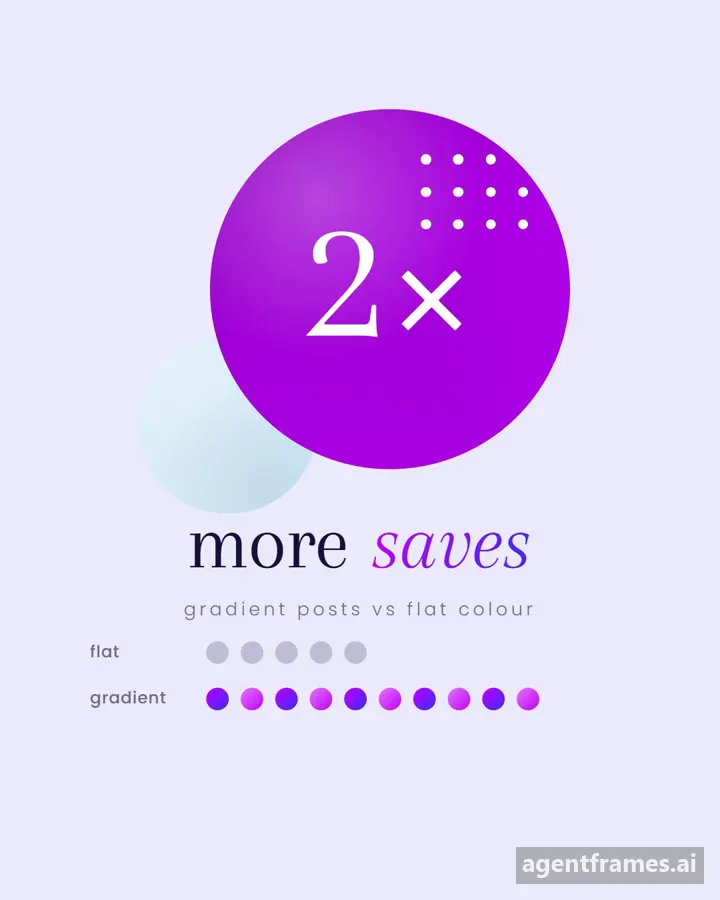
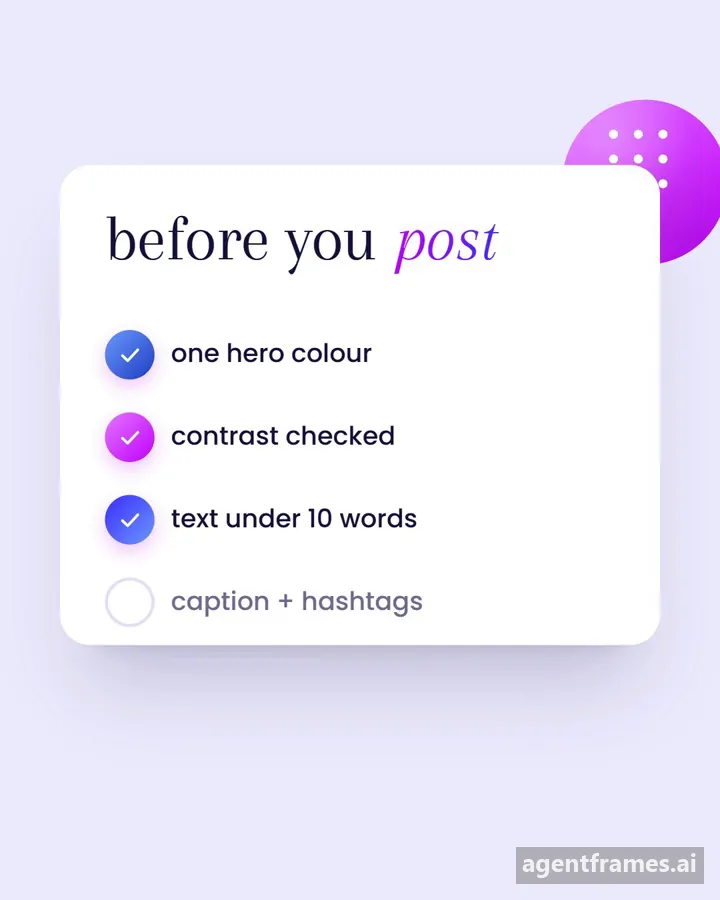
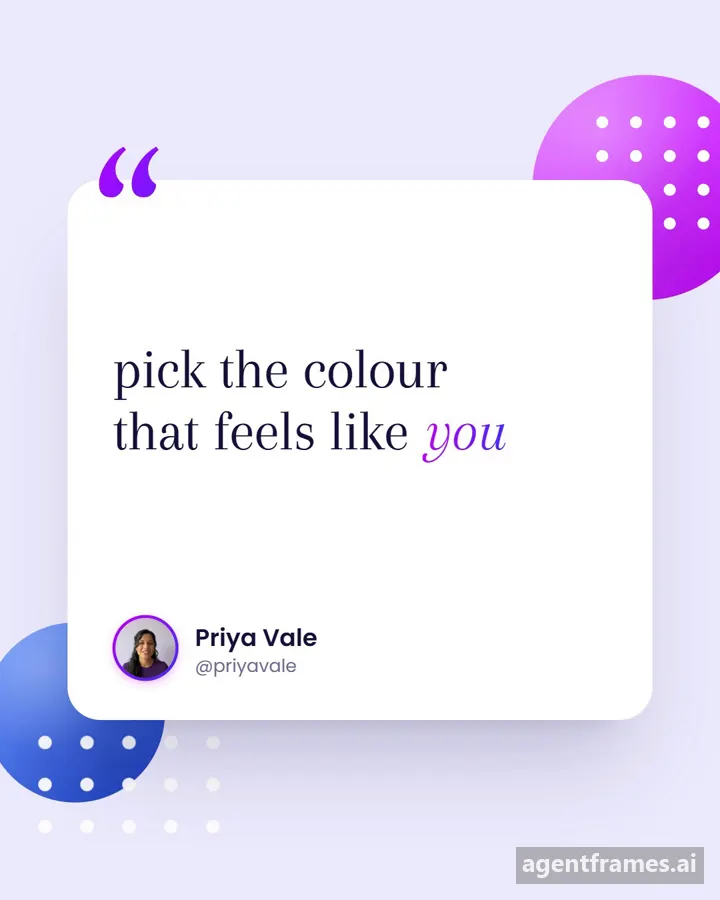
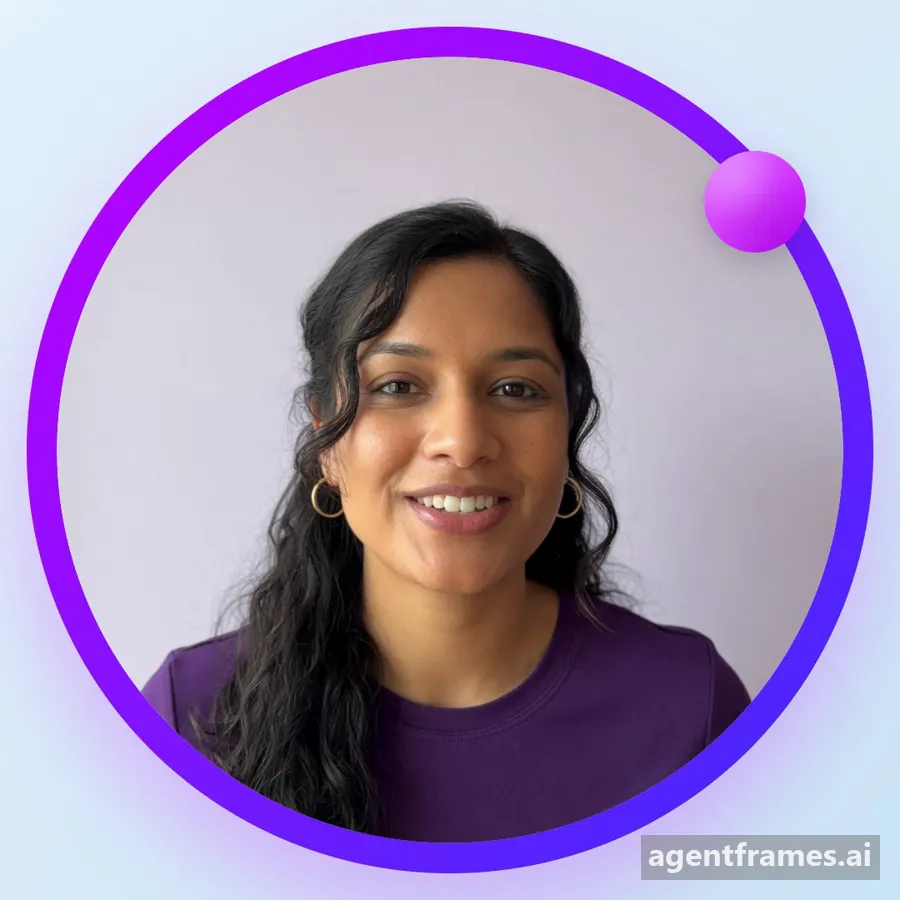
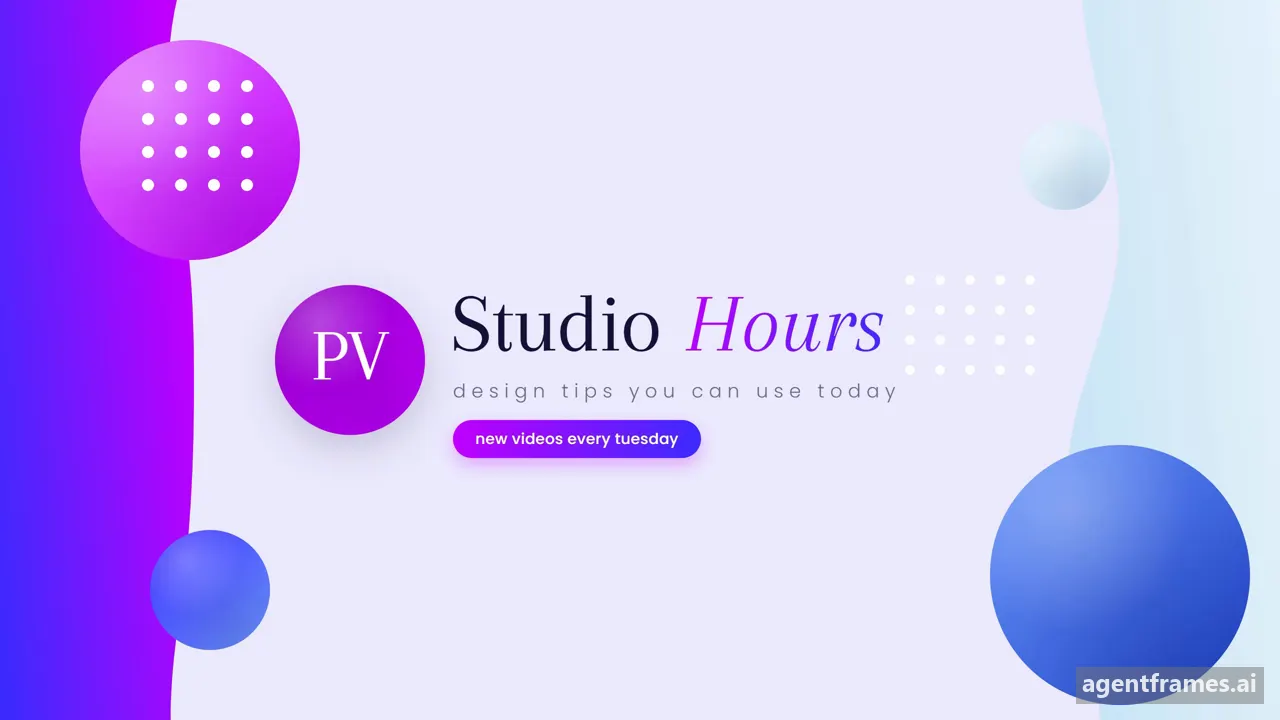
Orbit is a Creator Pack for creators who talk to camera about making things look good: design and creative-tools tutorials, art, colour and branding tips, app reviews and studio vlogs. Your footage floats in a white card on a soft tinted ground, glossy gradient orbs slide out from behind it and drift, dot grids ripple, liquid blobs flood the frame between scenes, and headlines are a two-tone serif with one word in a gradient italic. It covers video in four native sizes (16:9 with you beside the graphics and gliding from side to side, plus 9:16, 4:5 and 1:1 with you on top and the graphics in a band underneath), four word-by-word caption styles (clean, karaoke, pop and boxed), six swipe carousels, eight infographics that also export as 4:5 and 1:1 images, and image templates: three YouTube thumbnail layouts, a channel banner, an avatar frame, story highlight covers, quote posts and 'new video' posts. All of it is set from one brand.json file: your name, @handle, channel, avatar or monogram, colourway (Lilac, Citrus or Coral, or any accent colour) and calls to action. The 47 video pieces include a channel intro, end card, lower third, follow button, handle bug, monogram reveal, part-2 card and collab tag; hooks, key-word pops, statements, chapters, callouts, stats, B-roll frames, lists, quotes, Q&A, comment replies, a poll where the orb size is the vote, a before/after slider, rate it /10 and topic tags; five transitions (liquid flood, orb iris, dot dissolve, card lift, monogram wipe) and five stickers; eight orb-based infographics; and a creative set made for design creators: today's palette, an eyedropper colour picker, gradient mix, font pairing, a countdown orb and a 'what I use' tool stack. There are no platform logos: every button and card is drawn for the pack.
One pack, every format
The same elements in 9:16 and 4:5 and 1:1, from the pack's own starter videos. Hover a reel to play it.
1brand filebrand.json: your name, handle, colourway or accent, used by every piece
Also included: validate → build → qa tools (lint, runtime check, draft render, contact sheet), an AGENTS.md written for Claude Code and Codex, an editing contract for every element, worked example plans, and the HyperFrames NOTICE. Built for HyperFrames 0.8.143.
Thumbnails, carousels and posts
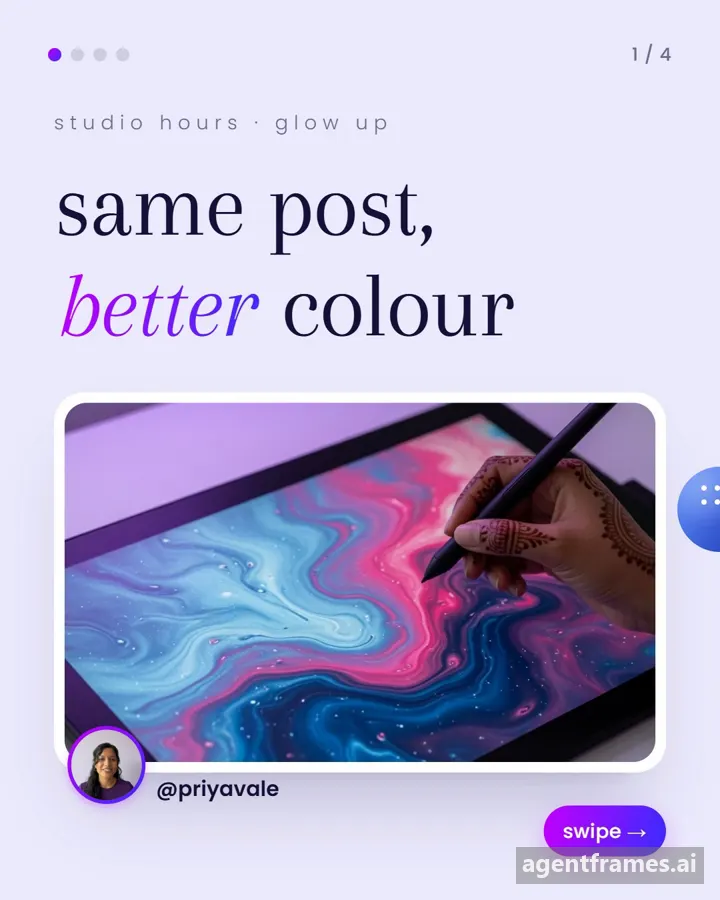
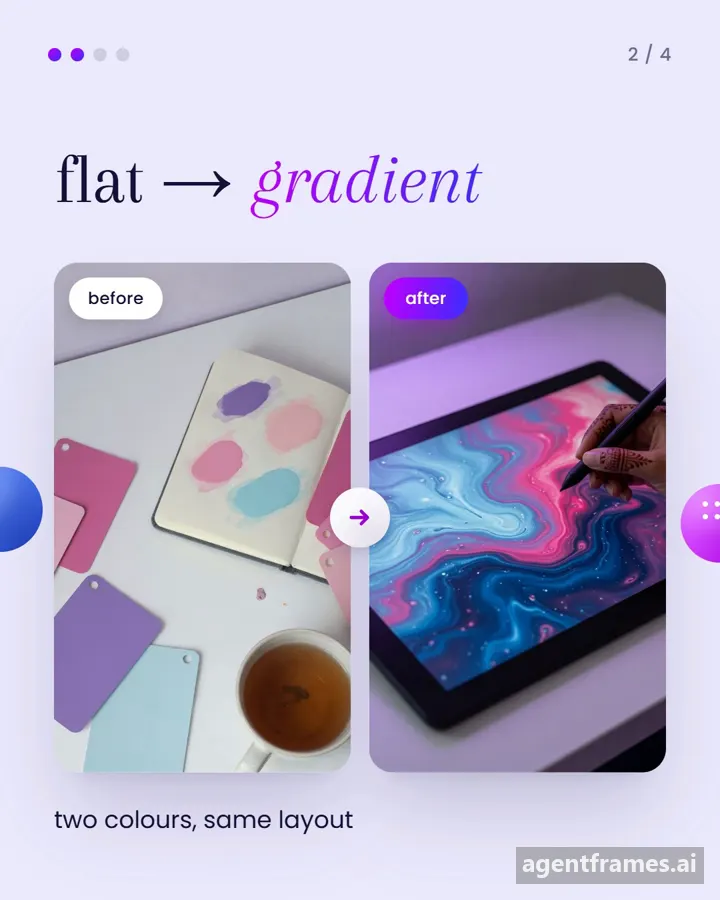
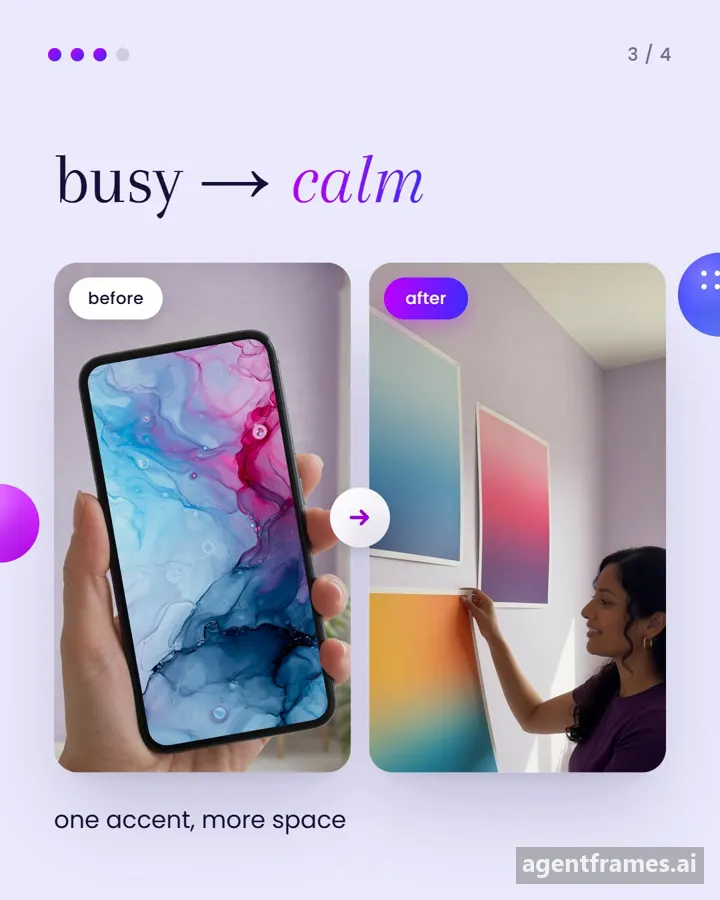
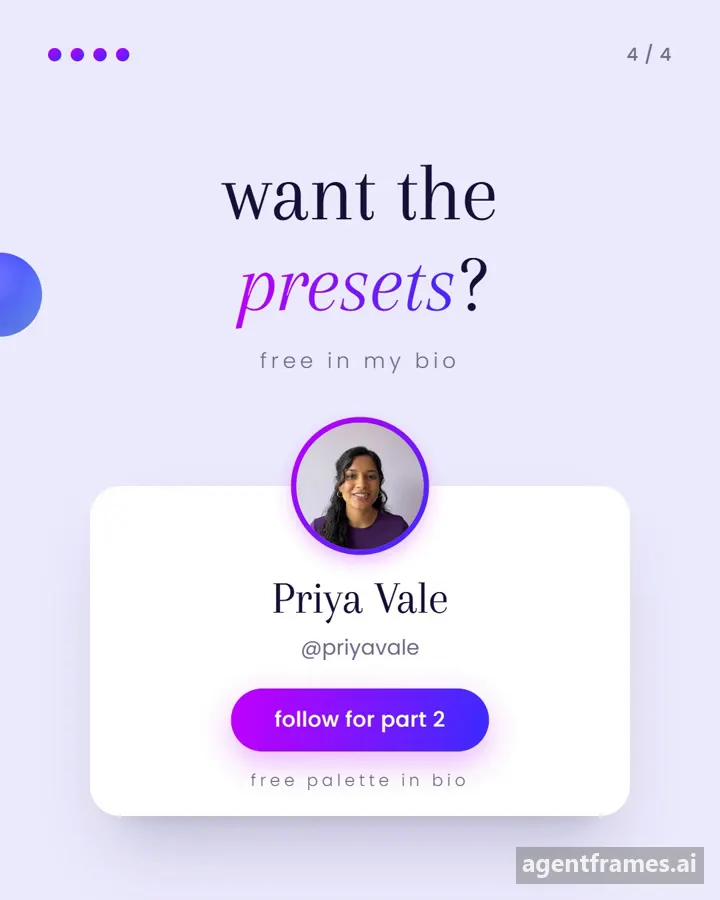
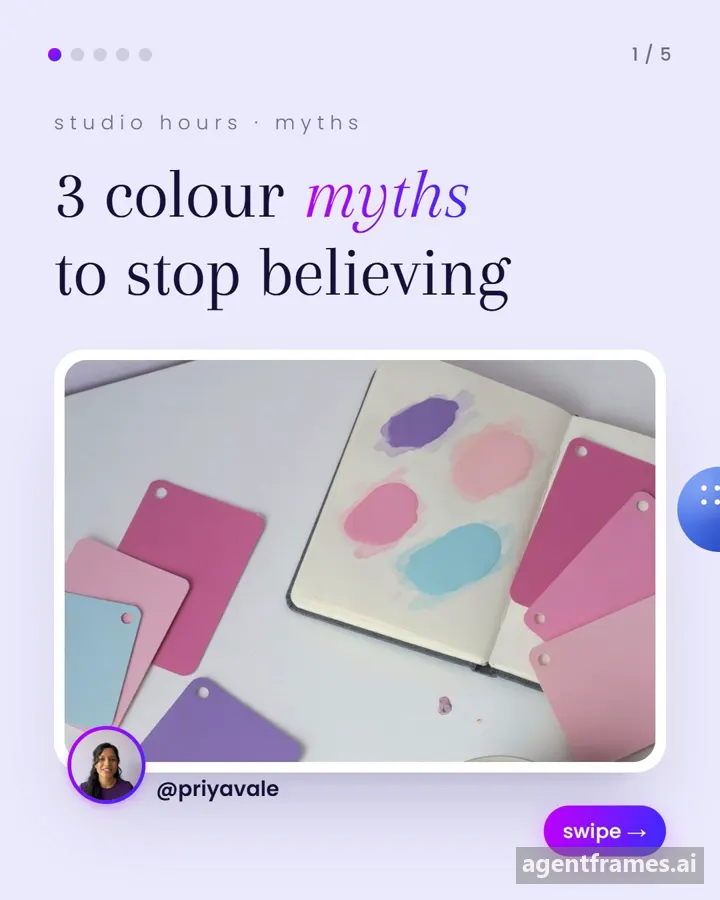
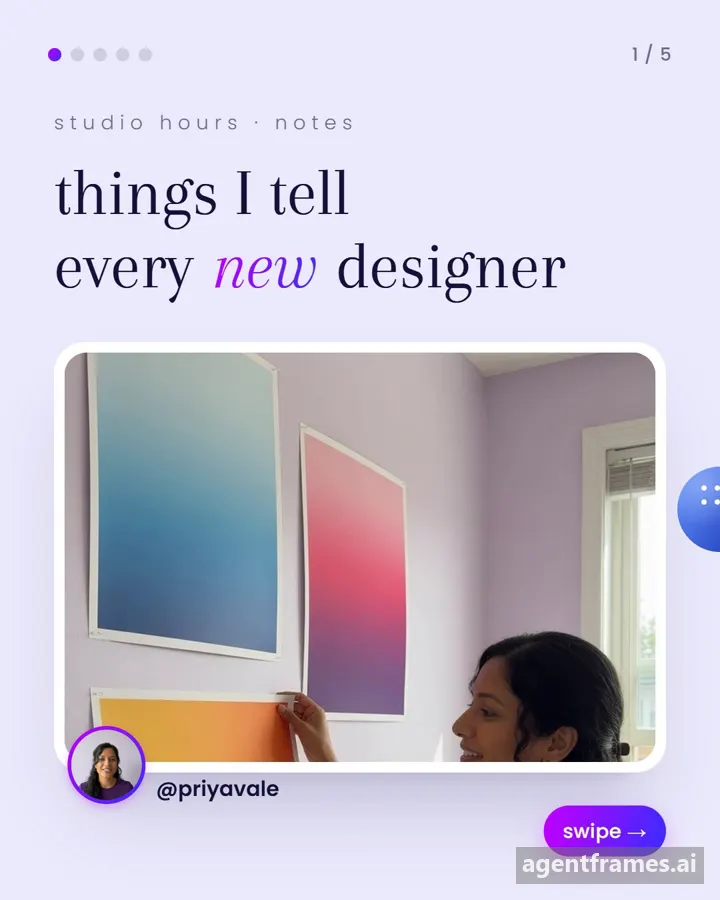
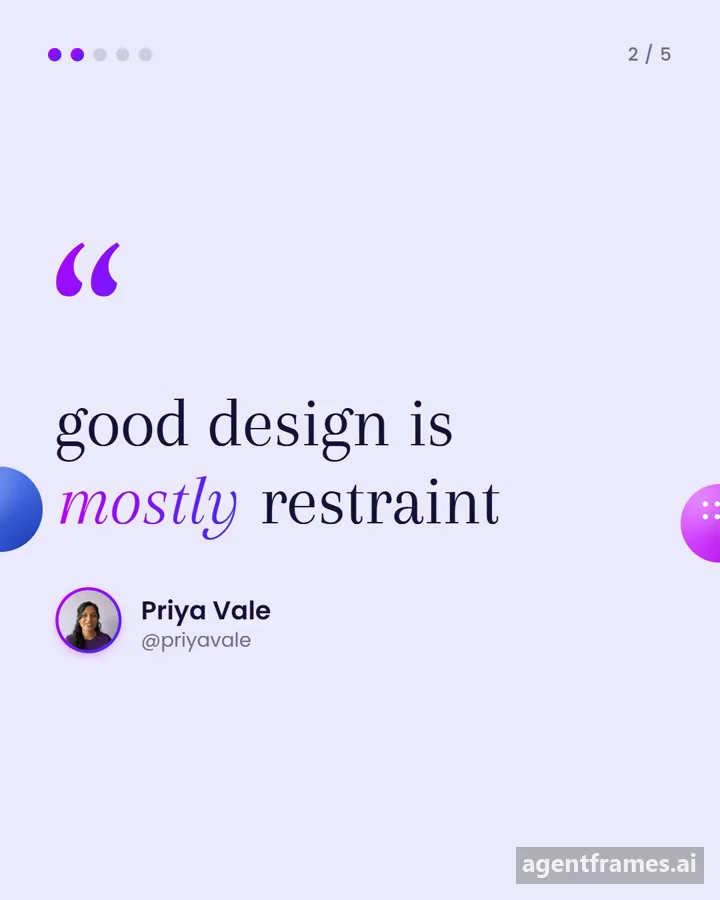
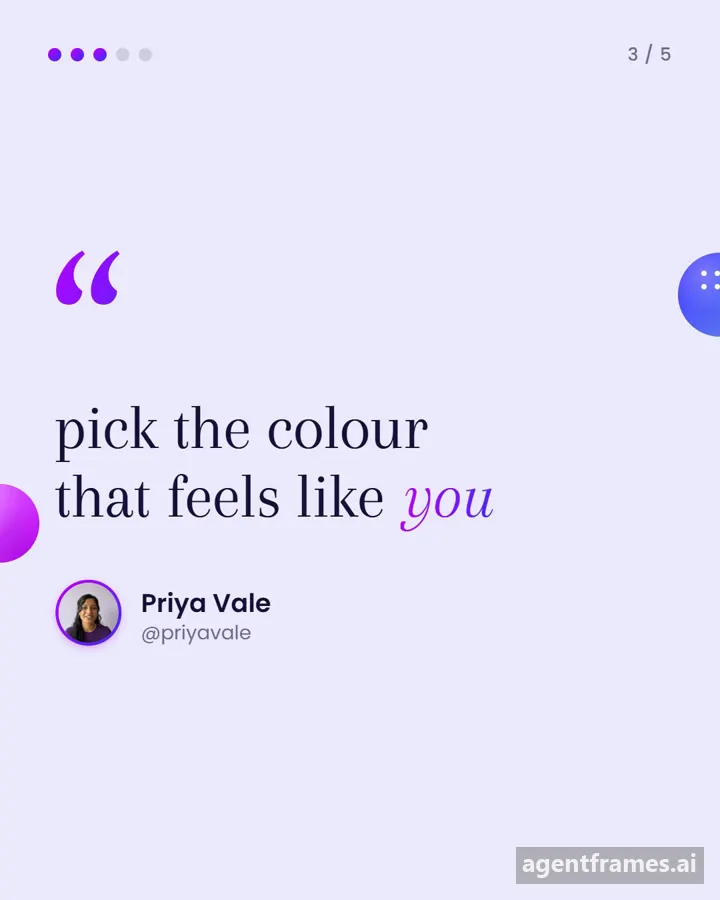
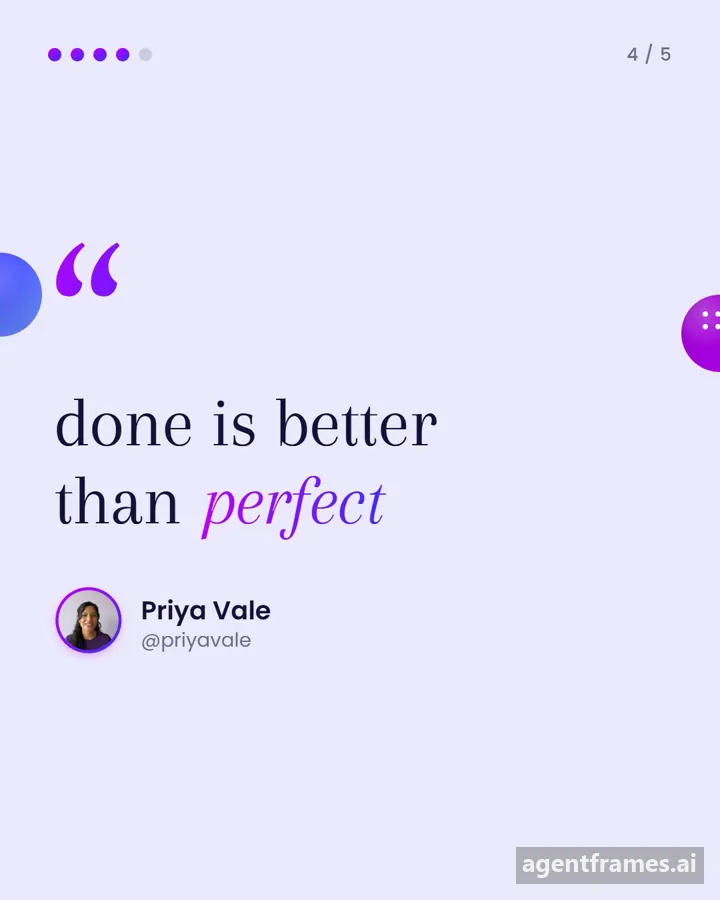
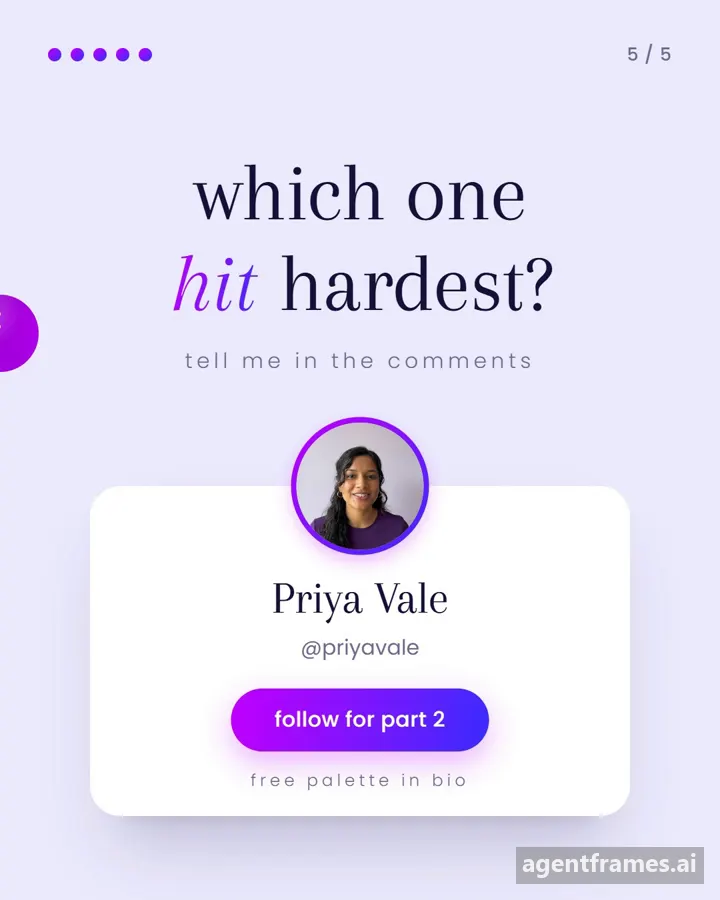
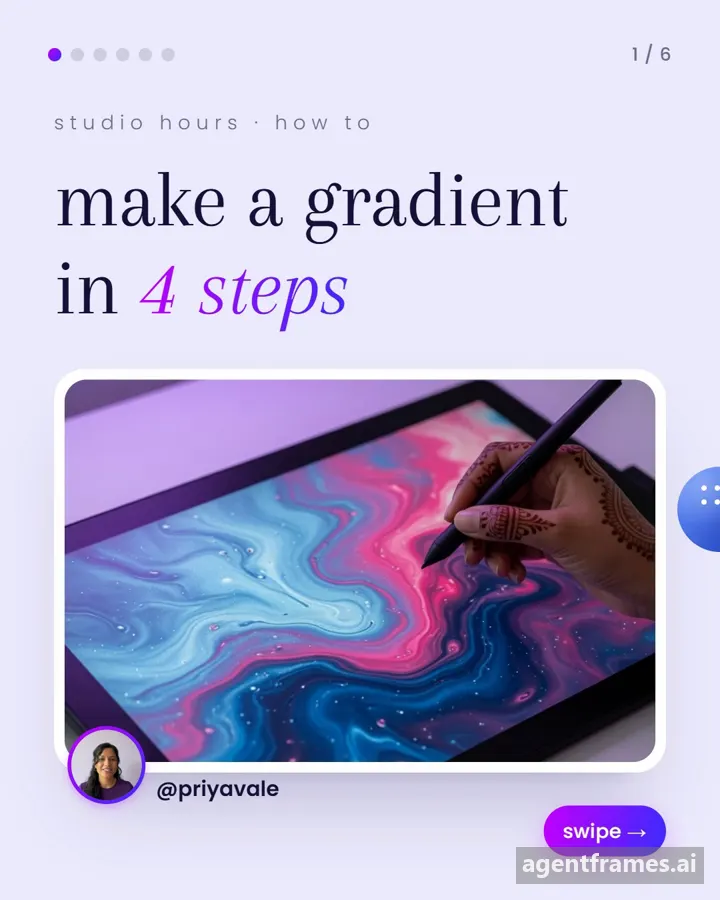
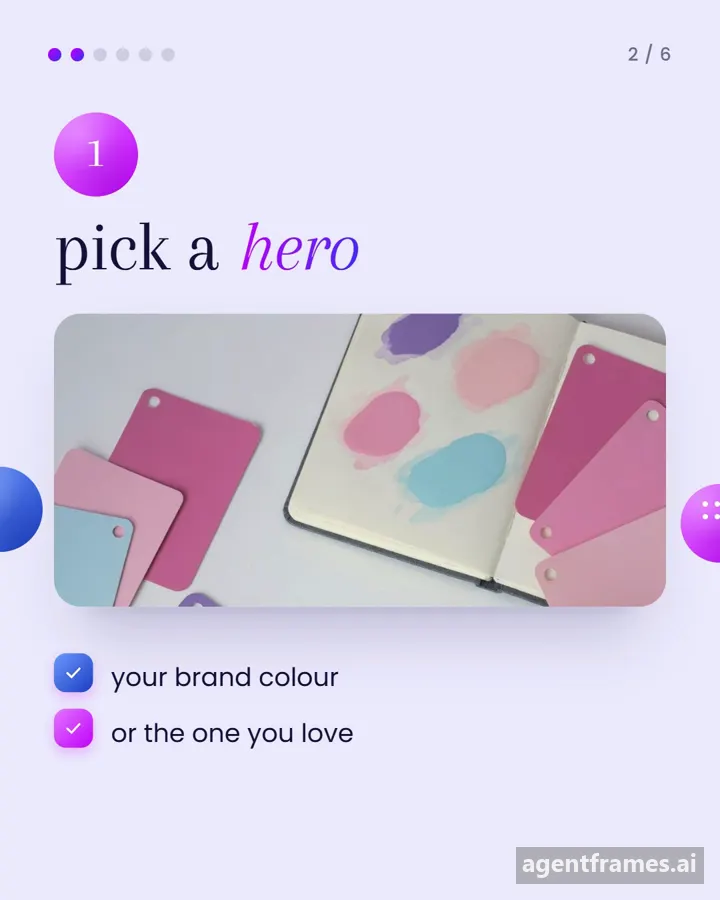
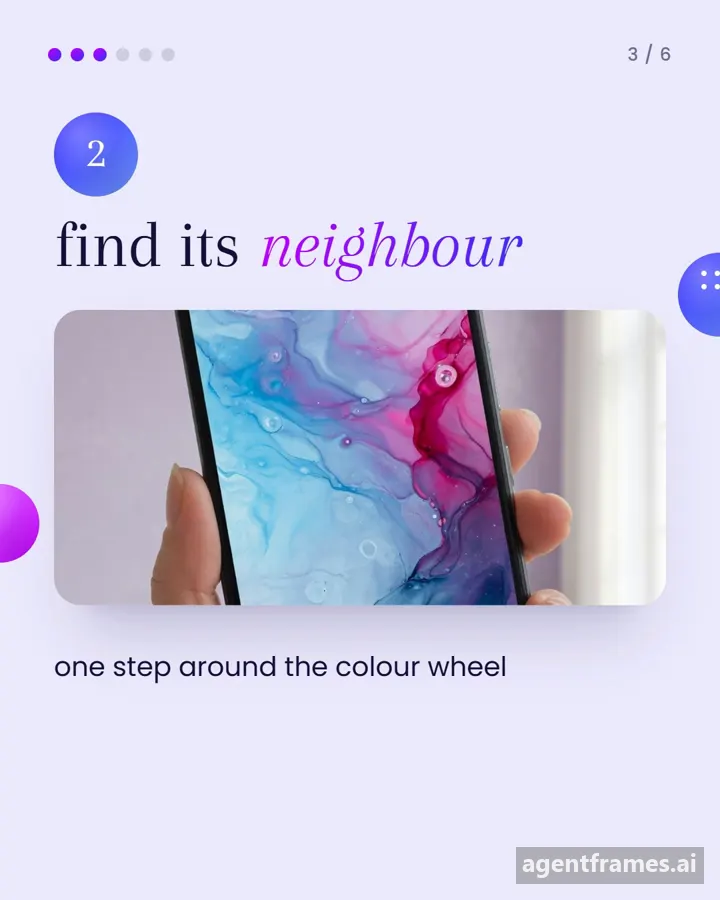
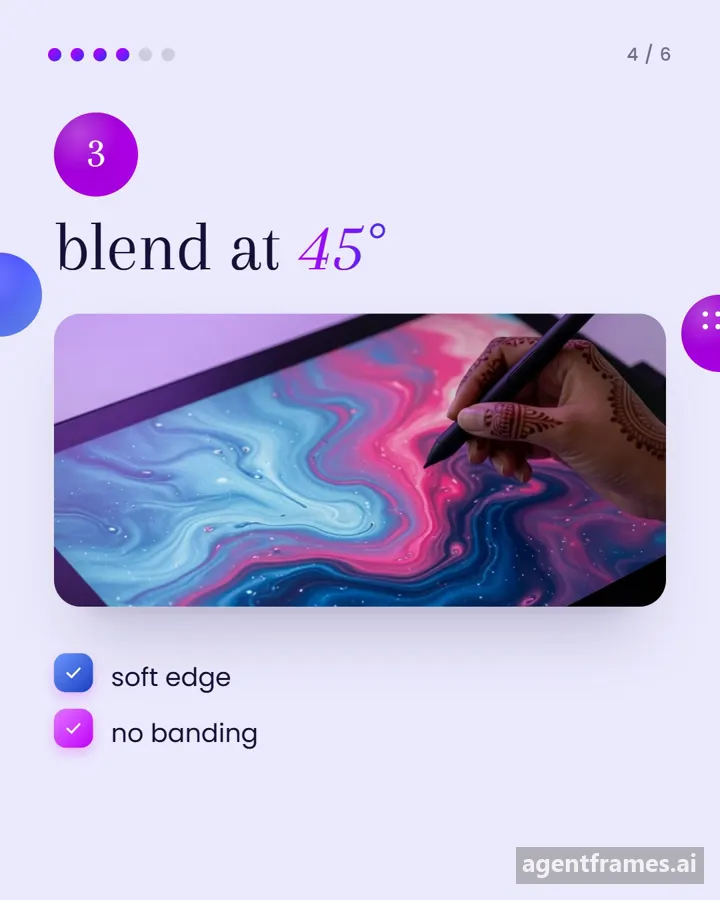
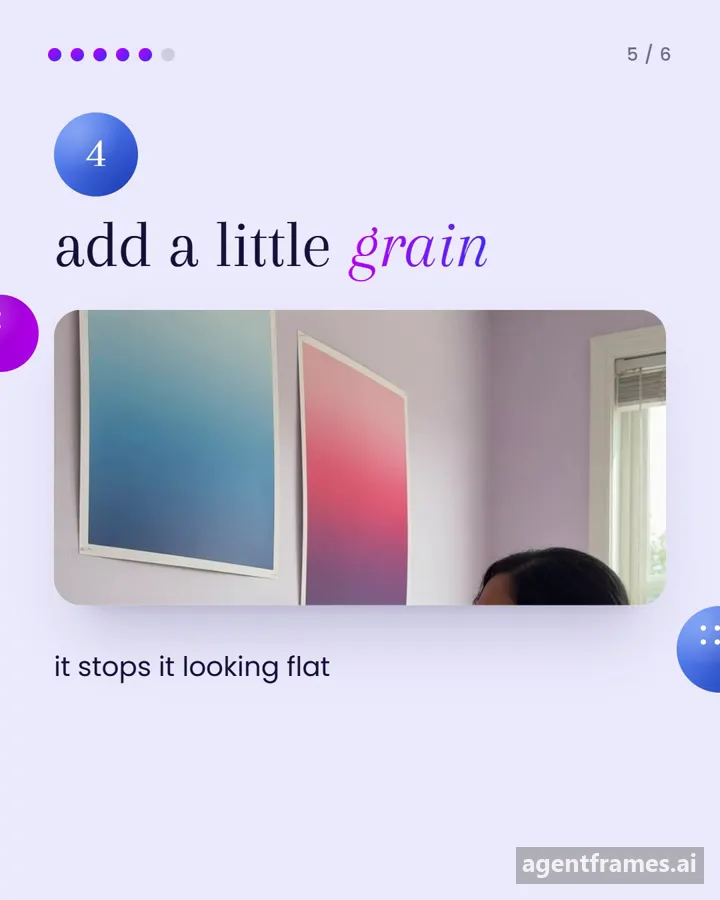
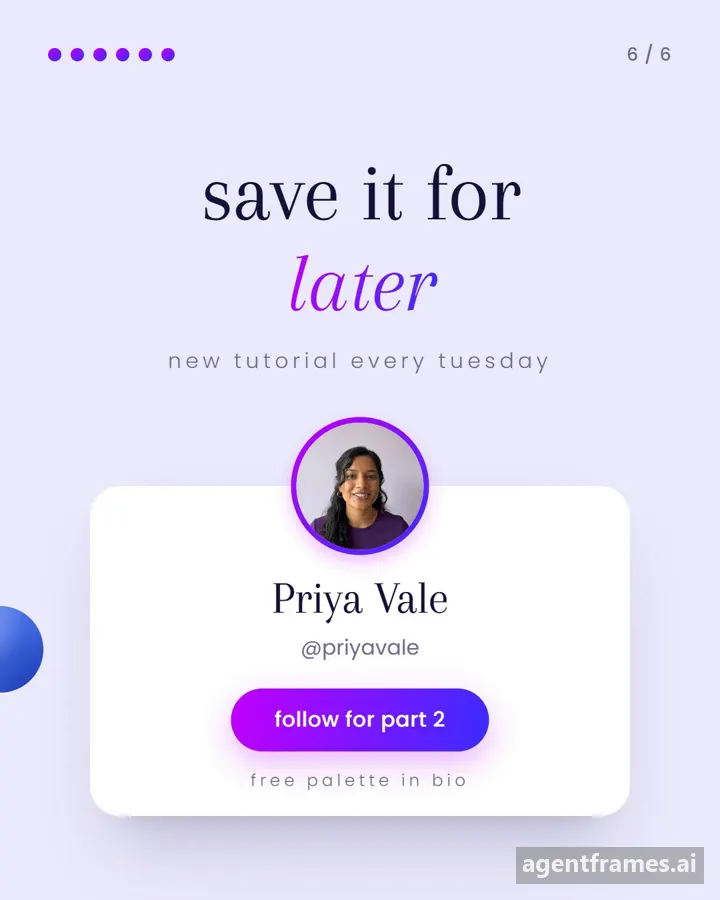
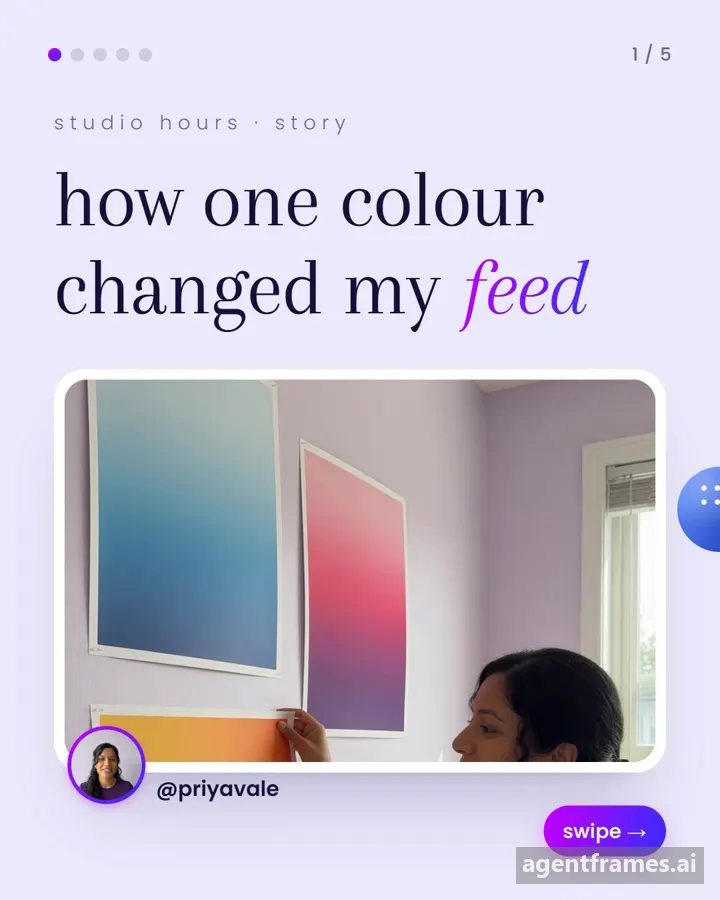
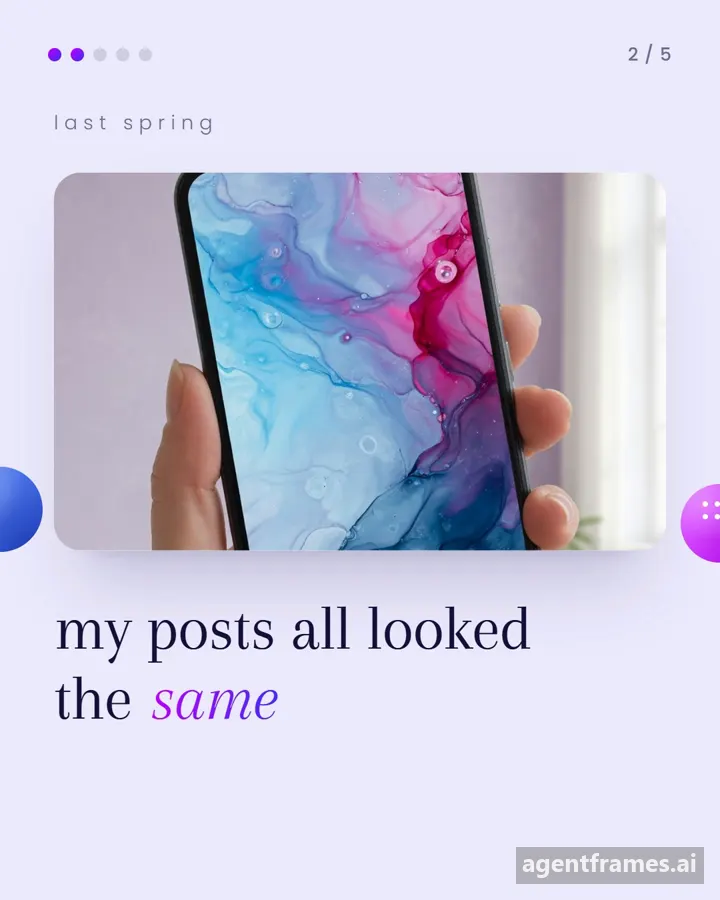
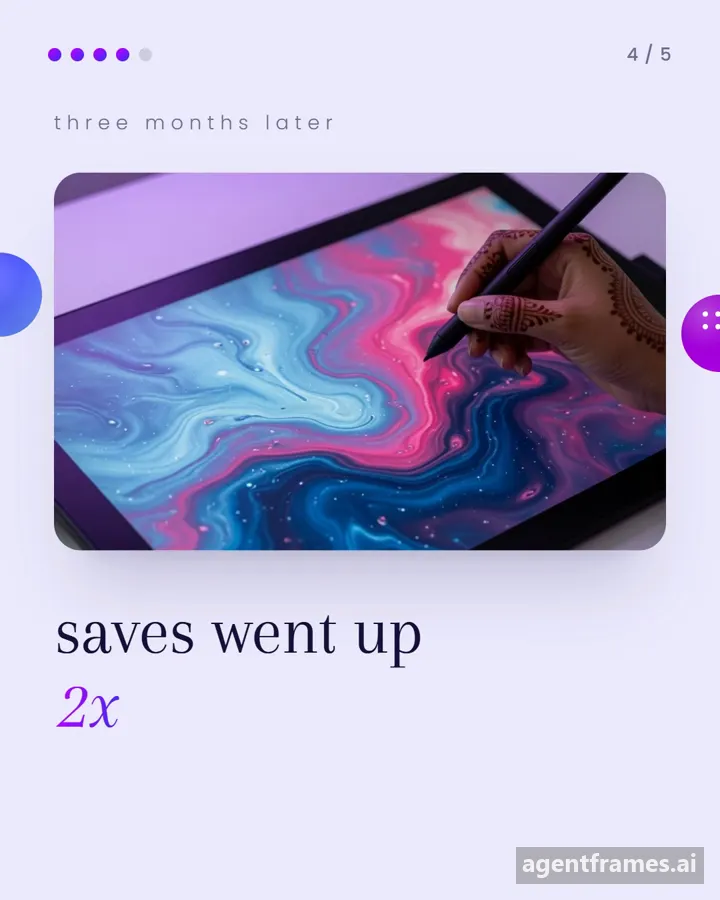
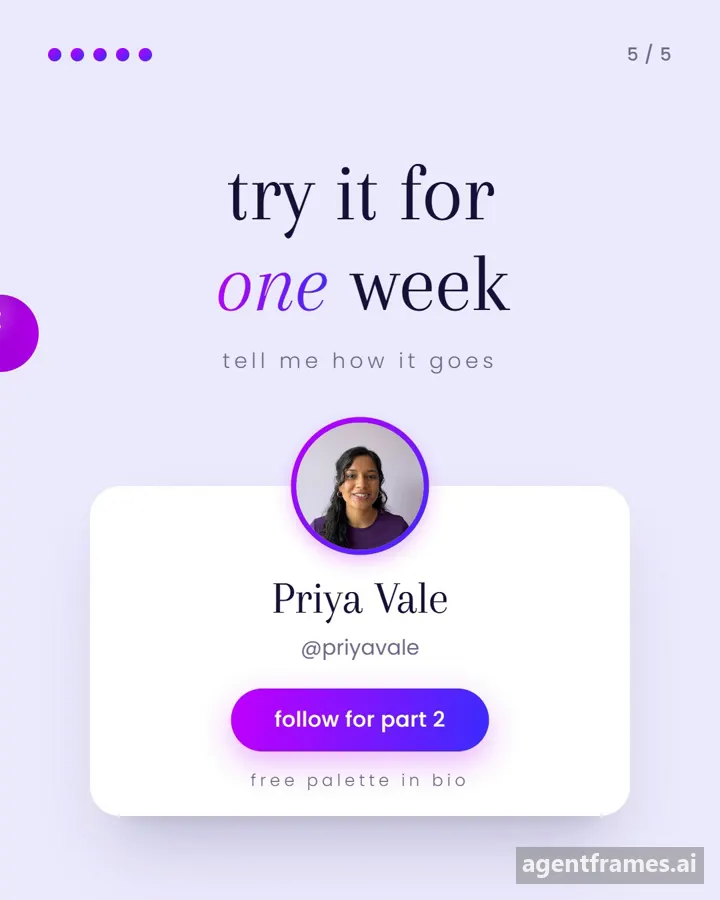
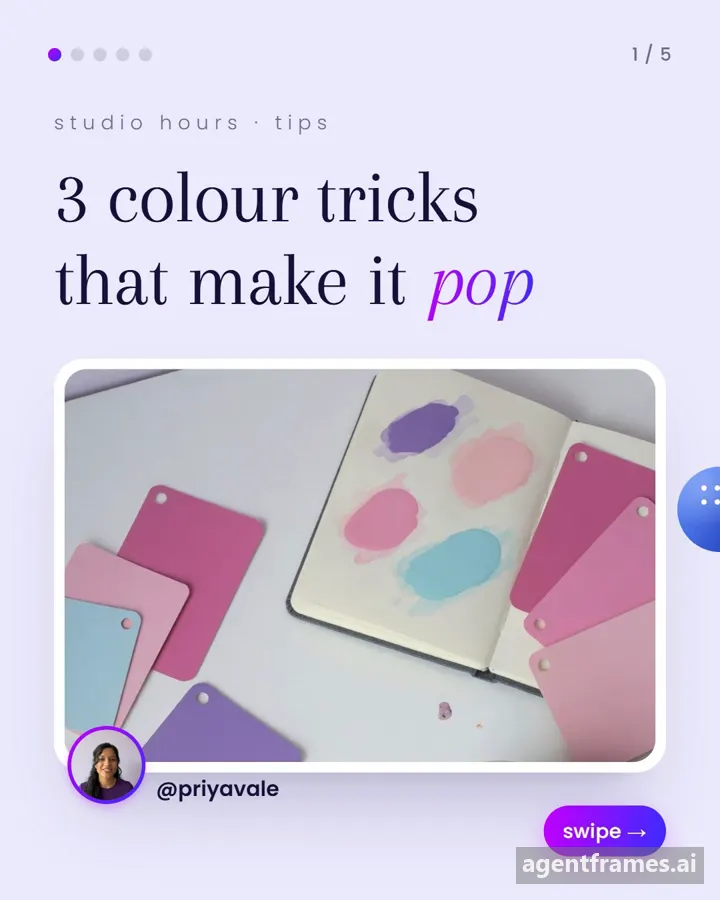
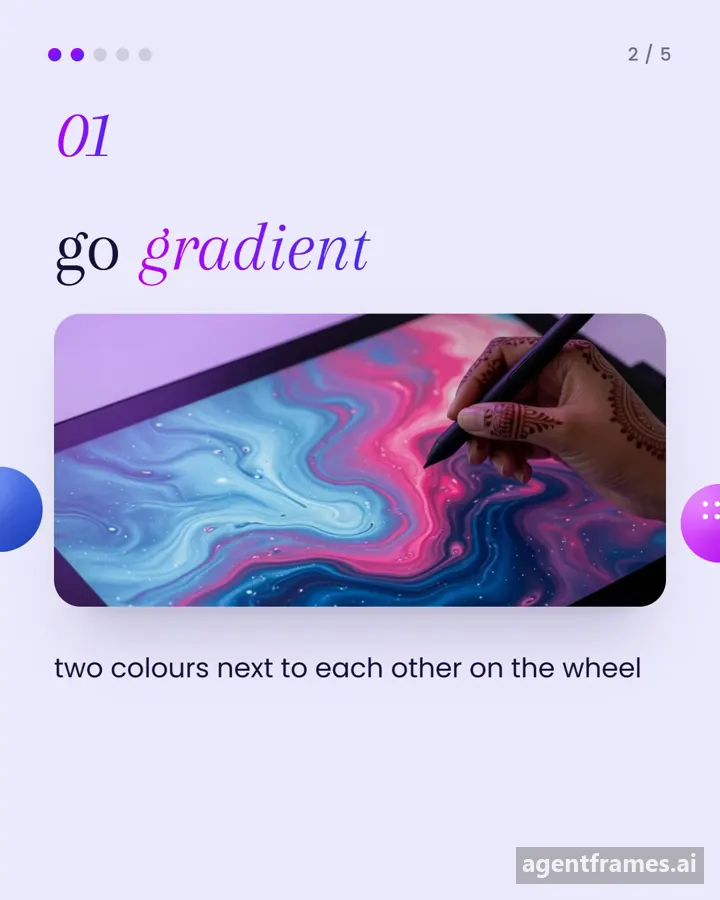
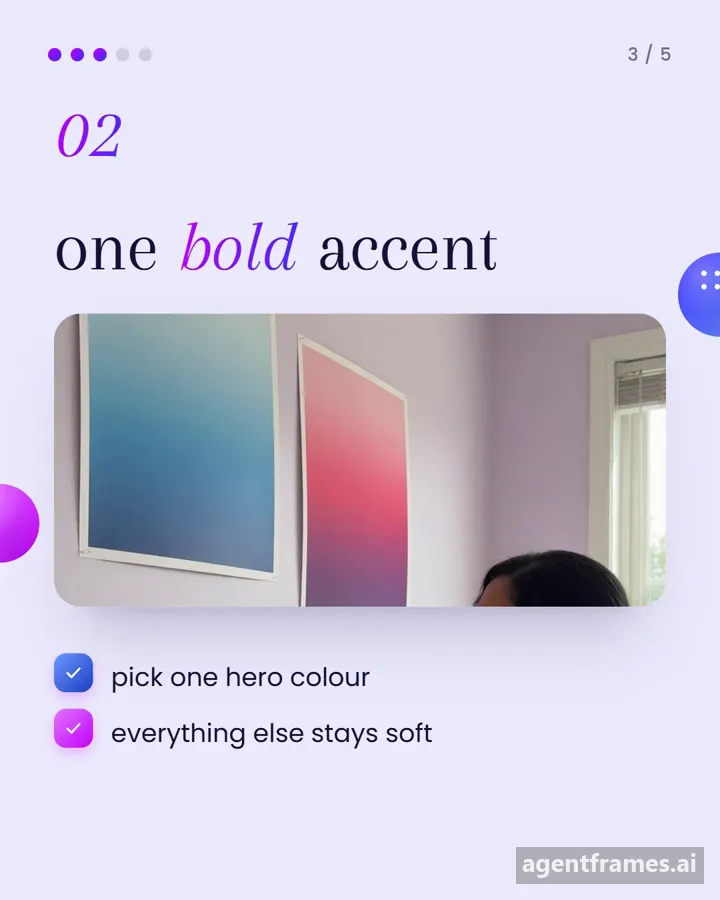
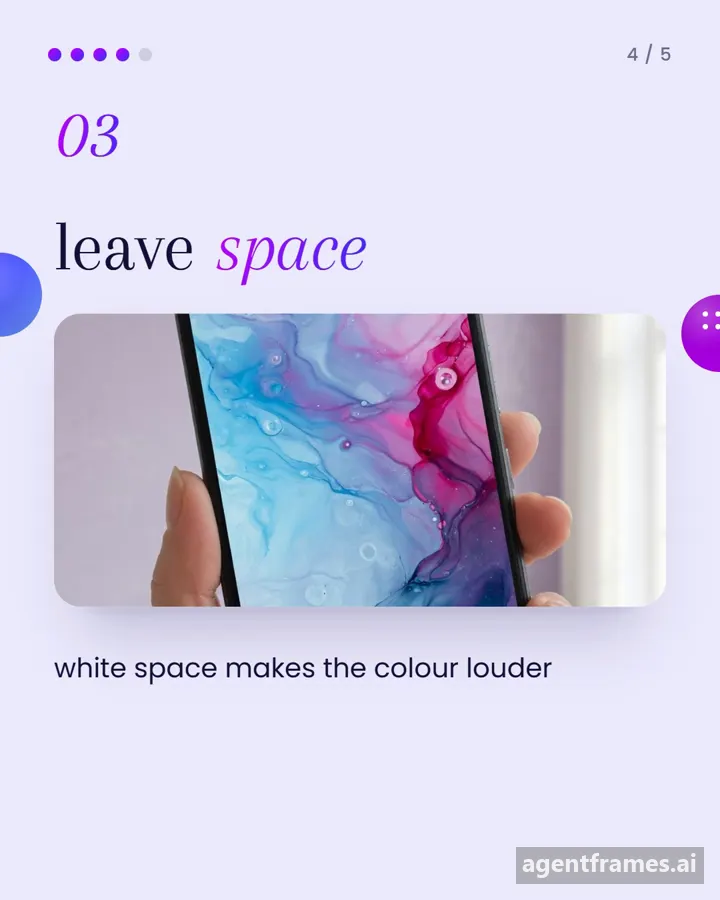
Every still in Orbit reads the same brand.json as the videos. 6 swipe carousels, shown here in 4:5; the pack also has 1:1 versions. Click any image to see it larger.
YouTube thumbnails (3)
Face thumbnail
List thumbnail
Versus thumbnail
Swipe carousels (6)
Before after carousel · 4 slides
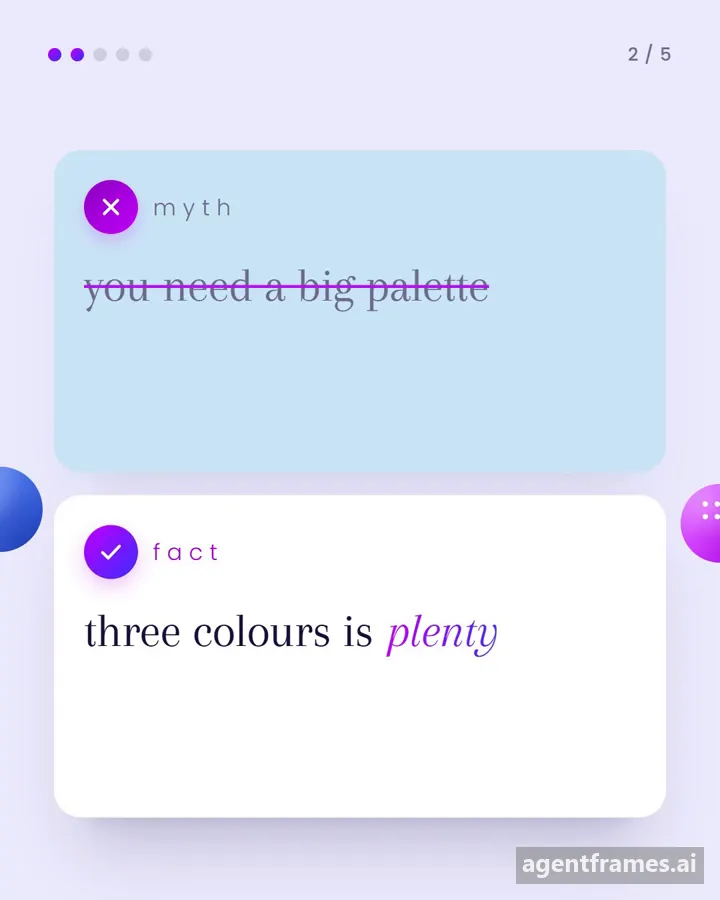
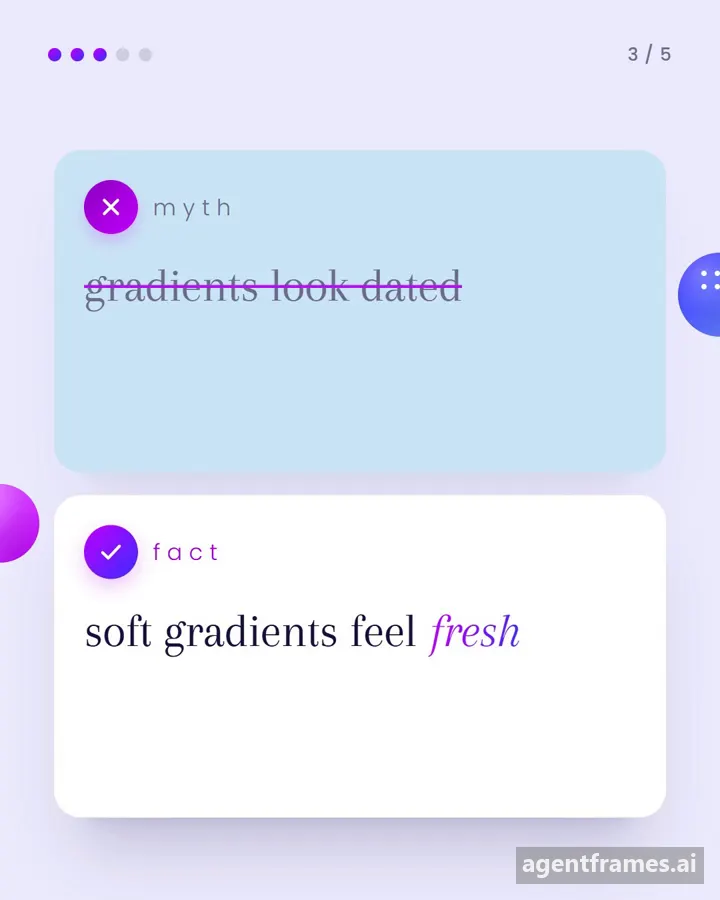
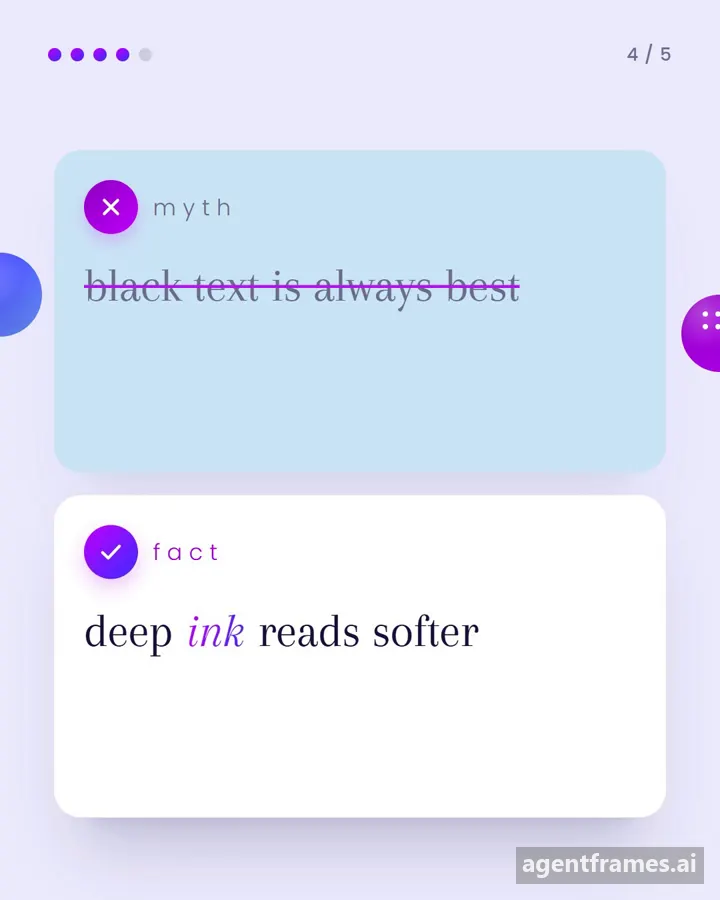
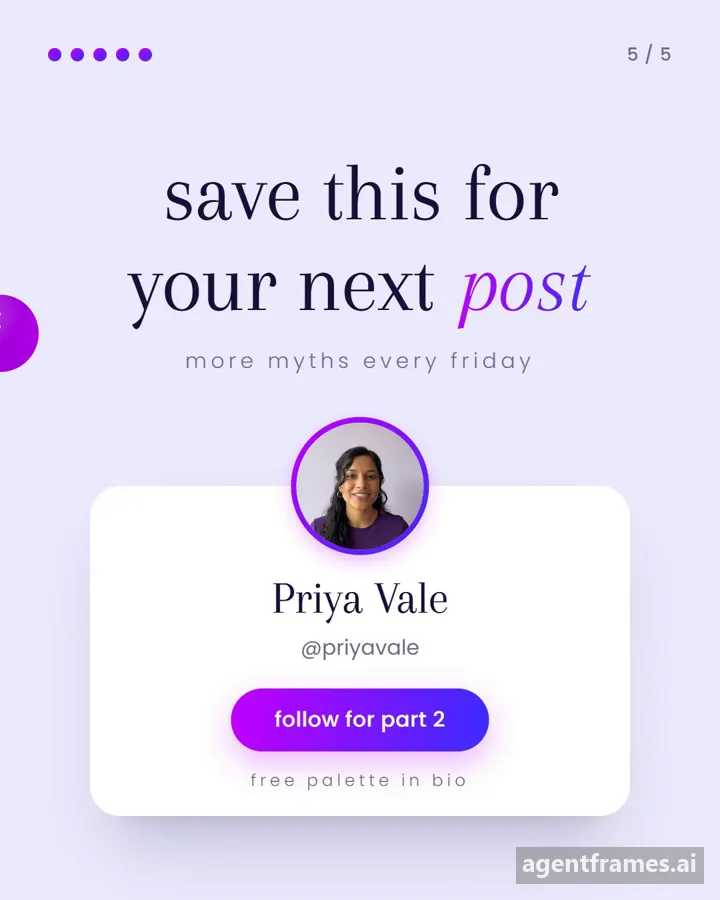
Myth carousel · 5 slides
Quotes carousel · 5 slides
Steps carousel · 6 slides
Story carousel · 5 slides
Tips carousel · 5 slides
Infographic stills (9)
Bar chart
Big stat
Checklist
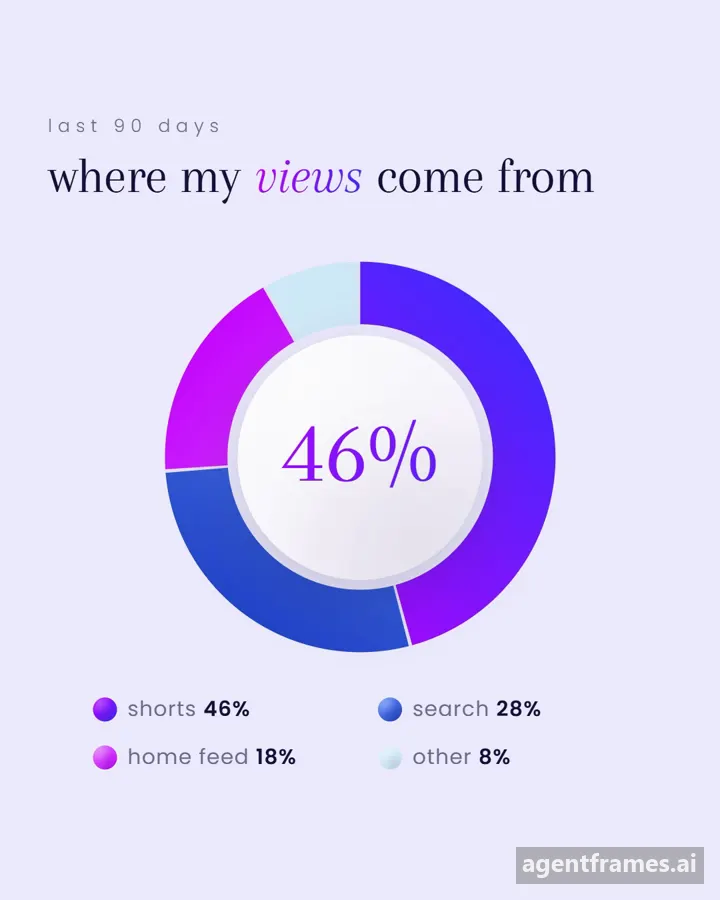
Donut chart
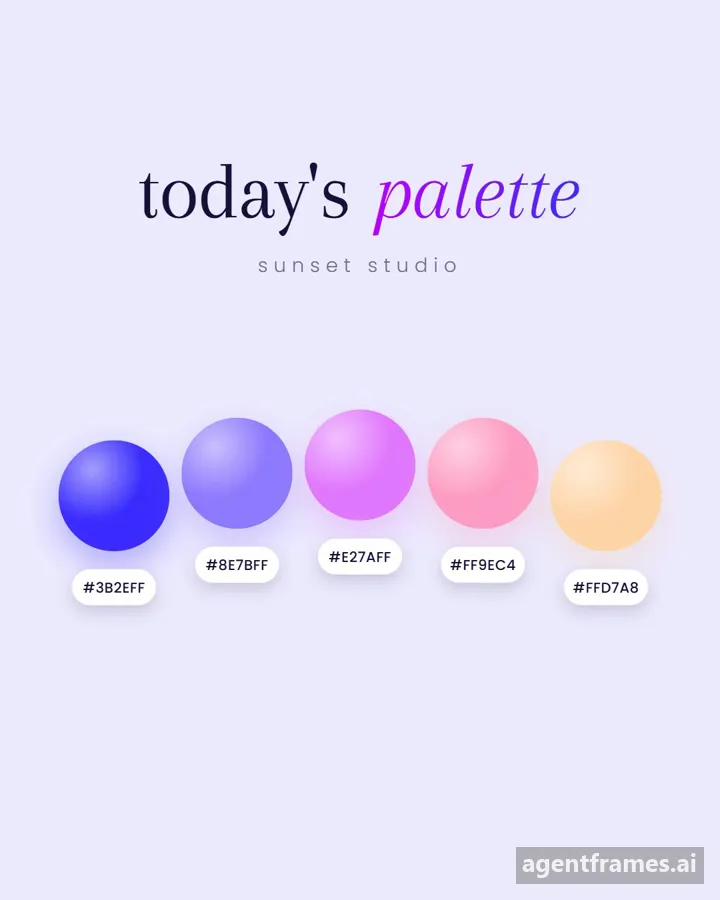
Palette drop
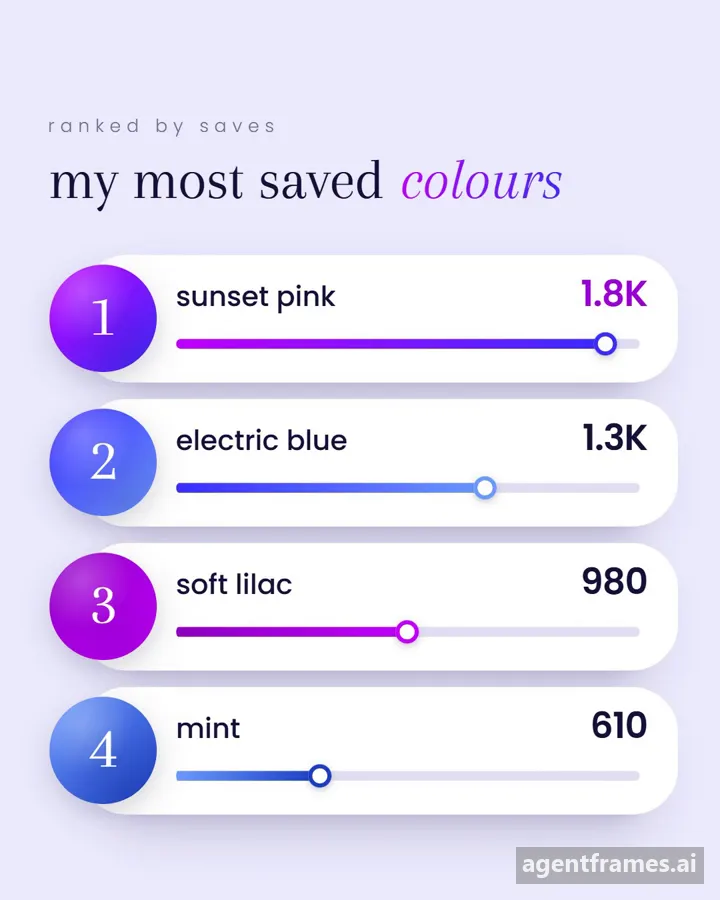
Rank bars
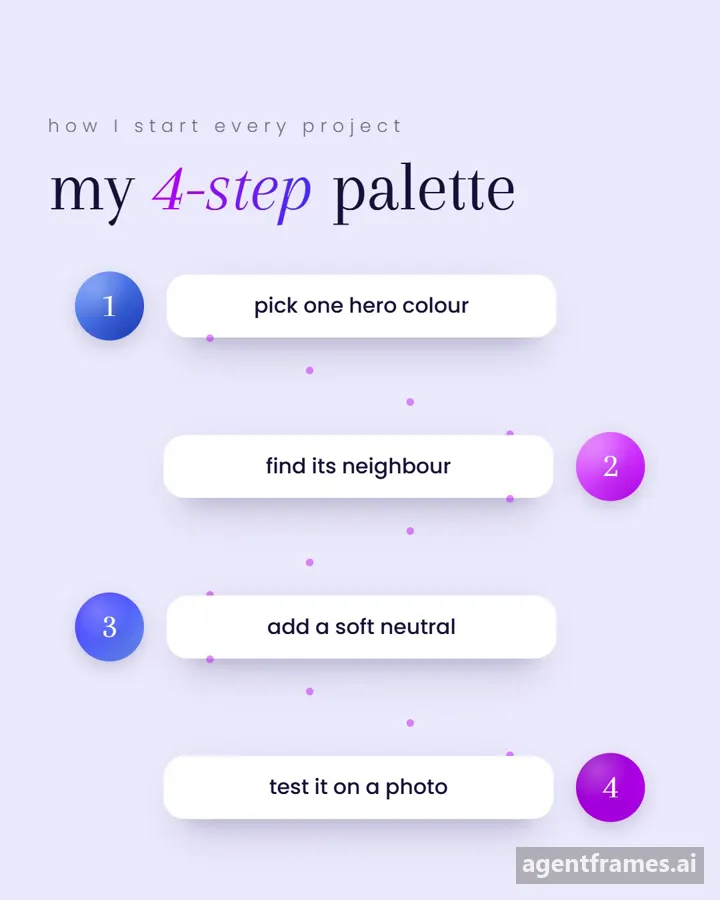
Steps process
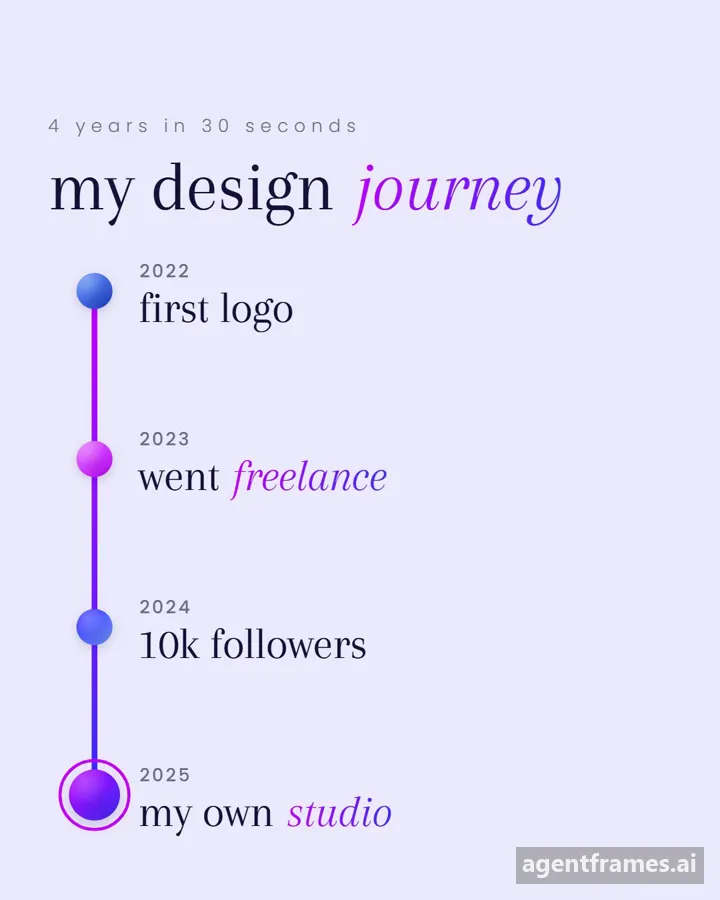
Timeline
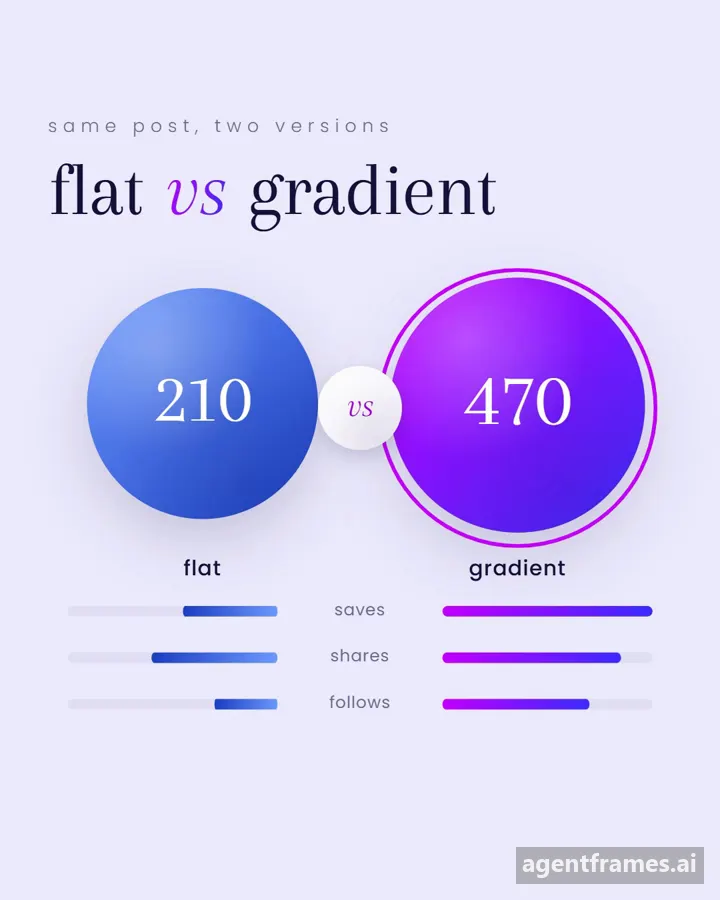
Versus
Show 11 more: posts and story, channel kit, story highlight covers
Posts and story (3)
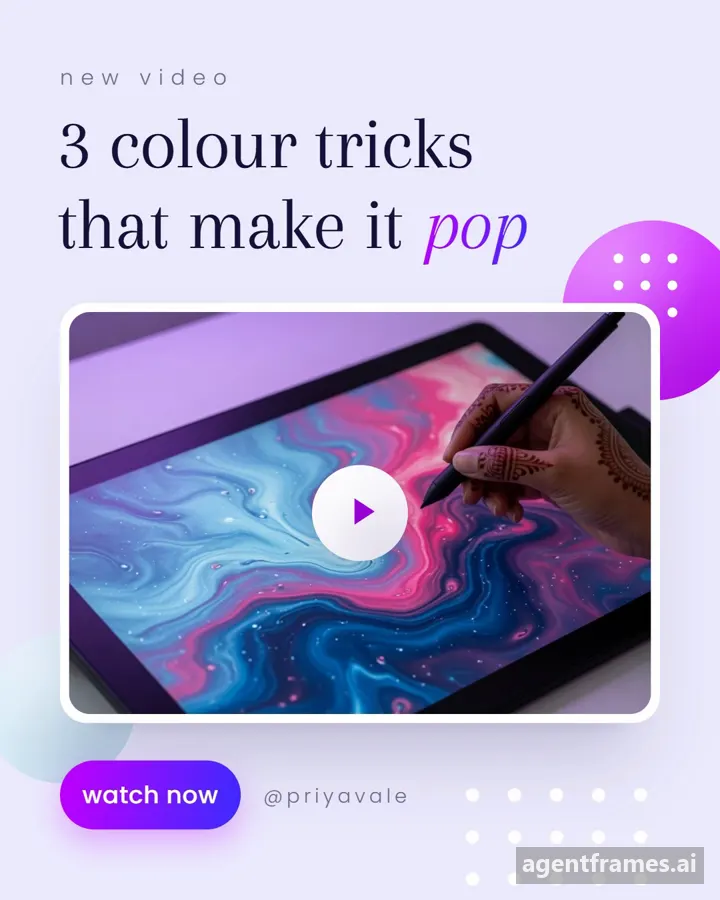
Announce post (4:5)
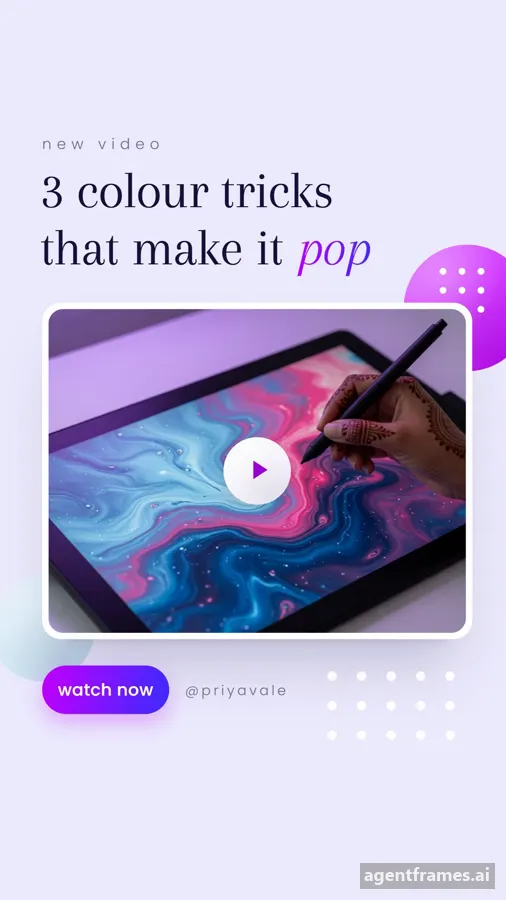
Story (9:16)
Quote post (4:5)
Channel kit (2)
Avatar frame
Channel banner
Story highlight covers (6)
Highlight 1
Highlight 2
Highlight 3
Highlight 4
Highlight 5
Highlight 6
Your brand colours
Make Orbit yours
Every colour in Orbit comes from a named colourway, and every name, handle and button comes from one brand.json file. Change that file and the whole pack is yours.
Show how to rebrandHide
Colours in this pack
51 colours across 3 colourways · hover a square for its role and hex
Lilac (lavender, violet + blue orbs)
accent: #B514F2
dark, ink, cardInk, deep: #16133A
light, card, accentTx, deepTx: #FFFFFF
canvas: #ECEBFE
canvas2, softB, toneDk: #CBE7F6
sub, cardSub: #6E6C8E
cardLine: #EEEDF7
accentInk: #9A00D6
track: #E2E0F5
coolA, voltB: #6E9BFF
coolB: #1C3FC4
warmA: #E27AFF
warmB, deepB, toneA: #C300FF
deepA, fieldA: #8E00C2
softA: #E6F4FC
voltA, toneB, fieldB: #3B2EFF
Citrus (cream, teal + orange orbs)
accent, warmB, voltA: #FF7A1A
dark, deep, deepB, fieldB: #12343B
light, card, deepTx: #FFFFFF
canvas: #FBF0DC
canvas2: #D3F0EC
ink, cardInk, accentTx: #1D2B33
sub, cardSub: #6B7378
cardLine: #F4ECDD
accentInk: #B84800
track: #EADFCB
coolA: #3FD1C4
coolB, deepA, toneB, fieldA: #0E8C8C
warmA, voltB, toneDk: #FFC83D
softA: #EEF9F7
softB: #BFE8E3
toneA: #D9530A
Coral (blush, crimson + gold orbs)
accent: #D42A45
dark, deep: #3A0F1C
light, card, accentTx, deepTx: #FFFFFF
canvas: #FBE7DF
canvas2: #FFD9C7
ink, cardInk: #2A1418
sub, cardSub: #7A6266
cardLine: #F6E6E1
accentInk: #B8203A
track: #F1D6CE
coolA: #F98E6B
coolB, deepB, voltA: #E2354B
warmA, toneDk: #FFC56B
warmB: #F28A2E
deepA: #A1122E
softA: #FFF3EC
softB: #FFD3C2
voltB: #F2A33A
toneA, fieldA: #C21F3A
toneB: #D9701A
fieldB: #6E0C22
Swap in your own:
one accent in brand.json, or pick a colourway
Fill in brand.json
One small file at the top of the pack: your name, @handle, channel, logo or monogram, and your calls to action.
Pick a colourway or your colour
Choose Lilac, Citrus, Coral, or set one accent hex and the buttons, tags and highlights take it. The tools warn if it's hard to read.
Every piece follows
All 47 elements, in 16:9, 9:16, 4:5, 1:1, plus the captions, carousels and thumbnails, read from that file. Motion and layout stay protected, so it still looks designed.
Or ask your agent to do it
Set up the AgentFrames Orbit pack for my brand. Fill brand.json: creator "Sam Lee", handle "@samlee", accent #0A84FF, monogram "SL", follow CTA "follow for part 2". Then render one example and show me a contact sheet.
All 47 elements in Orbit
Every element is included, in every size. Click one to see its preview, the slots your agent fills, and its editing contract. Browse elements from every pack →
Creators who talk to camera about making things look good: designers, illustrators, creative-tools and app reviewers, colour and branding tips, studio and study vlogs. The default copy is written in a creator's voice ('follow for part 2', 'free palette in bio', 'rate it out of ten'), so it reads like you, not like a company. The demo creator is a designer with a series called Studio Hours.
What is a Creator Pack?
A complete look you can call your own, set once in brand.json and used everywhere you post: talking-head video in 16:9, 9:16, 4:5 and 1:1, captions, transitions and stickers, infographics, swipe carousels and image templates like YouTube thumbnails and a channel banner.
Can I put my talking-head video in it?
Yes. Your clip plays inside a floating white card with glossy orbs tucked behind it. In 16:9 you sit on one half and the graphics play on the other, and you can glide from side to side between scenes. In 9:16, 4:5 and 1:1 you're on top and the graphics play in a band underneath; in 9:16 everything stays clear of the platform buttons.
How do I make it mine?
Fill in brand.json once: your name, @handle, channel name, avatar photo or monogram, colourway (Lilac, Citrus or Coral) or any accent colour, and your calls to action and discount code. Every piece updates. Add your photos to assets/photos.
Does it include carousels and thumbnails?
Yes. Six carousel templates (tips, story, myth vs fact, before/after, quotes and step-by-step) export as 1080x1350 and 1080x1080 PNG slides, and the thumbnail template has three layouts at 1280x720. There's also a channel banner, an avatar frame, six story highlight covers, quote posts and 'new video' posts, rendered with the included tools/stills.mjs.
Does it use any platform logos?
No. Buttons, cards, chips and counters are generic interface elements drawn for the pack, so you can use it on any platform without third-party logos. The 'what I use' tool stack uses generic icons, not app logos.
What do I need to use Orbit?
You need Node 22 or later, FFmpeg, Chrome and HyperFrames (open source, run with npx hyperframes). The pack is tested on HyperFrames 0.8.79. Any coding agent that can run shell commands, such as Claude Code or Codex, can drive it.
Can my AI agent use the pack on my behalf?
Yes. The AgentFrames Licence explicitly allows AI agents to read, edit and render the templates for you. The pack ships an AGENTS.md written for coding agents.
Is there a subscription?
No. It's included in the All-access subscription with every other pack.