Creator Pack: a split-screen review kit for AI-tool and software creators.
Split screen (16:9) · 32s · made entirely with this pack
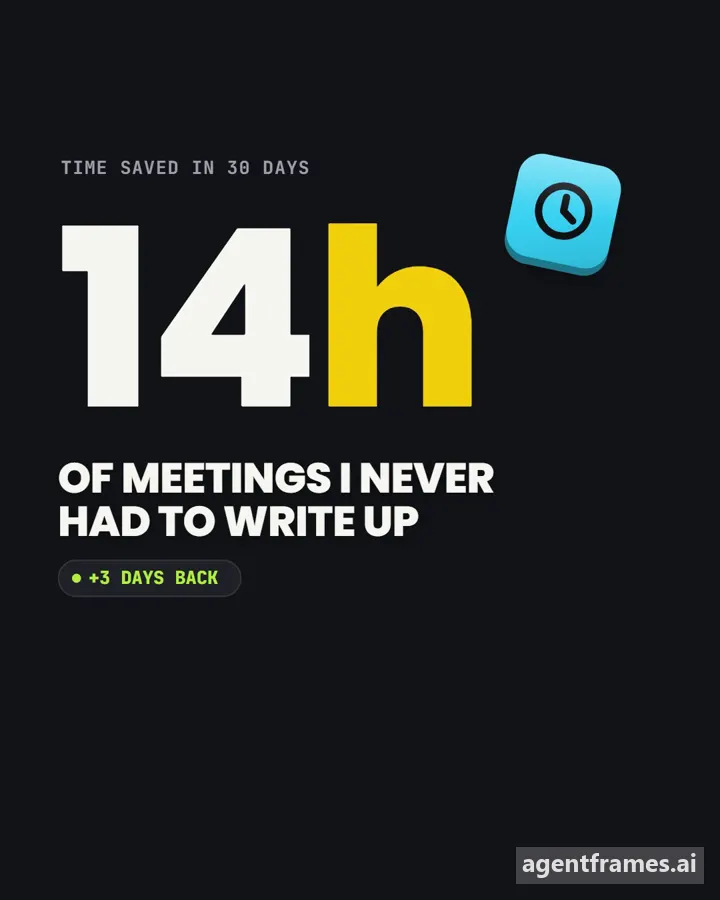
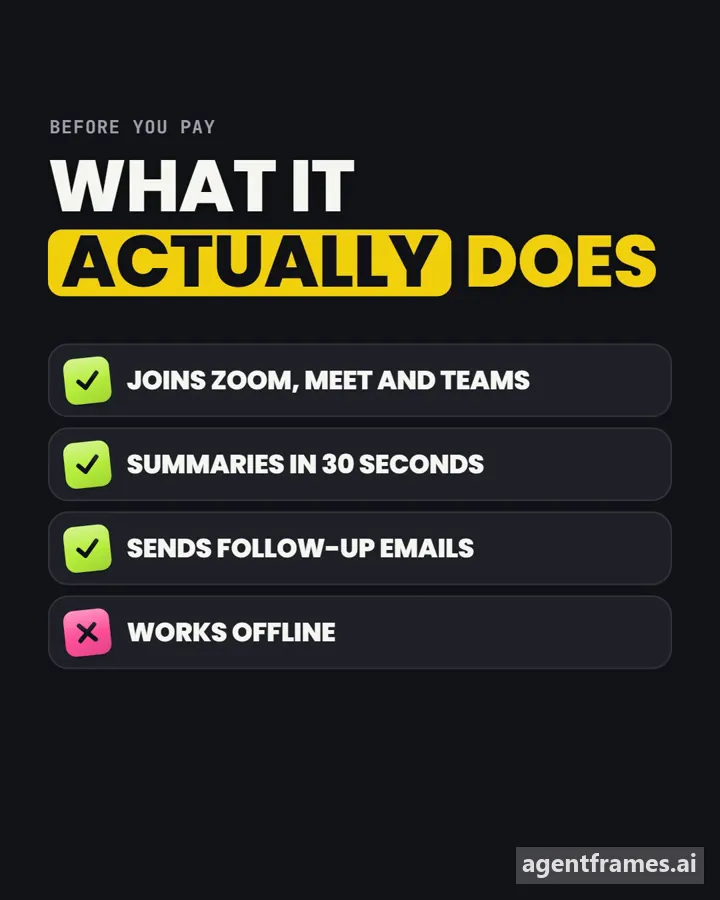
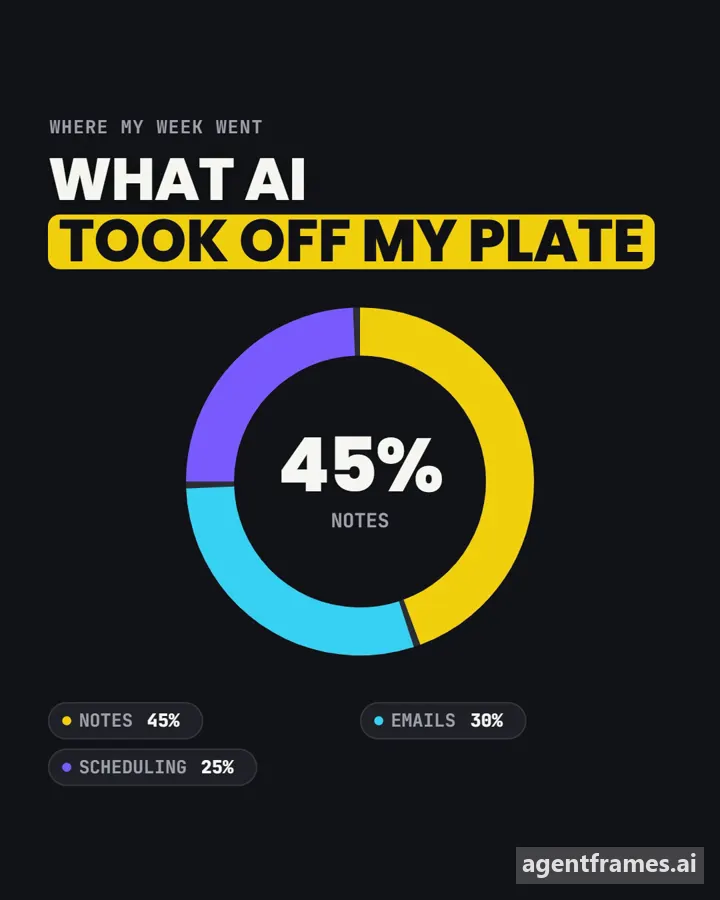
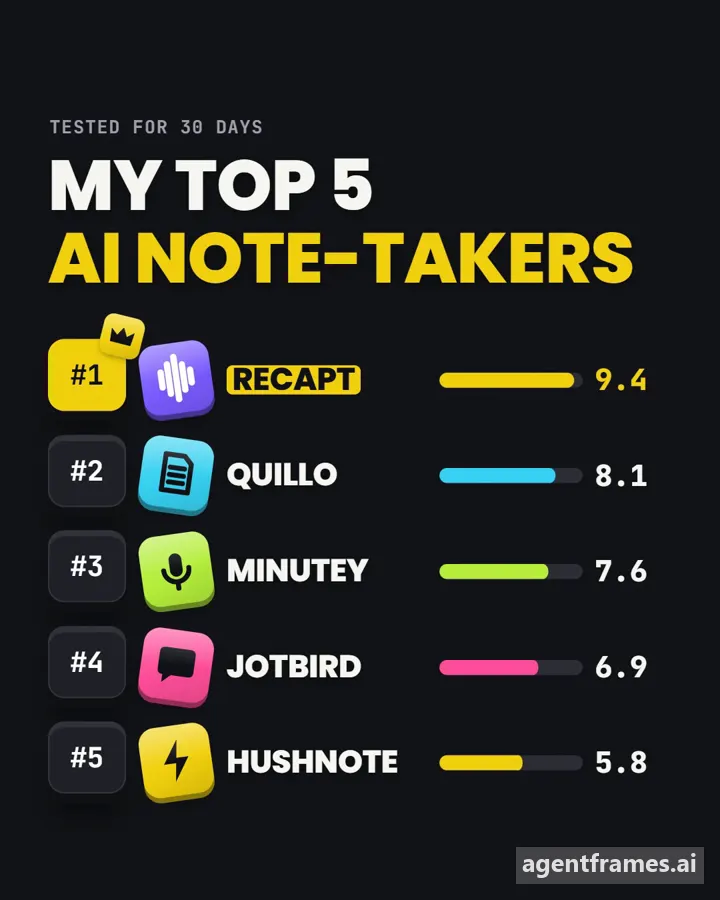
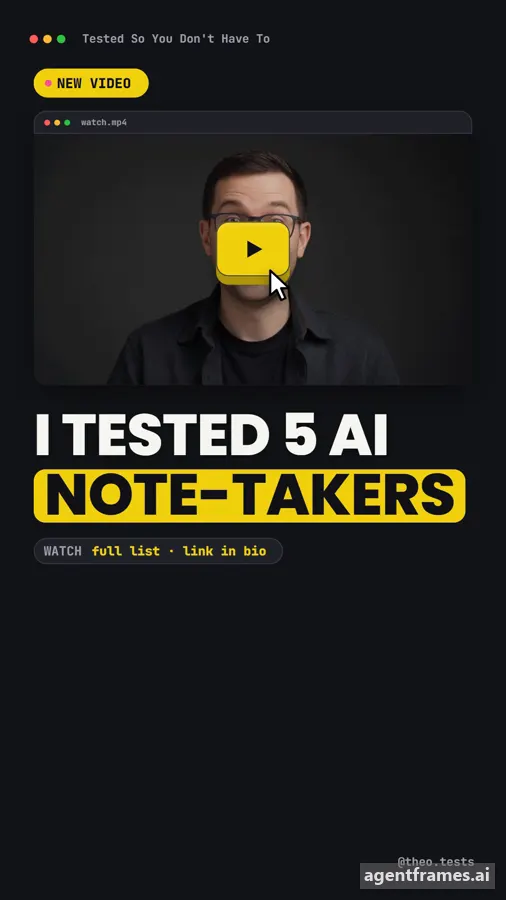
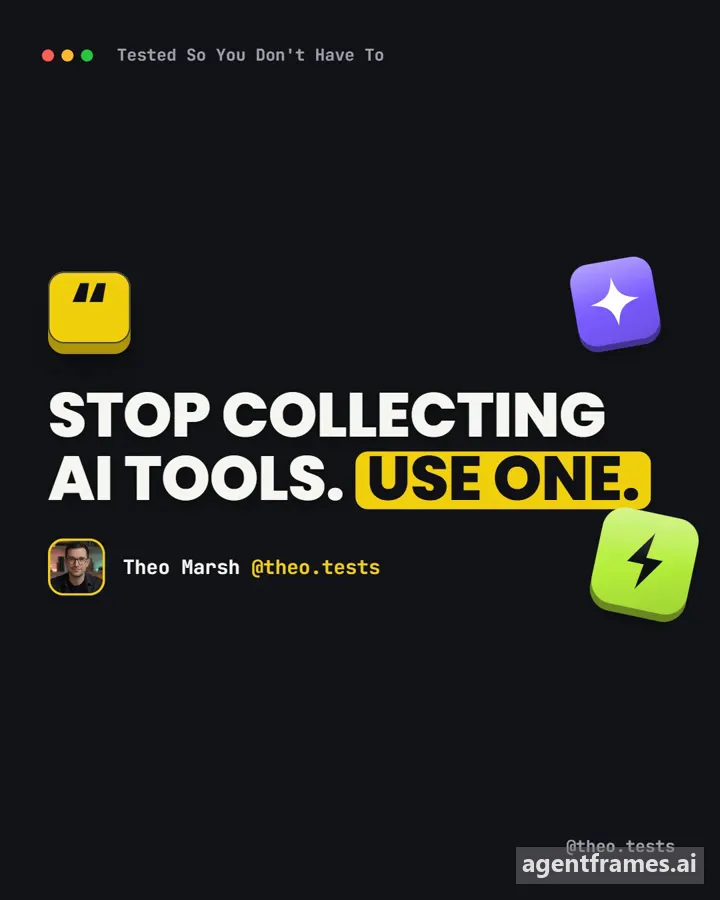
Hotkey is a Creator Pack for people who review AI tools, apps and software on camera: 'I tested 5 so you don't have to', 'this replaced 3 apps', 'is it worth paying for?'. Every size is a split screen. A dark app-window screen panel sits next to you, joined by a glowing seam with a grip handle, and your captions ride on the seam. Heavy Poppins caps come in two tones (a white line over a yellow line), with a yellow highlighter pill that swipes behind the word that matters. Tilted 3D app-icon squircles drop in beside your head, keyboard keycaps press down, and a cursor glides in, clicks and sends a ripple out: the click is the pack's signature move. You never sit in a floating box. Each beat switches the layout between split, a webcam-style bubble while the screen does the talking, and full frame for your hook and verdict. Changes happen under a click flash, a keycap rain, a seam sweep or a window zoom. It covers video in four native sizes (16:9 with the screen beside you, plus 9:16, 4:5 and 1:1 with the screen on top), four word-by-word caption styles (two-tone caps, karaoke, highlighter pop and a terminal chip), six swipe carousels where an app icon straddles every slide edge, and image templates: three YouTube thumbnail layouts (face, versus and list), quote and 'new video' posts, a channel banner, an avatar frame and story highlight covers. Everything is set from one brand.json file: your name, @handle, channel, avatar or monogram, colourway (Studio, Daylight or Neon, or any accent colour), series, promo code and calls to action. The video pieces start with a channel intro where the cursor double-clicks your app icon open, a promo-code end card typed on keycaps, a lower third with a follow key, a follow button, a handle bug, a monogram typed on keys that become your logo, a ⌘ + 2 series card and an honest sponsor tag. Then hooks typed into a prompt bar, key-word clicks, a selection-box statement, chapter tabs, callouts, stat cards, a B-roll window, list builders, quotes, a Q&A chat, comment replies, polls, a before/after where the seam is the slider, rate it /10 on ten keycaps, topic tags and a screen demo with a cursor zoom. There are five transitions and five stickers, including a giant pointer and a verdict stamp. Eight infographics come with honest scales, among them a versus card and a score board ranking where the winner gets the click. A reviewer's set adds price tiers, a shortcut tip, a logo wall, pros and cons, a time-saved stopwatch and an AI prompt box. There are no third-party logos: the demo app and tools are fictional, and every icon is drawn for the pack.
One pack, every format
The same elements in 9:16 and 4:5 and 1:1, from the pack's own starter videos. Hover a reel to play it.
1brand filebrand.json: your name, handle, colourway or accent, used by every piece
Also included: validate → build → qa tools (lint, runtime check, draft render, contact sheet), an AGENTS.md written for Claude Code and Codex, an editing contract for every element, worked example plans, and the HyperFrames NOTICE. Built for HyperFrames 0.8.143.
Thumbnails, carousels and posts
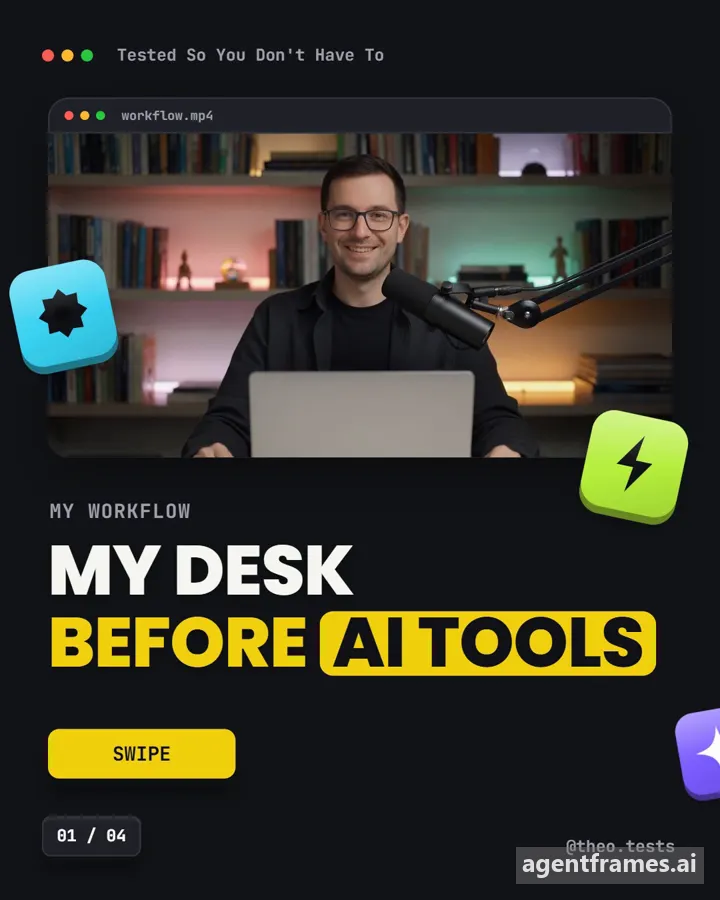
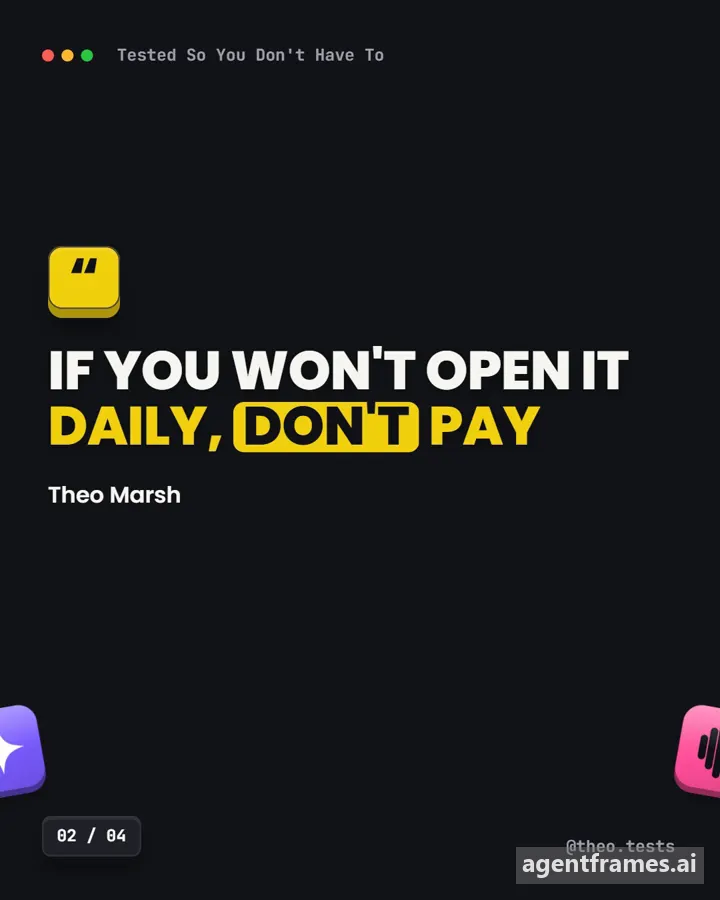
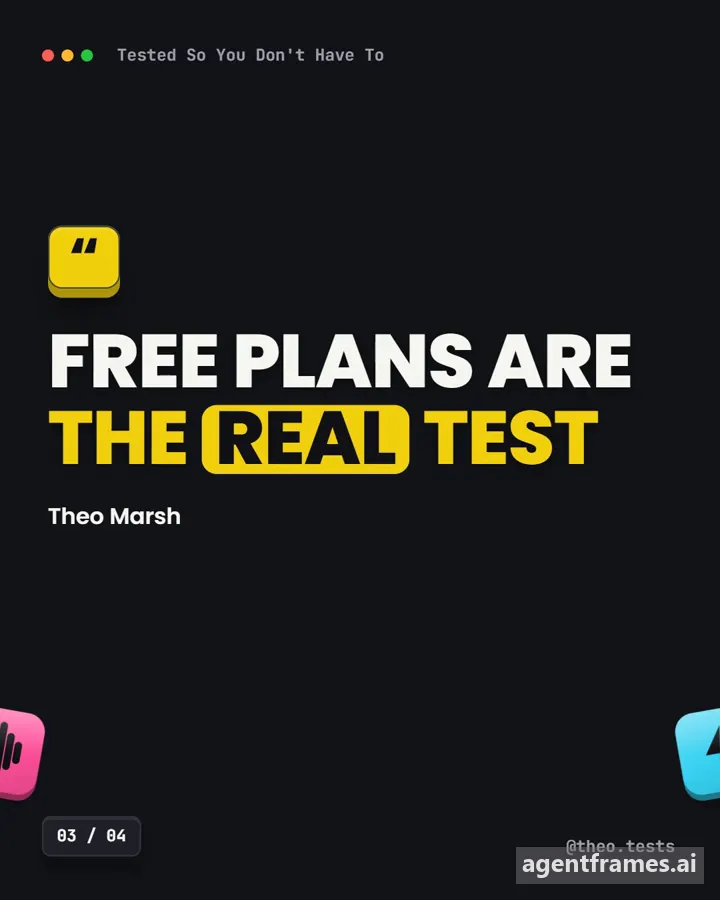
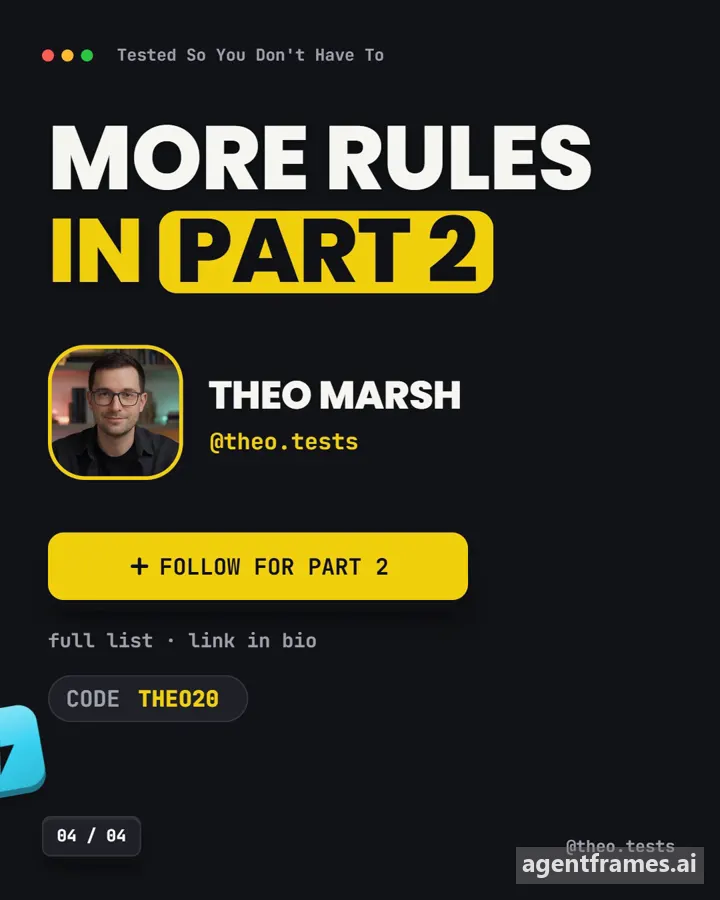
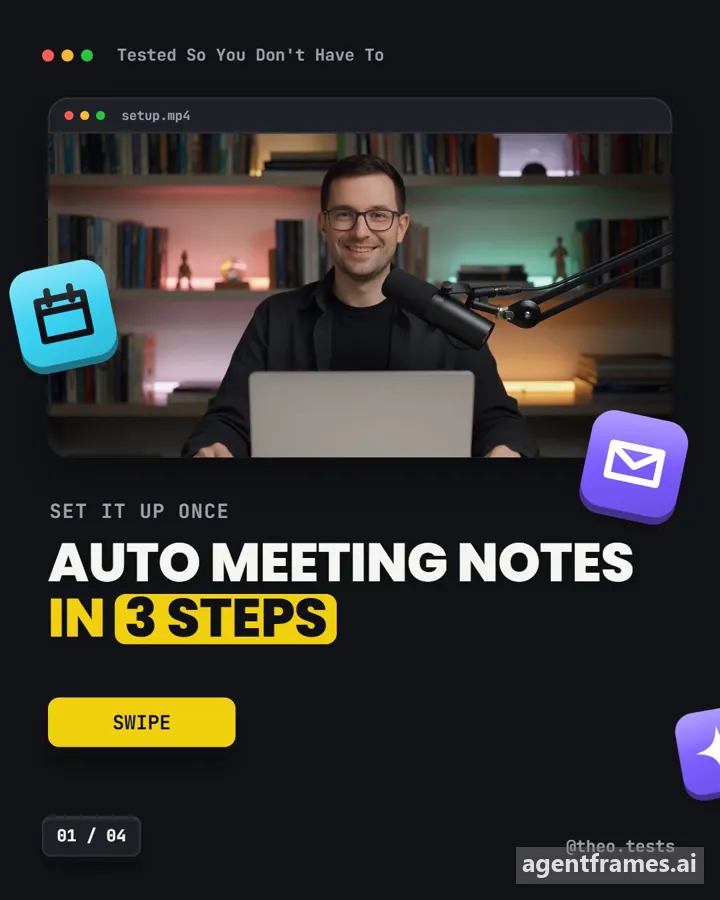
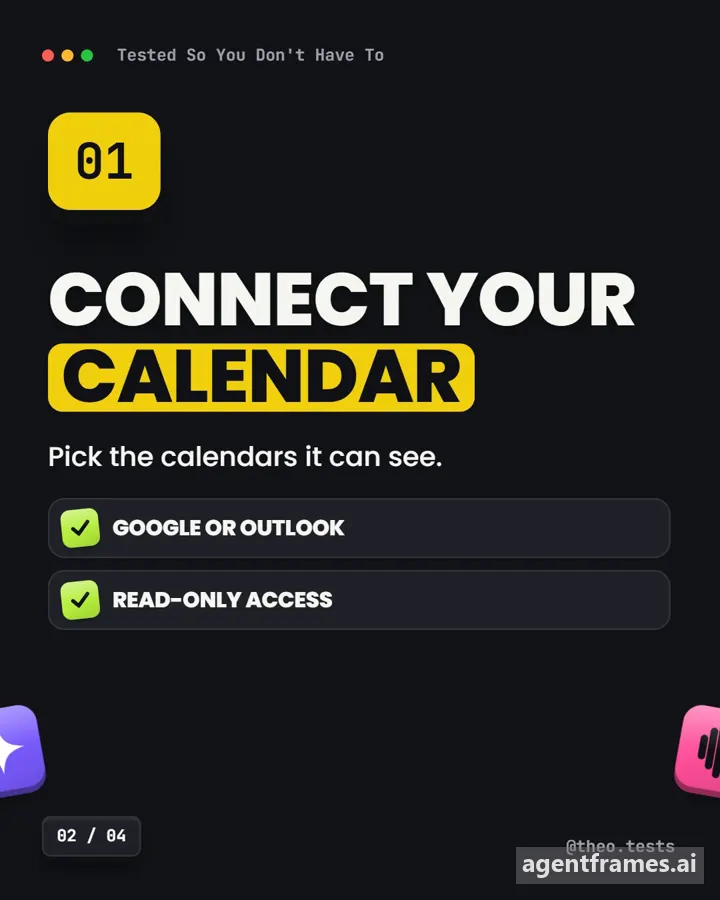
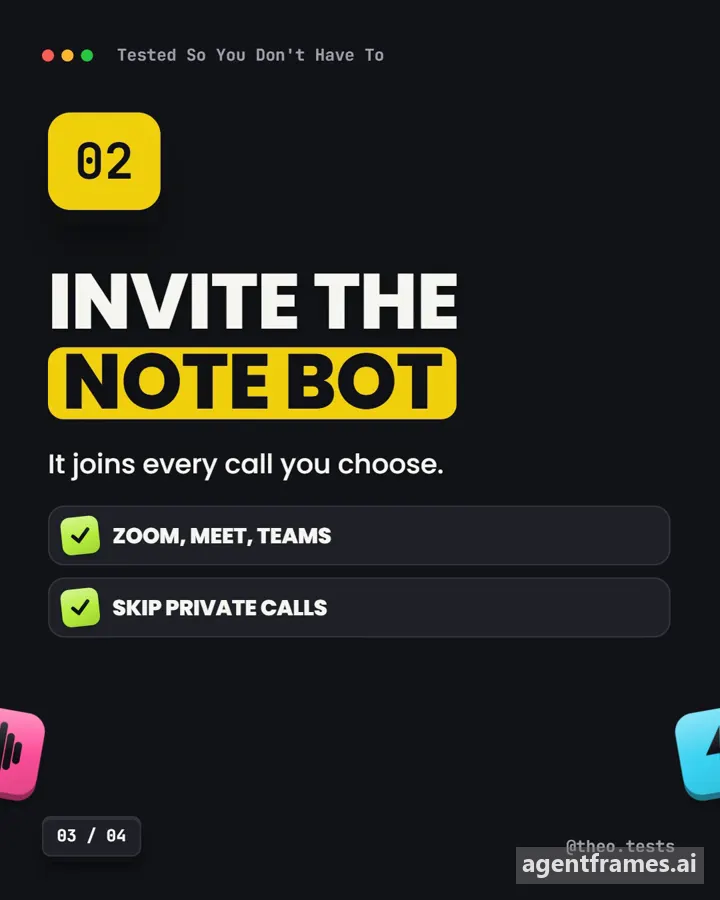
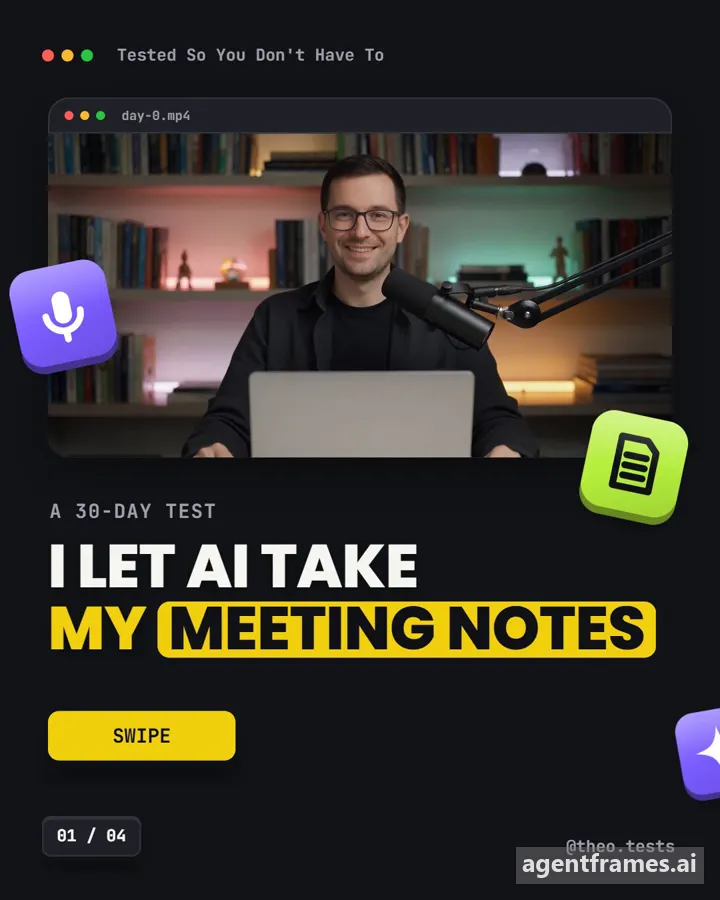
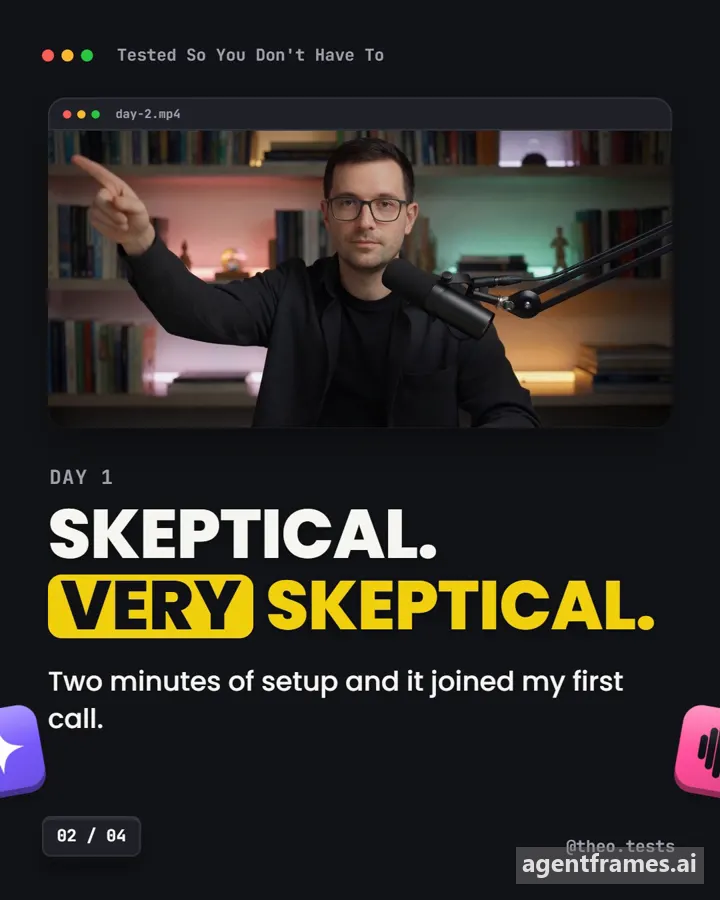
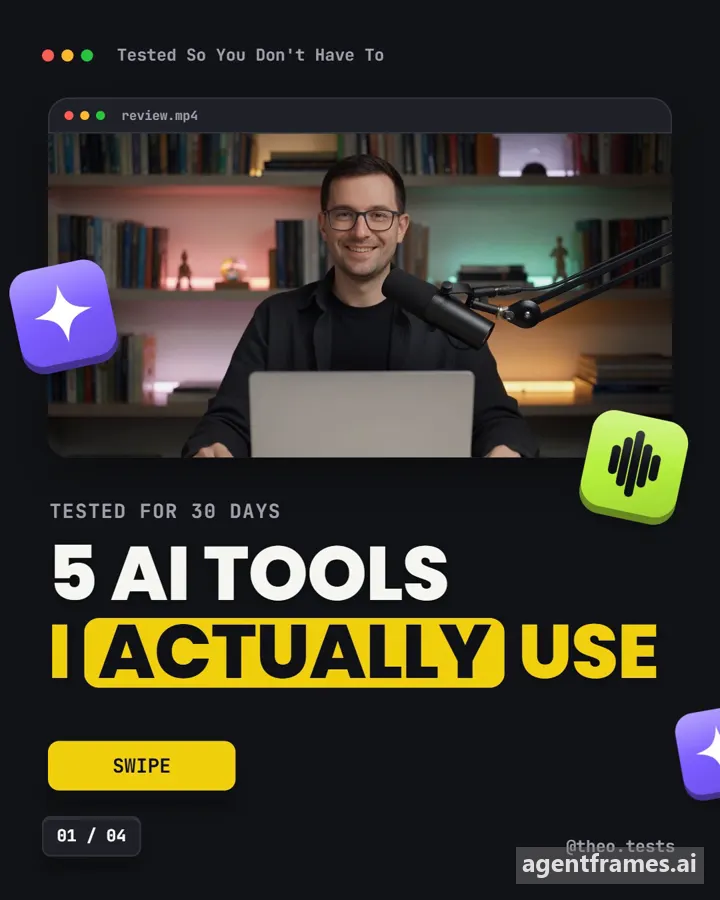
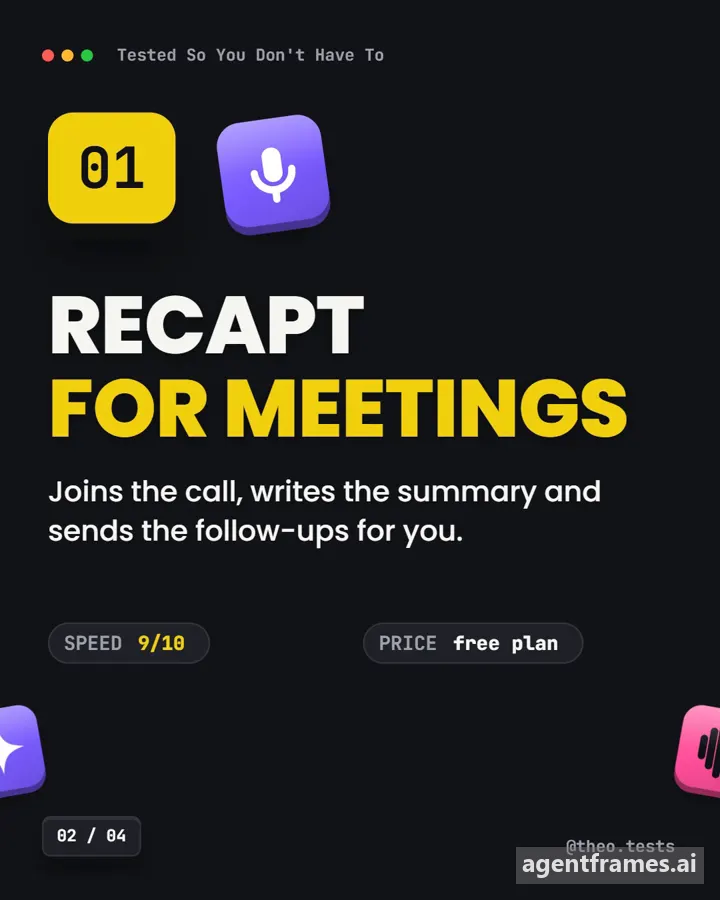
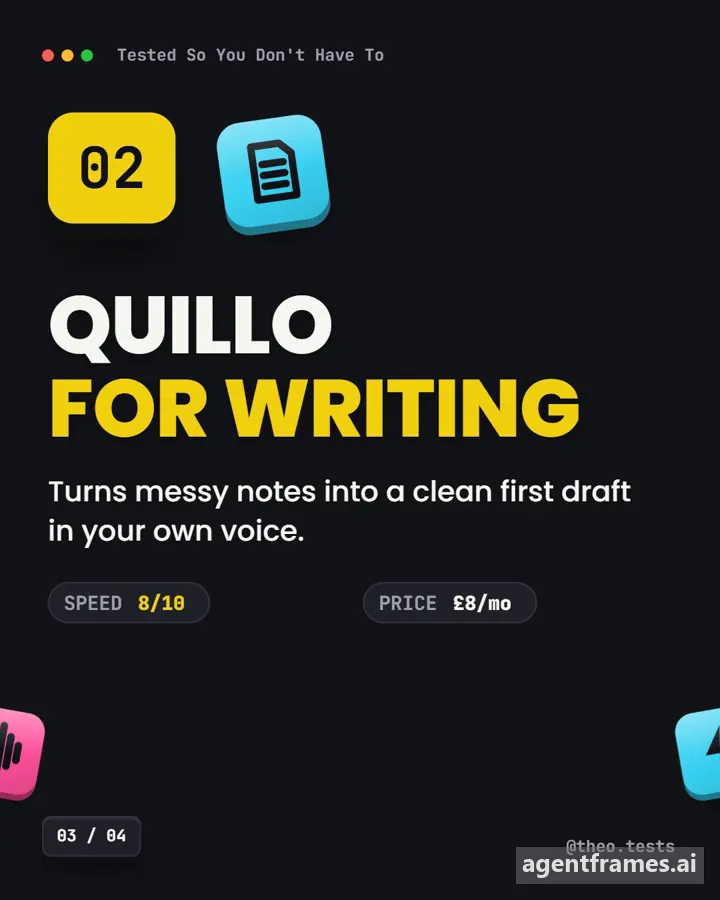
Every still in Hotkey reads the same brand.json as the videos. 6 swipe carousels, shown here in 4:5; the pack also has 1:1 versions. Click any image to see it larger.
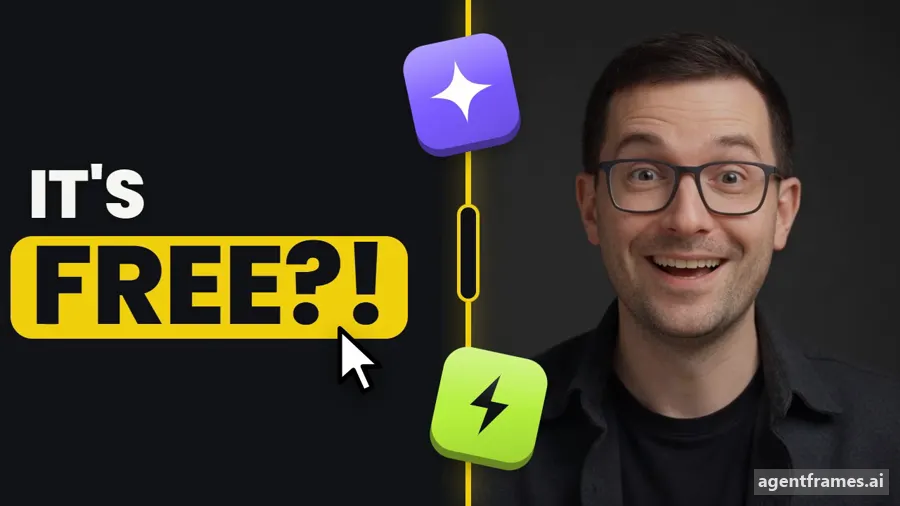
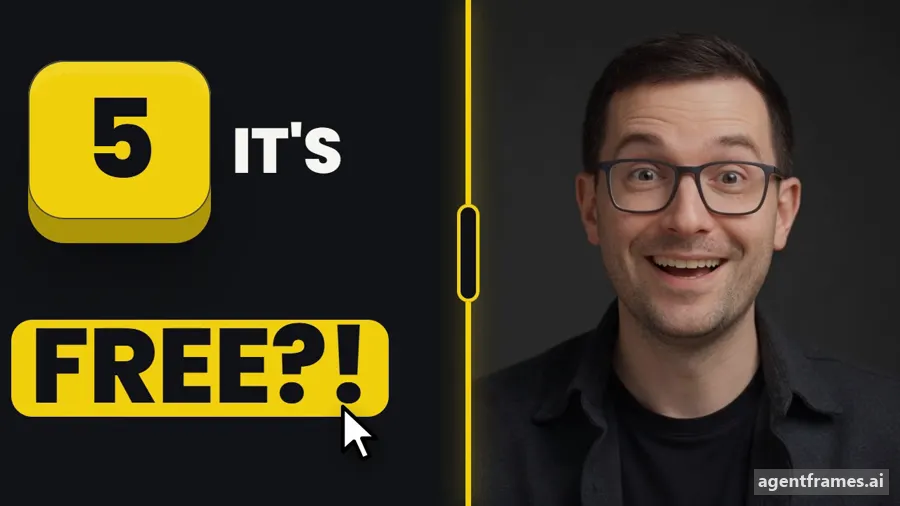
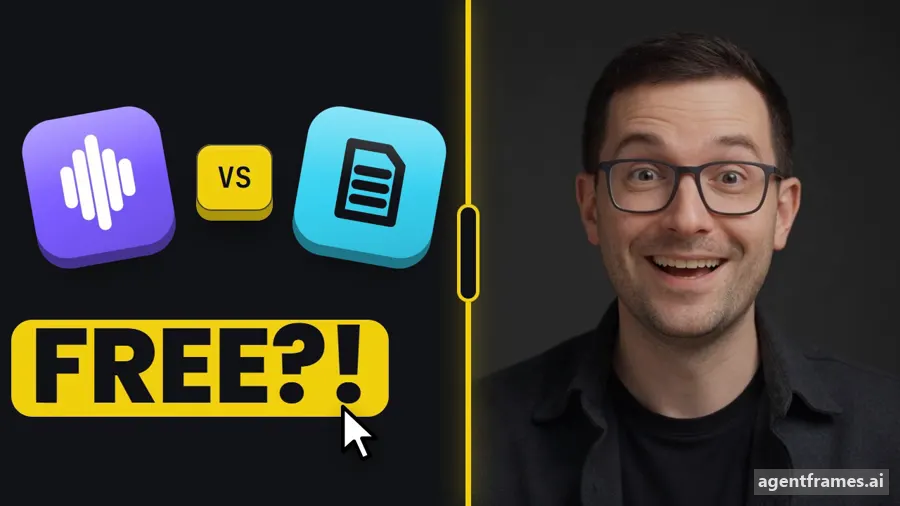
YouTube thumbnails (3)
Face thumbnail
List thumbnail
Versus thumbnail
Swipe carousels (6)
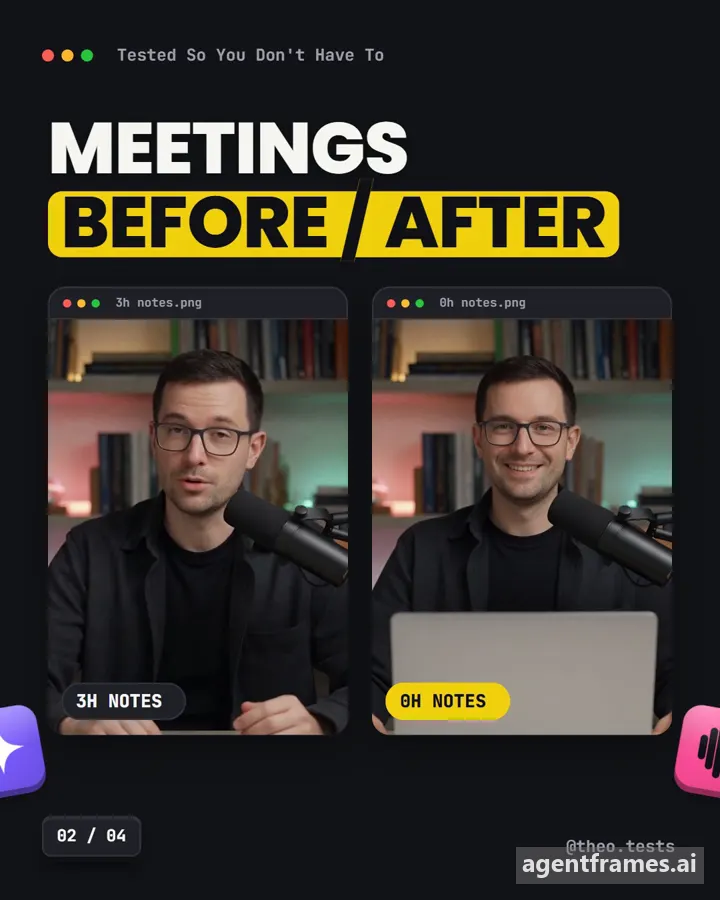
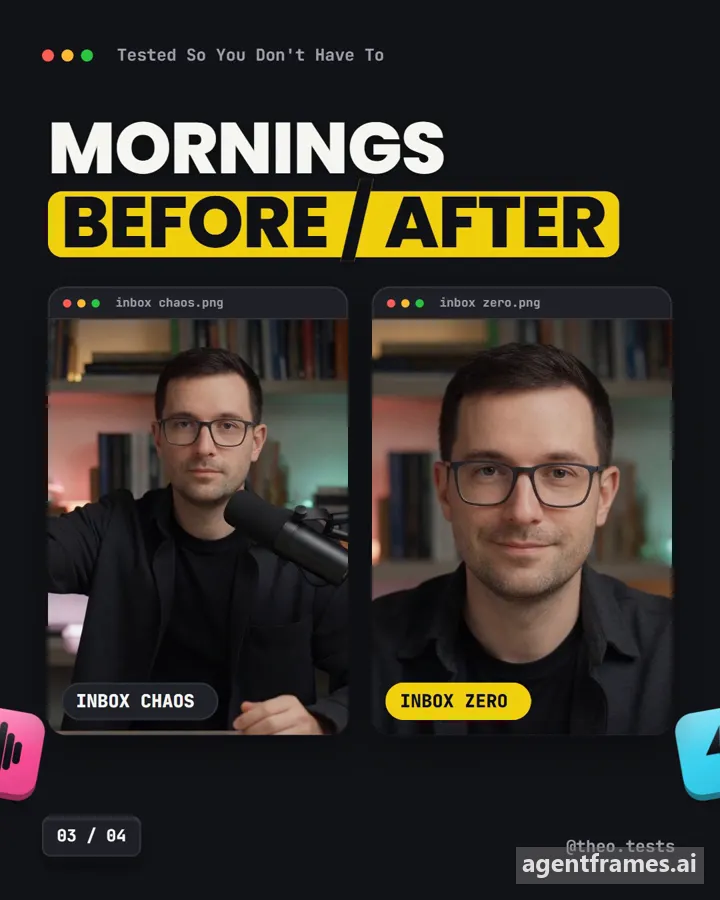
Before after carousel · 4 slides
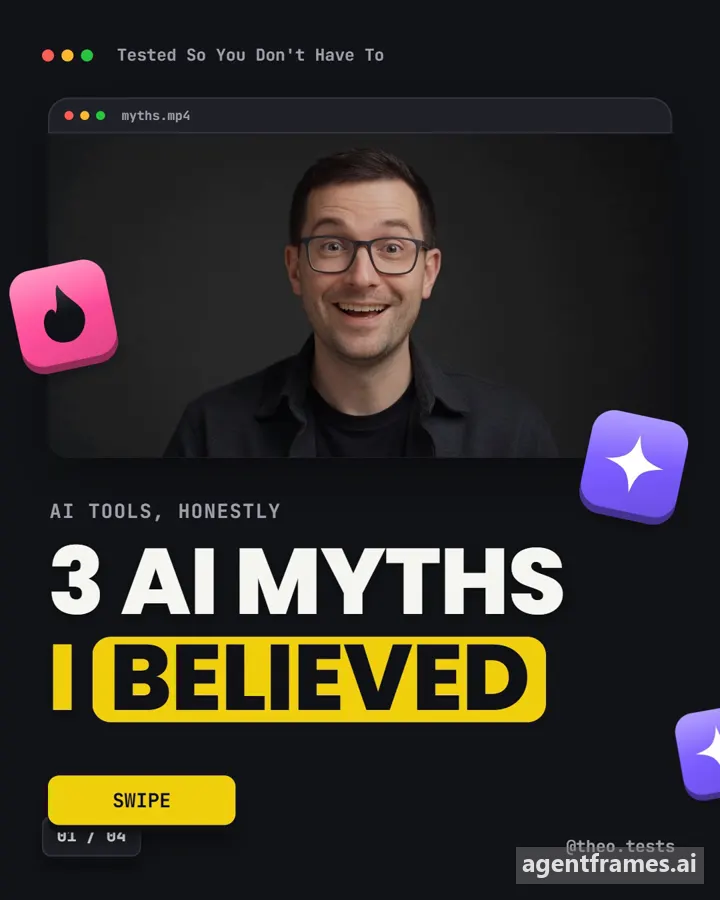
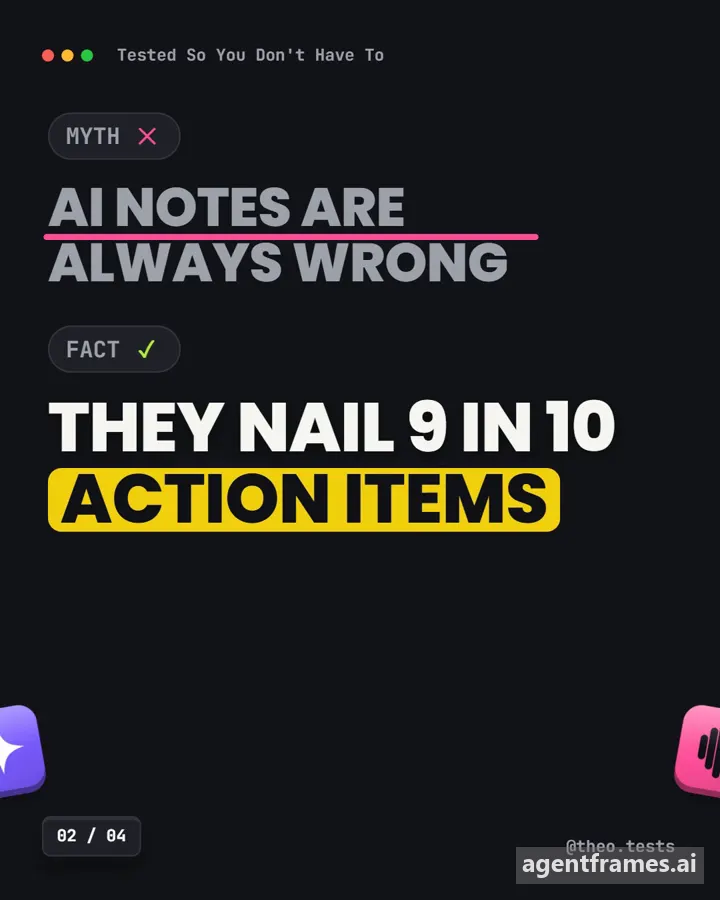
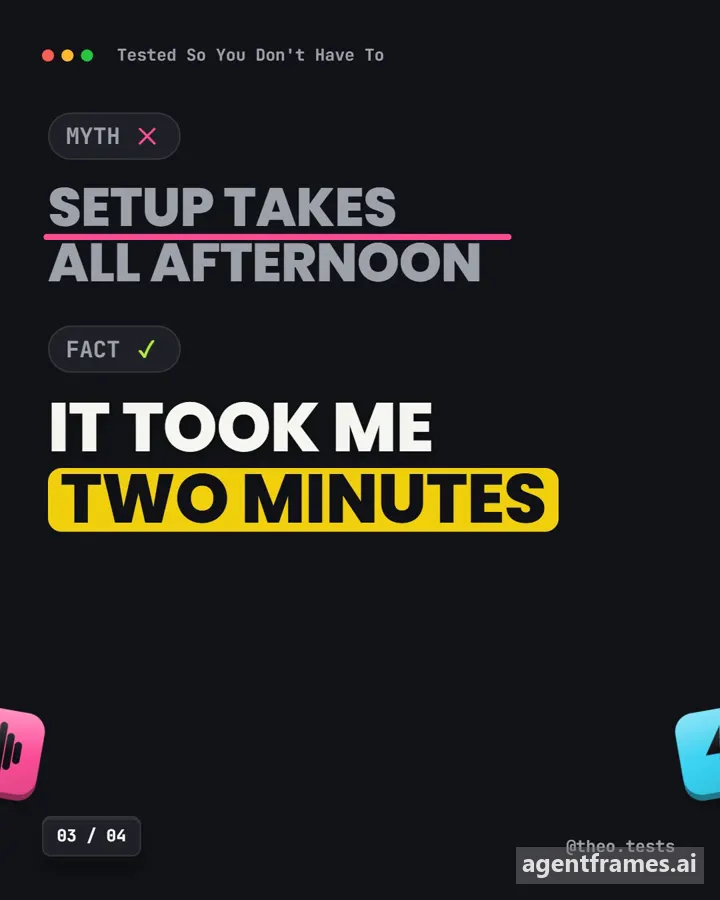
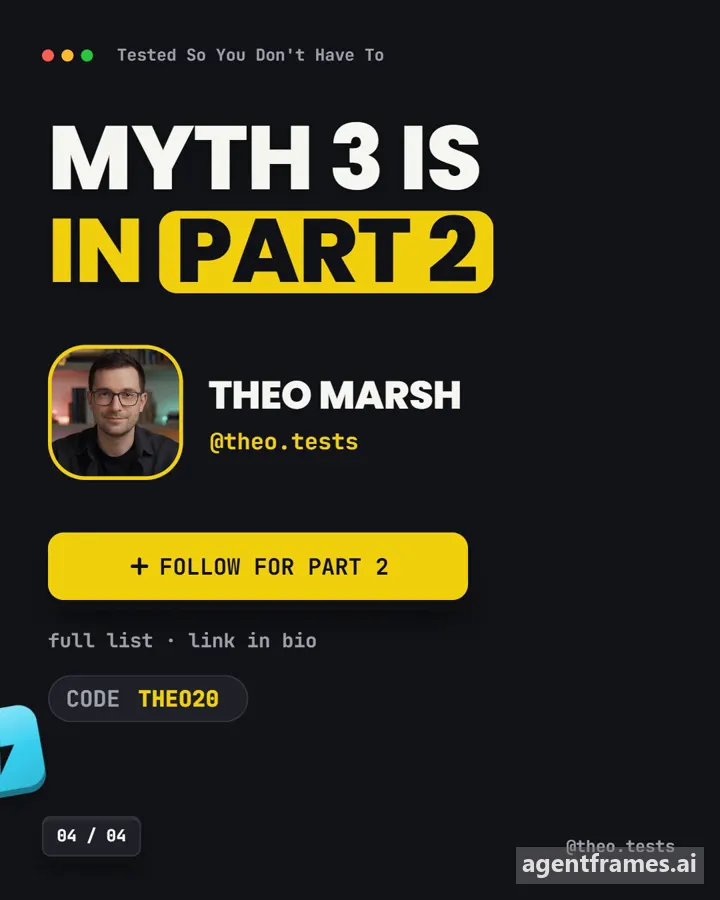
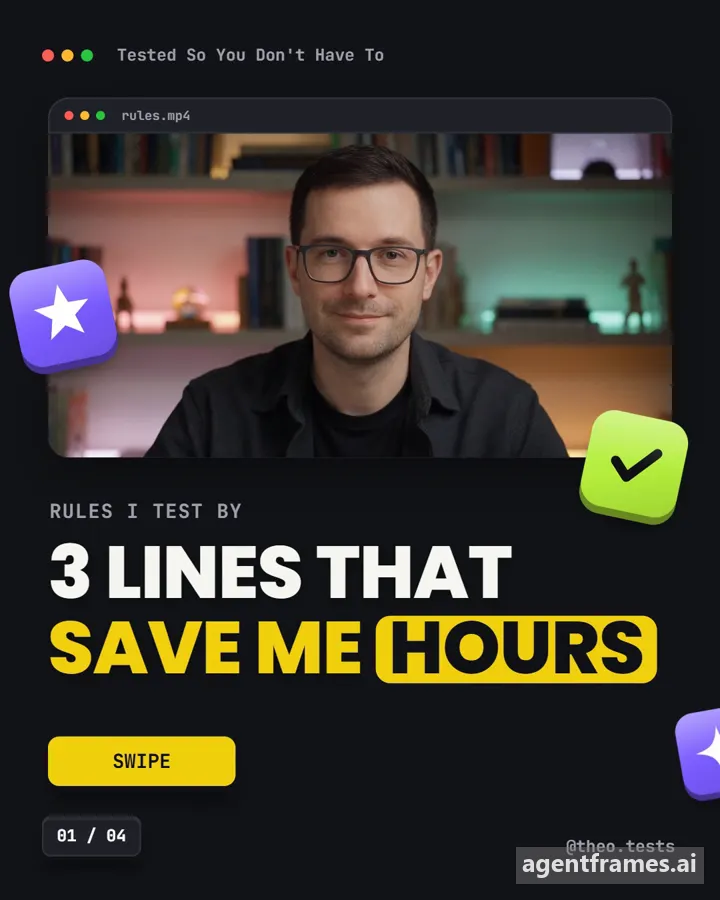
Myth carousel · 4 slides
Quotes carousel · 4 slides
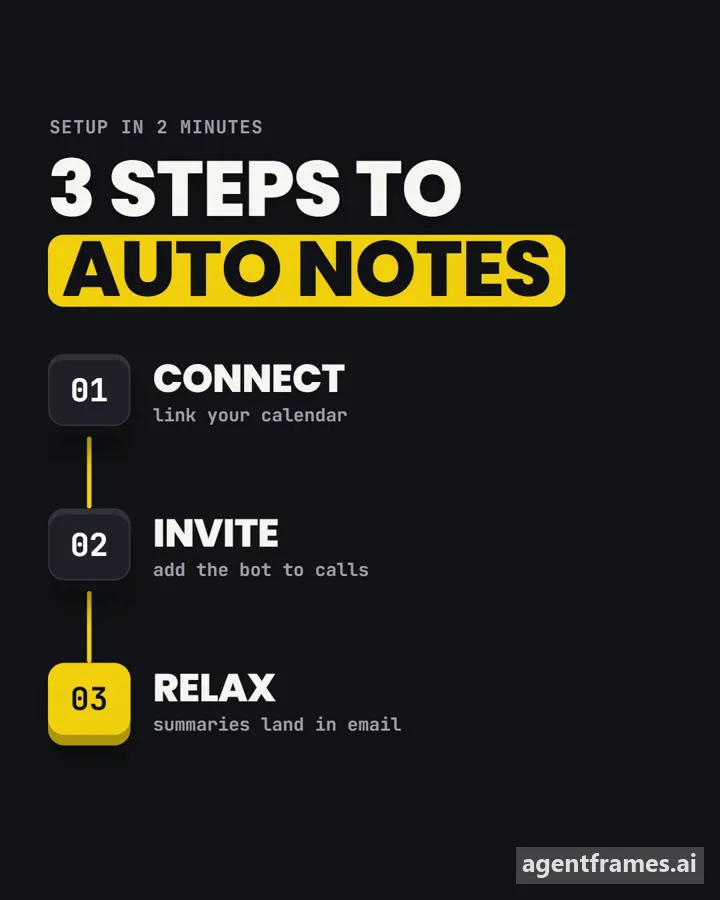
Steps carousel · 4 slides
Story carousel · 4 slides
Tips carousel · 4 slides
Infographic stills (8)
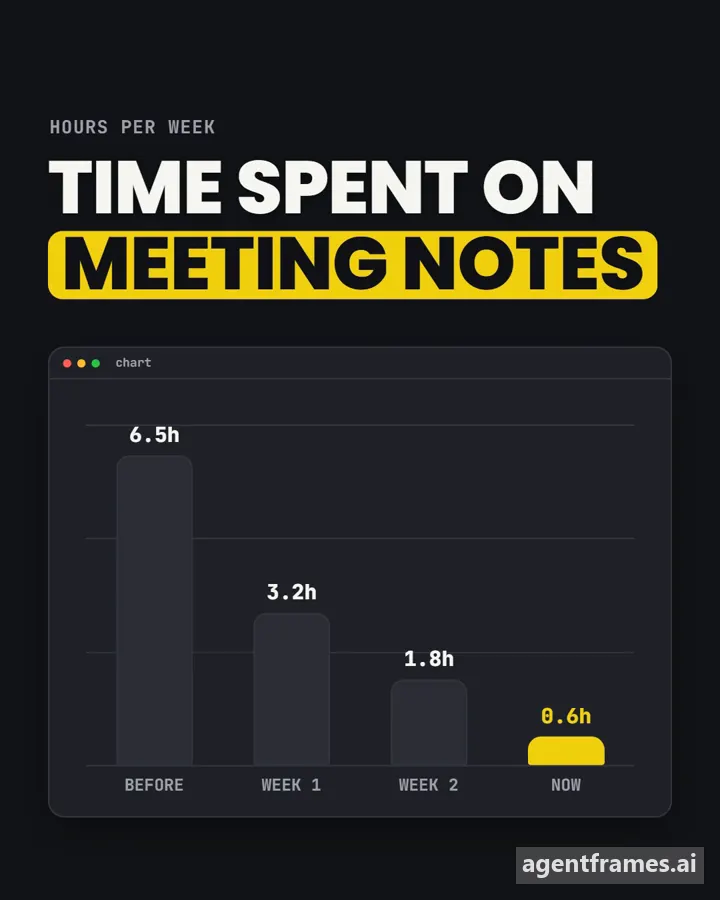
Bar chart
Big stat
Checklist
Donut chart
Score board
Steps process
Timeline
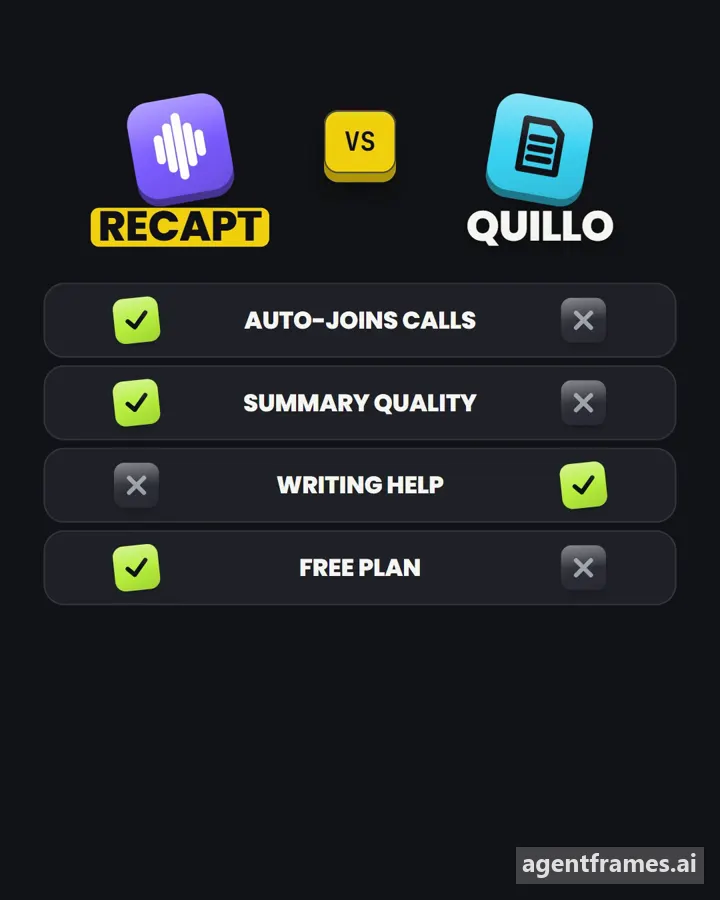
Versus
Show 11 more: posts and story, channel kit, story highlight covers
Posts and story (3)
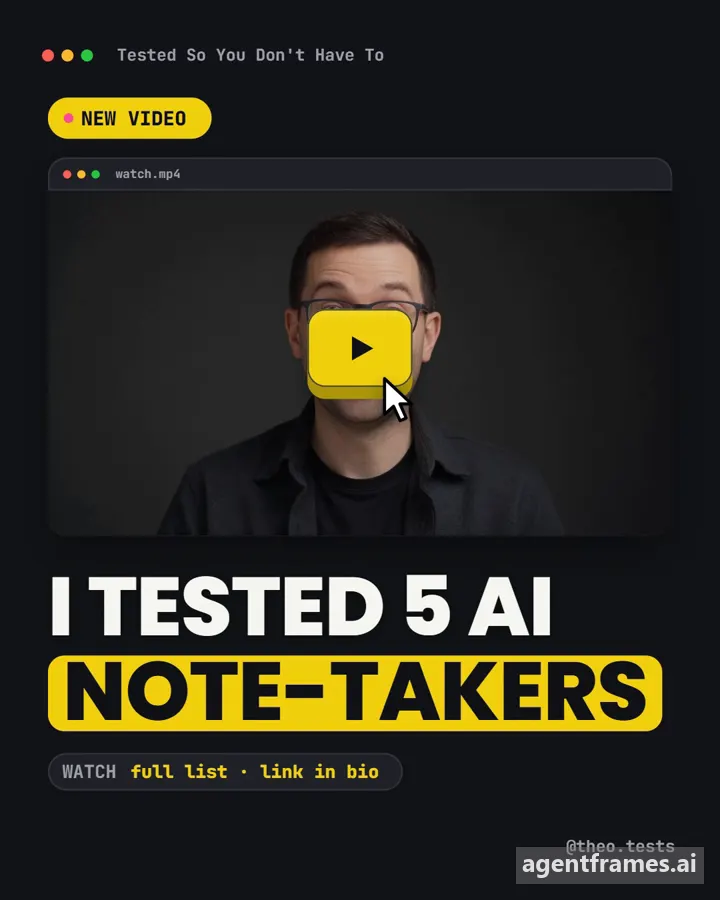
Announce post (4:5)
Story (9:16)
Quote post (4:5)
Channel kit (2)
Avatar frame
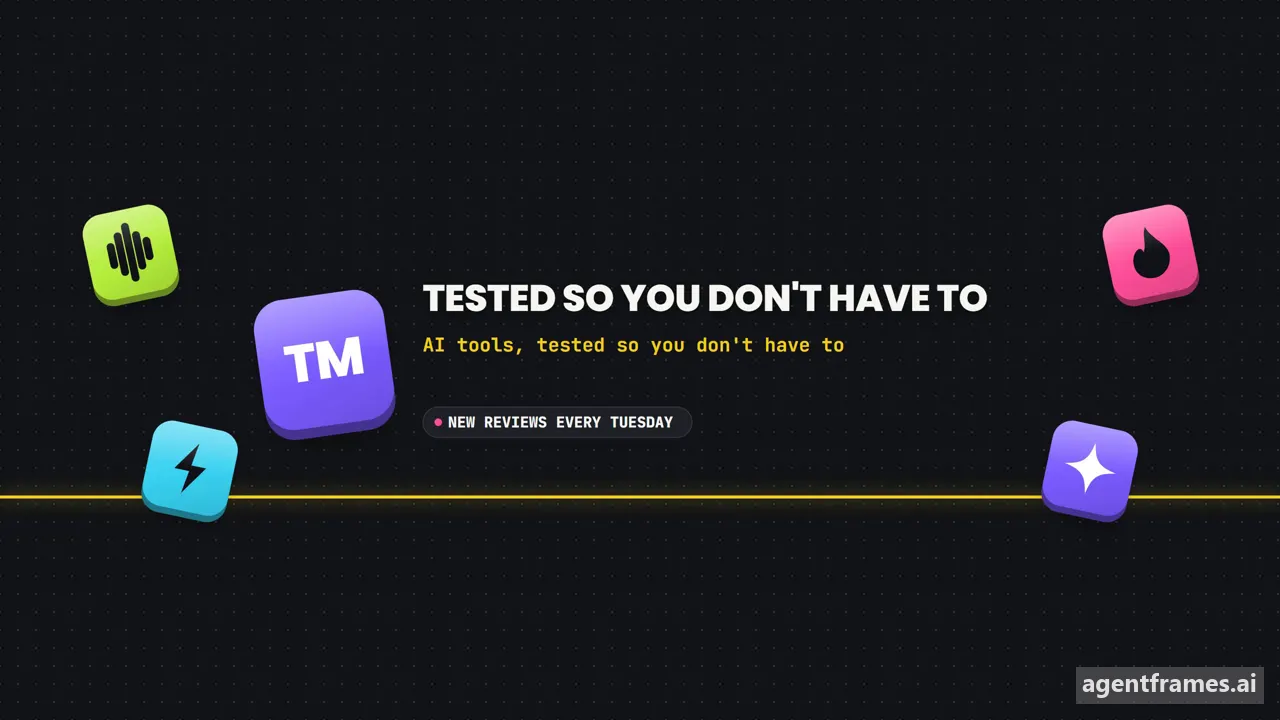
Channel banner
Story highlight covers (6)
Highlight 1
Highlight 2
Highlight 3
Highlight 4
Highlight 5
Highlight 6
Your brand colours
Make Hotkey yours
Every colour in Hotkey comes from a named colourway, and every name, handle and button comes from one brand.json file. Change that file and the whole pack is yours.
Show how to rebrandHide
Colours in this pack
52 colours across 3 colourways · hover a square for its role and hex
Studio (dark app UI, caption yellow, RGB-shelf candy)
Neon (midnight navy UI, acid lime, magenta and cyan)
accent, accentInk, seam, p1, flash2: #C6FF3D
dark, accentTx: #0A0E22
light, ink, cardInk, deepTx: #F2F4FF
canvas: #0D1230
canvas2: #131A3D
plate, track: #232B55
sub, cardSub: #9AA3C8
line: #2B3466
card: #161D45
deep, gutter: #070A1A
deepSub: #8790B8
p2: #FF3DCB
p3, flash3: #3DE1FF
p4: #FF8A3D
p5: #8F6BFF
flash1: #F4FFE0
Swap in your own:
one accent in brand.json, or pick a colourway
Fill in brand.json
One small file at the top of the pack: your name, @handle, channel, logo or monogram, and your calls to action.
Pick a colourway or your colour
Choose Studio, Daylight, Neon, or set one accent hex and the buttons, tags and highlights take it. The tools warn if it's hard to read.
Every piece follows
All 48 elements, in 16:9, 9:16, 4:5, 1:1, plus the captions, carousels and thumbnails, read from that file. Motion and layout stay protected, so it still looks designed.
Or ask your agent to do it
Set up the AgentFrames Hotkey pack for my brand. Fill brand.json: creator "Sam Lee", handle "@samlee", accent #0A84FF, monogram "SL", follow CTA "follow for part 2". Then render one example and show me a contact sheet.
All 48 elements in Hotkey
Every element is included, in every size. Click one to see its preview, the slots your agent fills, and its editing contract. Browse elements from every pack →
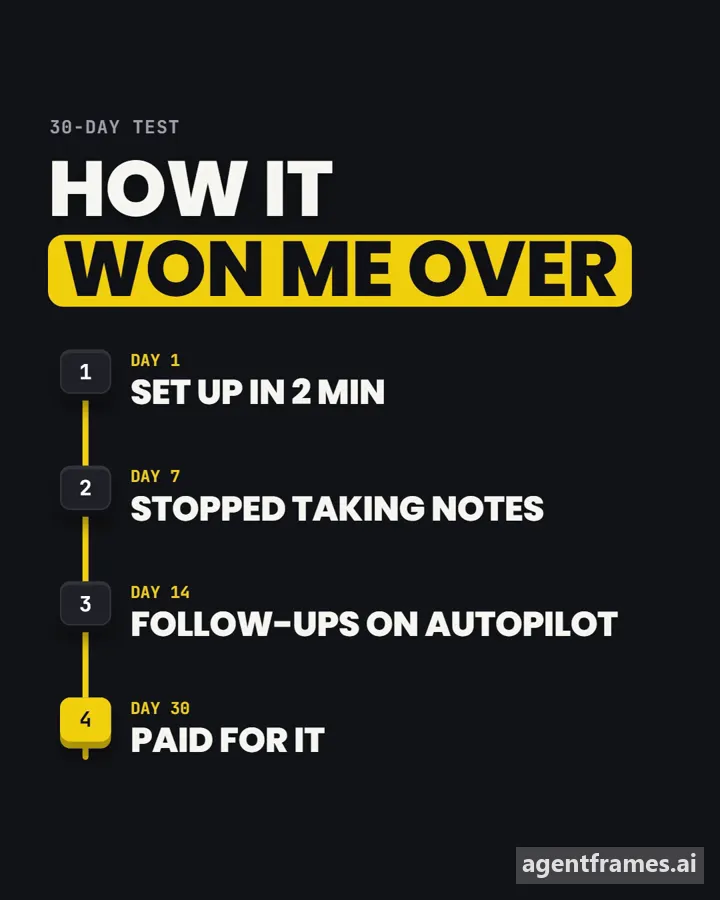
Creators who review AI tools, apps and software on camera: tool rankings, 'I tested it for 30 days', is it worth paying for, setup walkthroughs and sponsored tool segments. The default copy is written in a creator's voice ('I tested 5 AI note-takers so you don't have to', 'use my code', 'follow for part 2'). The demo creator, Theo Marsh, is fictional, and so is the demo app, Recapt.
What is a Creator Pack?
A complete look you can call your own, set once in brand.json and used everywhere you post: talking-head video in 16:9, 9:16, 4:5 and 1:1, captions, transitions and stickers, infographics, swipe carousels and image templates like YouTube thumbnails and a channel banner.
How does the split screen work with my video?
Record once in 16:9 with yourself centred; every size crops that one recording. Each beat picks a layout. Split puts the screen panel beside you in 16:9 or above you in the vertical sizes. Bubble puts you in a squircle bubble while the screen panel takes the frame. Full gives you the whole frame for hooks and verdicts. The captions ride the seam between screen and face, clear of your face and the platform buttons.
Can I show my own screen recordings and tool logos?
Yes. The B-roll window, before/after slider and photo slots take your own clips and screenshots, and the app-icon slots take logos. Only use logos you have the right to use. By default every icon is an original glyph, and the demo app and tool names are made up.
Can I change the colours?
Yes. Pick Studio (dark app UI with caption yellow), Daylight (light UI with marigold) or Neon (midnight navy with acid lime), or set any accent colour in brand.json. Text on it stays readable.
What do I need to use Hotkey?
Node 22 or later, Chrome or Chromium, FFmpeg and HyperFrames 0.8.143 (open source; each starter pins it, so npm ci fetches it). Any coding agent that can run shell commands, such as Claude Code or Codex, can drive the pack.
Can my AI agent use the pack on my behalf?
Yes. The AgentFrames Licence explicitly allows AI agents to read, edit and render the templates for you. Every block ships a TEMPLATE.md and constraints.json, and out-of-range input stops with a message naming the slot to fix.