

Collab / Ad Tag
Collab / ad tag: an 'AD' stamp on the orange block lands in the top-left of the speaker with the partner name on a dark strip
- 1:1native
- 16:9native
- 9:16native
- 4:5native
Overlay4s
Creators & coaches · Template pack · 45 elements · v1.0.0
Creator Pack: an architectural kit for renovation and DIY creators who show the real costs.
Hatch is a Creator Pack for people who renovate, build and fix things on camera: doer-uppers, self-builders, DIY and home-improvement channels that talk to camera and show what it really cost. It looks like a drawing office: paper or near-black grounds, one safety-orange accent, heavy italic Archivo headlines, 45-degree section hatching, stacked ring coils, a solid orange block and dimension lines that measure your key word or your saving. Your footage sits in a square window with a hatched shadow and the orange block on its corner. The signature move is 'topping out': the coil stacks floor by floor and the orange block drops onto it. It covers video in four native sizes (16:9 with you beside the graphics, plus 9:16, 4:5 and 1:1 with you on top and the graphics underneath), four word-by-word caption styles (clean, karaoke, pop and boxed), six swipe carousels drawn as sheets of one drawing, and image templates: three YouTube thumbnail layouts, a channel banner, an avatar frame, story highlight covers, quote posts and 'new video' posts. Everything is set from one brand.json file: your name, @handle, channel, avatar or monogram, colourway (Site, Night shift or Plaster, or any accent colour), series and calls to action. The 45 video pieces include a channel intro, an end card, a lower third, a follow stamp, a title-block handle bug, a monogram reveal, a part card and a collab tag; hooks, key-word blocks, statements, chapters, leader-line callouts, progress stats, photo frames, lists, quotes, Q&A, comment replies, polls, before/after and rate it /10; five transitions (slant, hatch, coil, block and monogram wipes) and five stickers including an inspection-stamp badge; infographics with honest scales; and a renovation set: a floor-plan reveal, a measure callout, a running budget tally and a room-by-room progress coil. There are no platform logos: every button and card is drawn for the pack.
The same elements in 9:16 and 4:5 and 1:1, from the pack's own starter videos. Hover a reel to play it.


Also included: validate → build → qa tools (lint, runtime check, draft render, contact sheet), an AGENTS.md written for Claude Code and Codex, an editing contract for every element, worked example plans, and the HyperFrames NOTICE. Built for HyperFrames 0.8.143.
Every still in Hatch reads the same brand.json as the videos. 6 swipe carousels, shown here in 4:5; the pack also has 1:1 versions. Click any image to see it larger.
 Face thumbnail
 List thumbnail
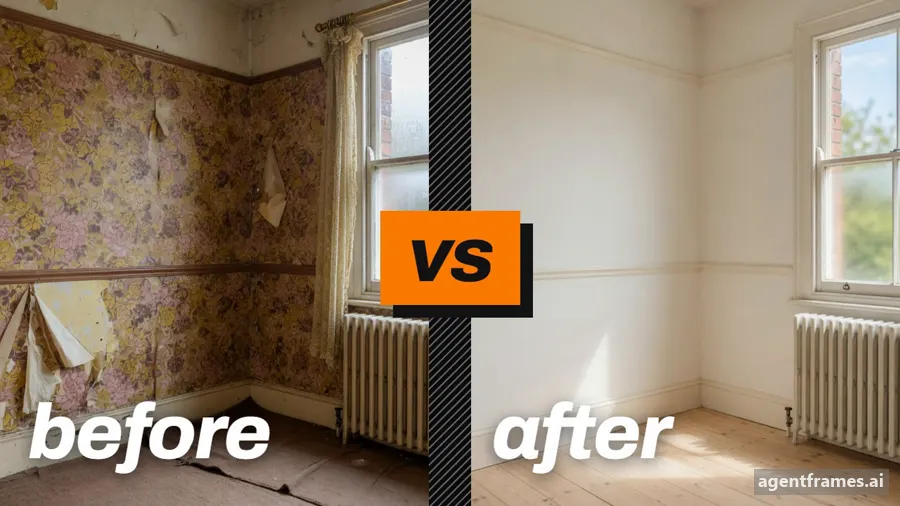 Versus thumbnail
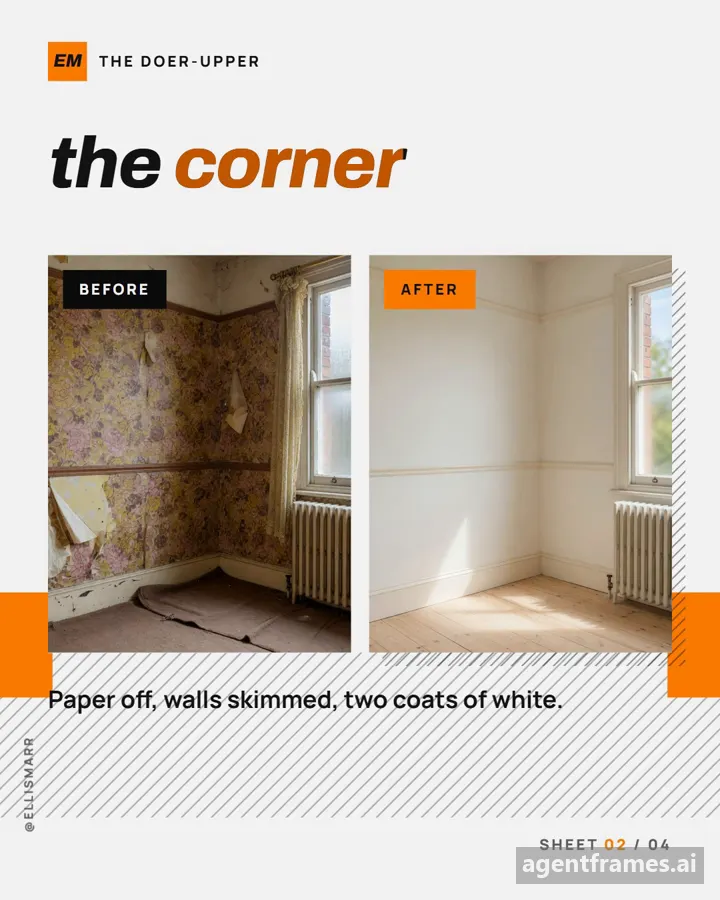
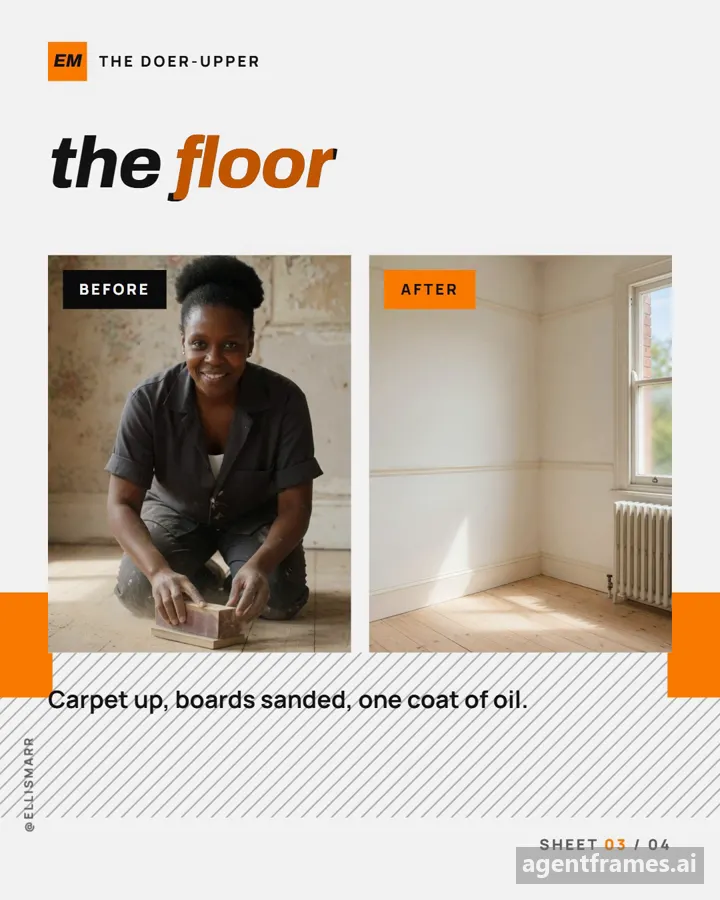
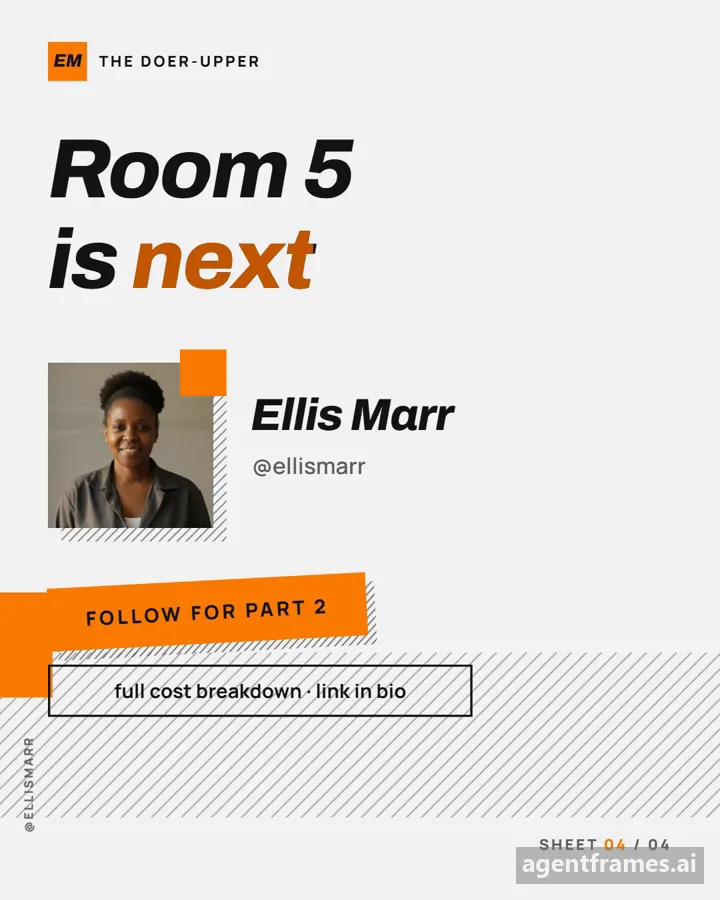
Before after carousel · 4 slides
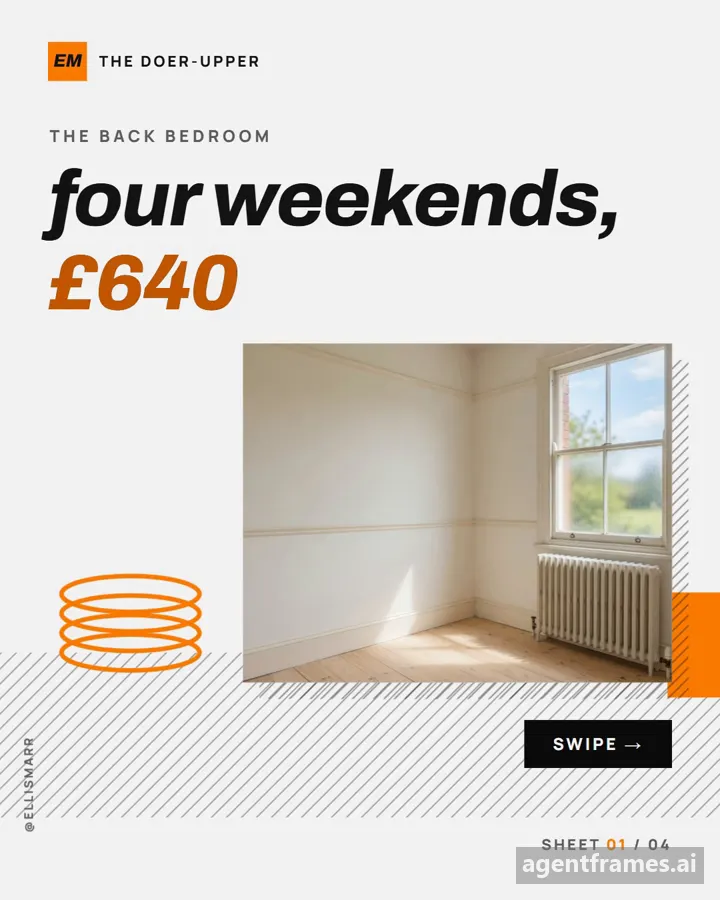
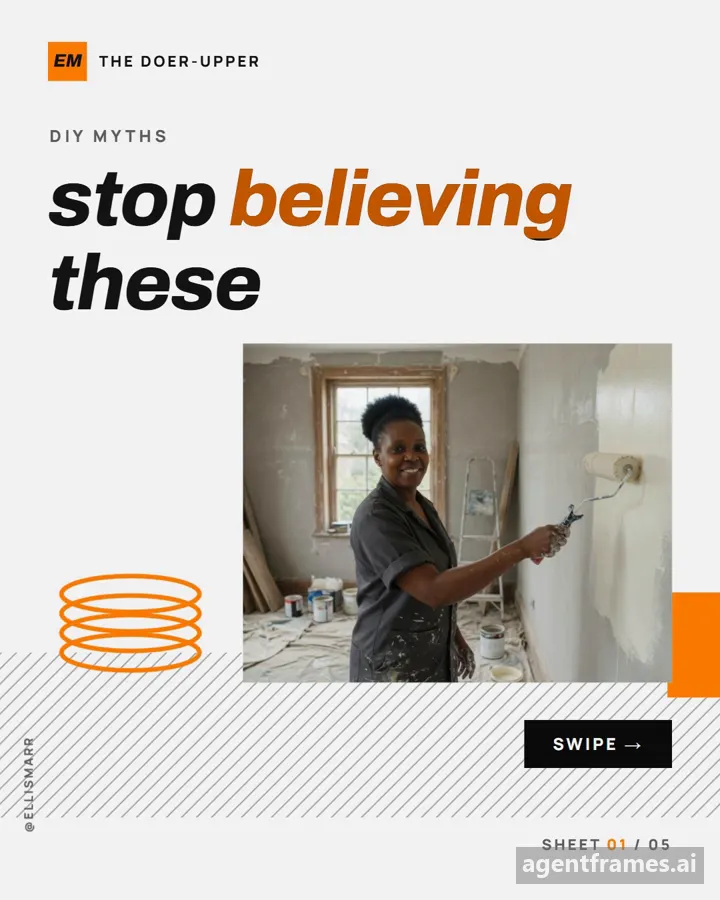
Myth carousel · 5 slides
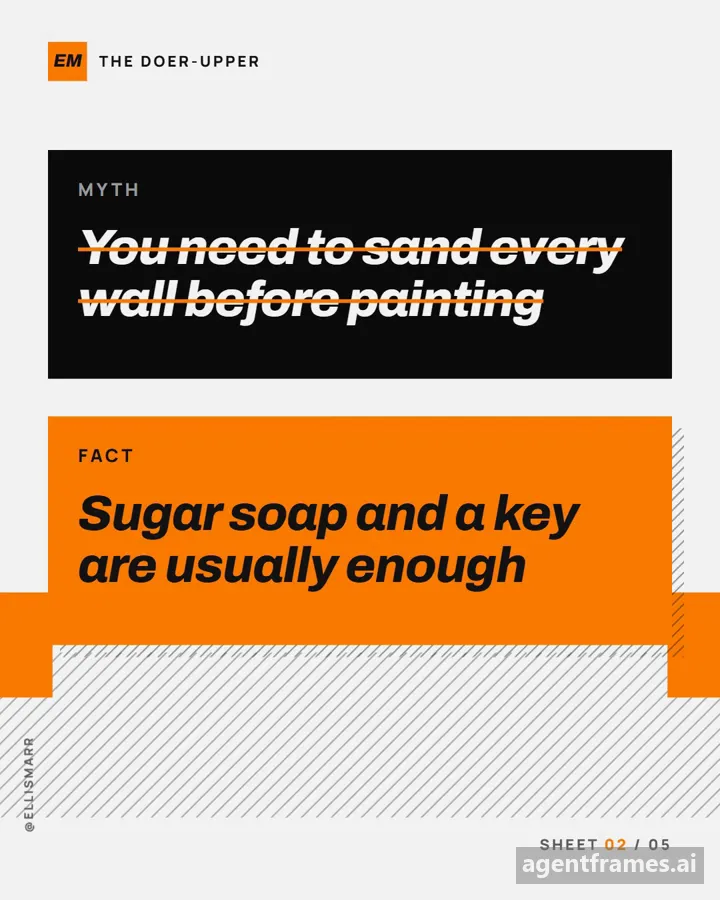
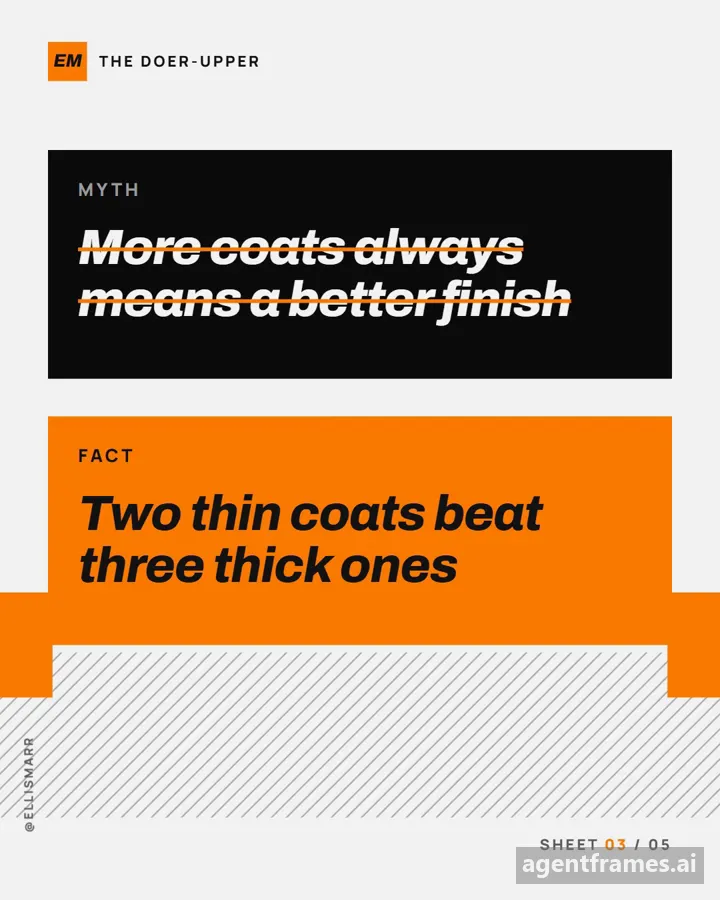
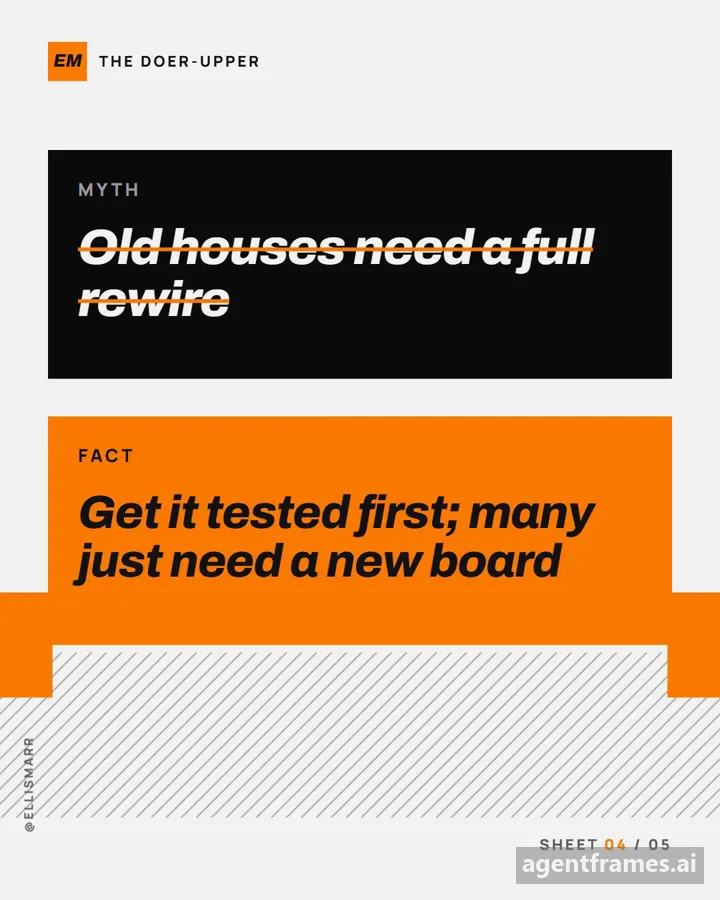
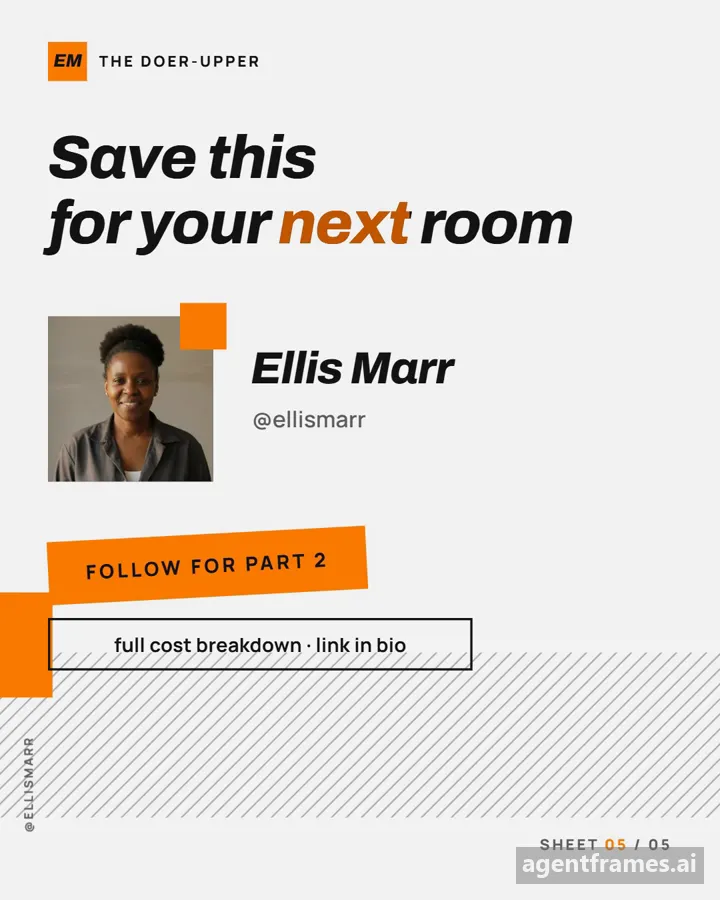
Quotes carousel · 5 slides
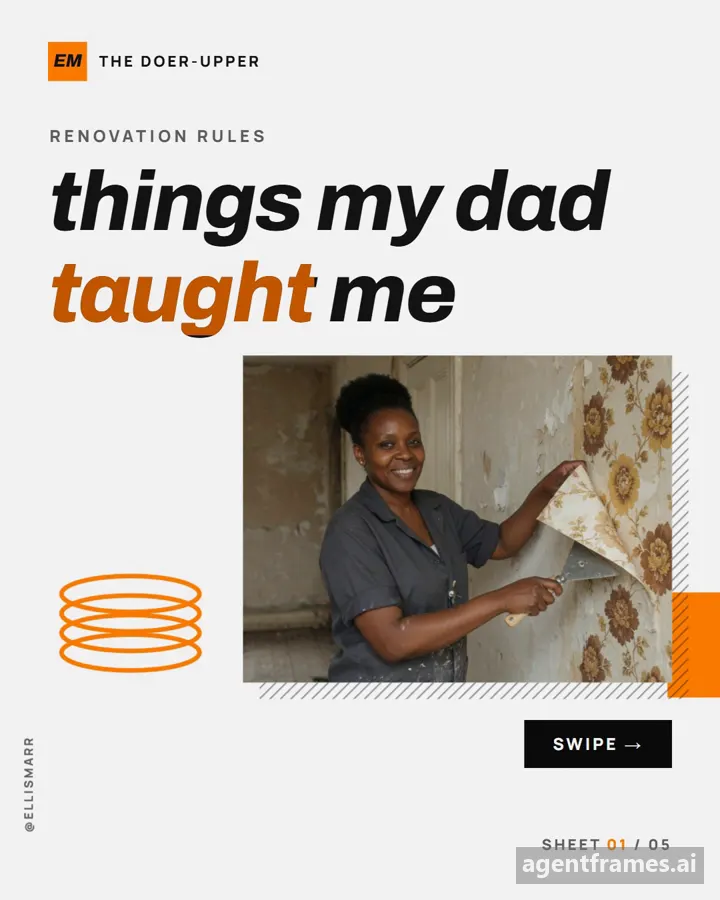
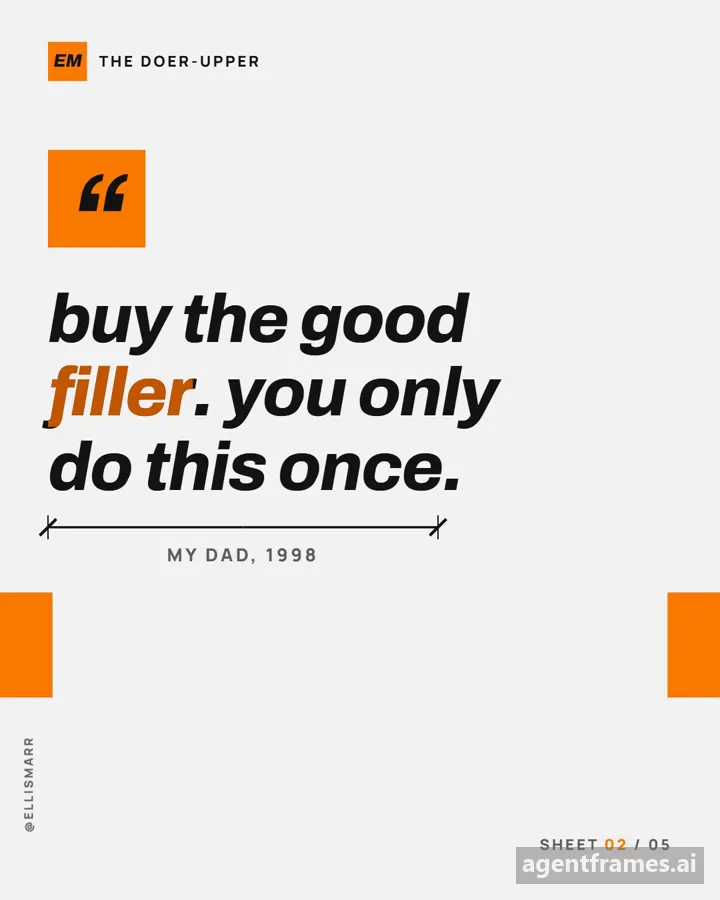
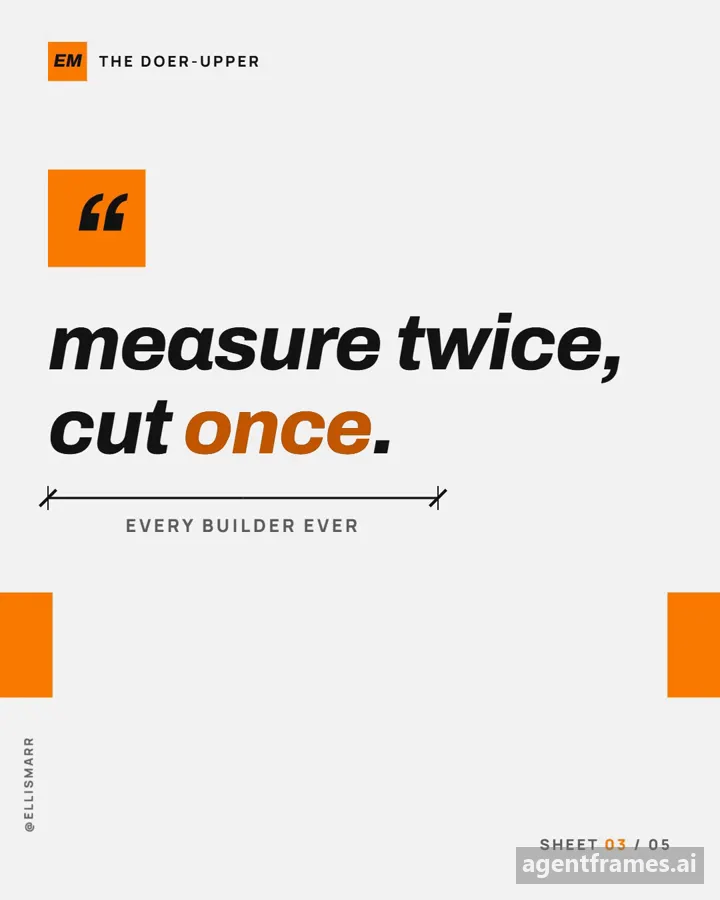
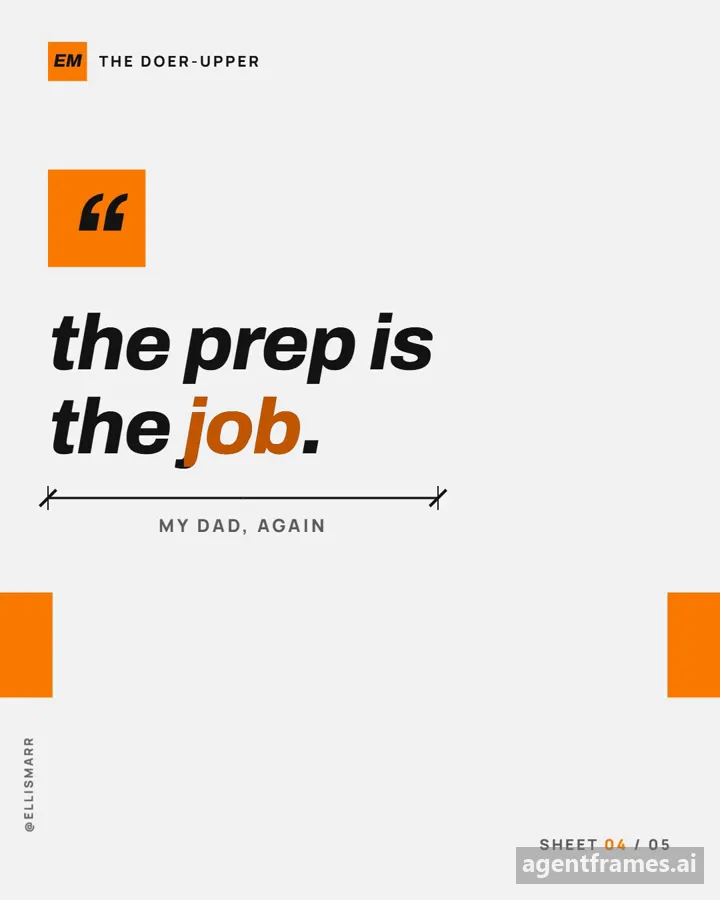
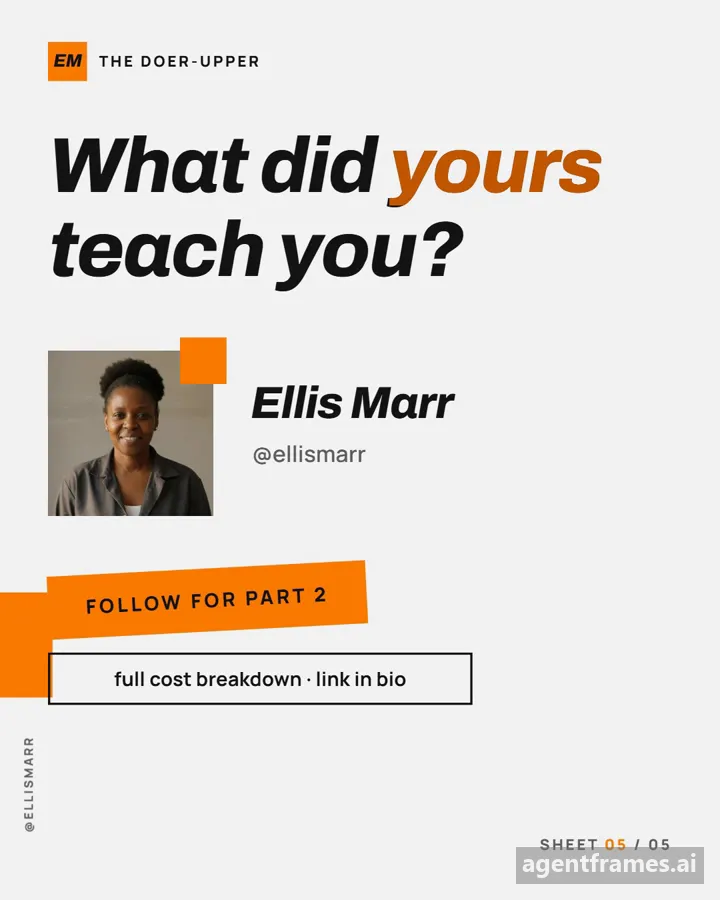
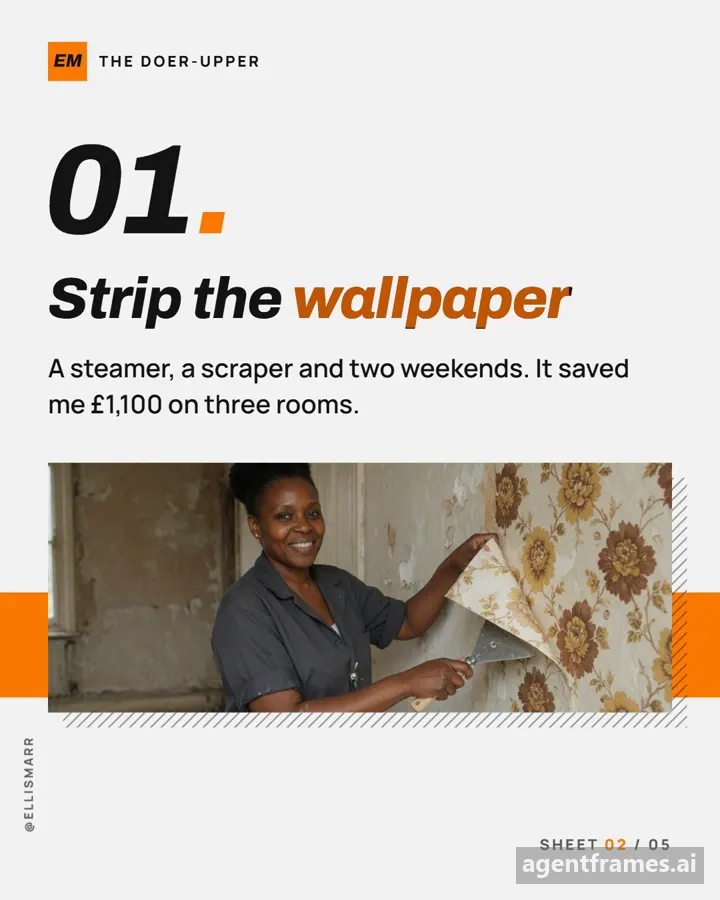
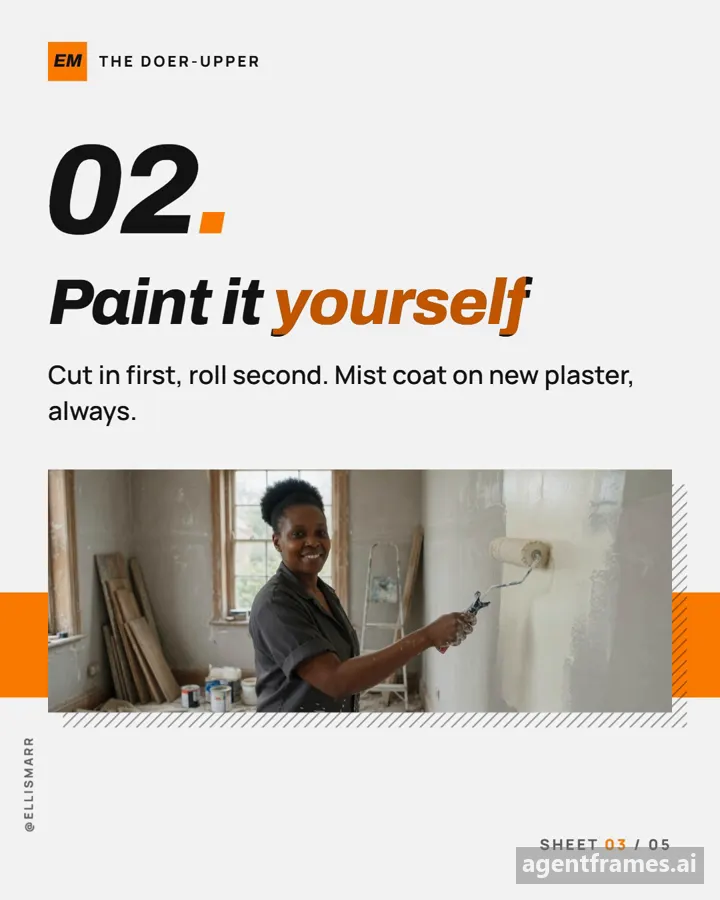
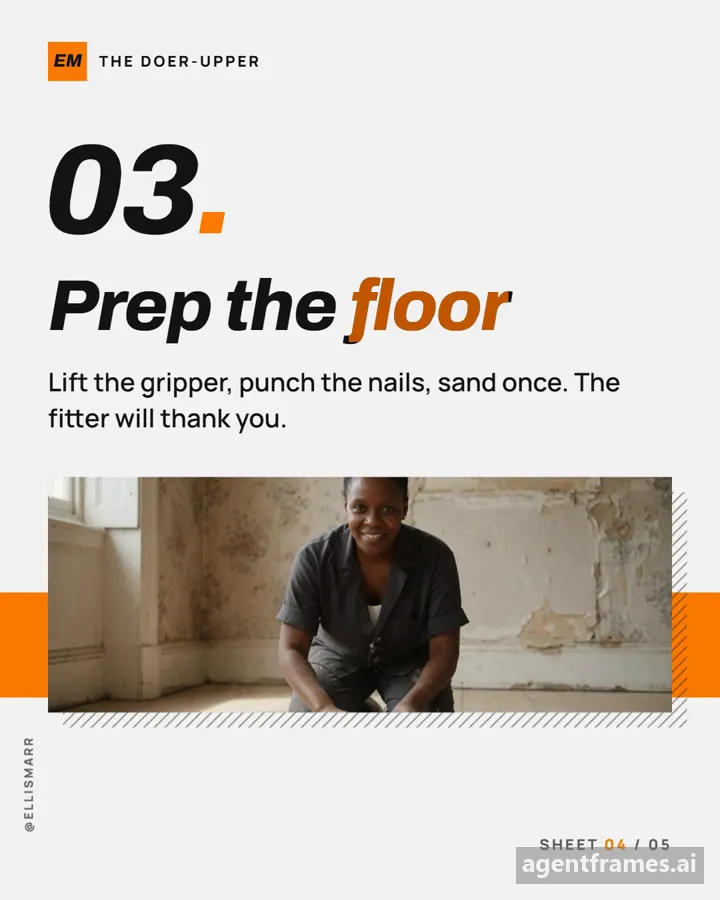
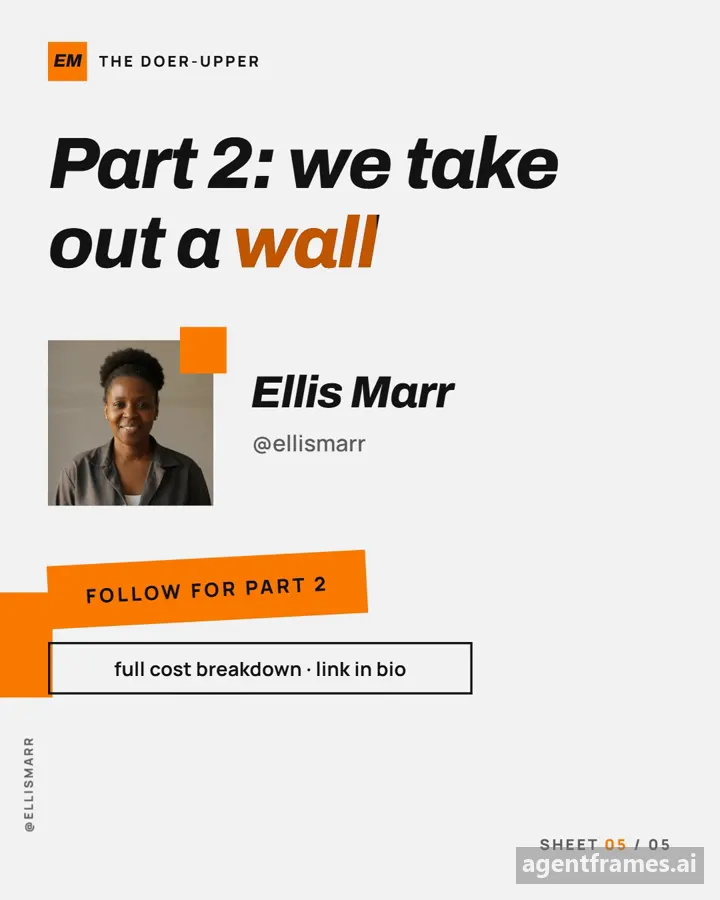
Steps carousel · 5 slides
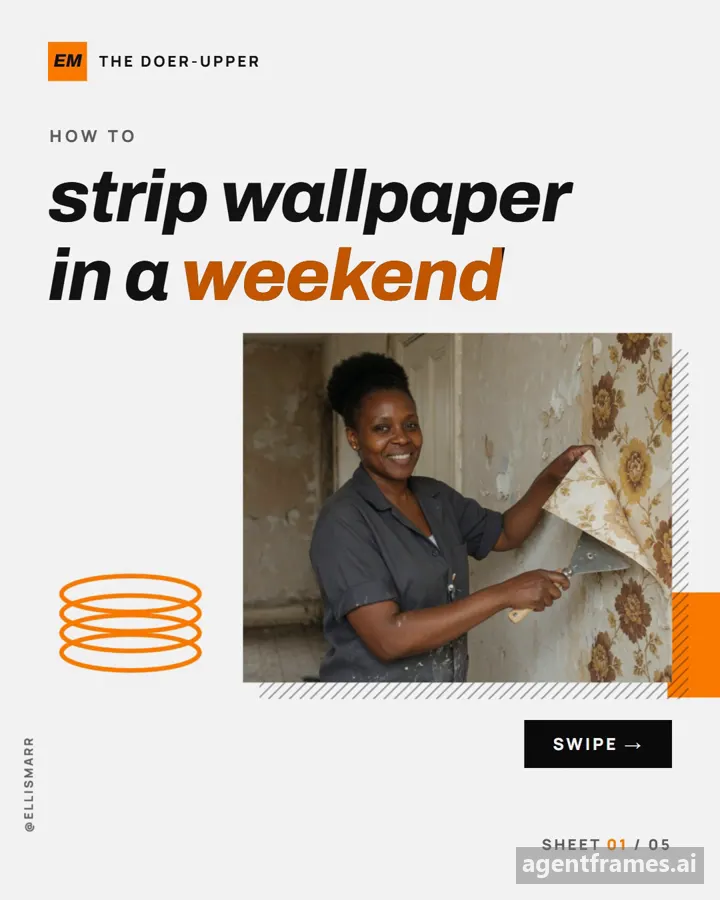
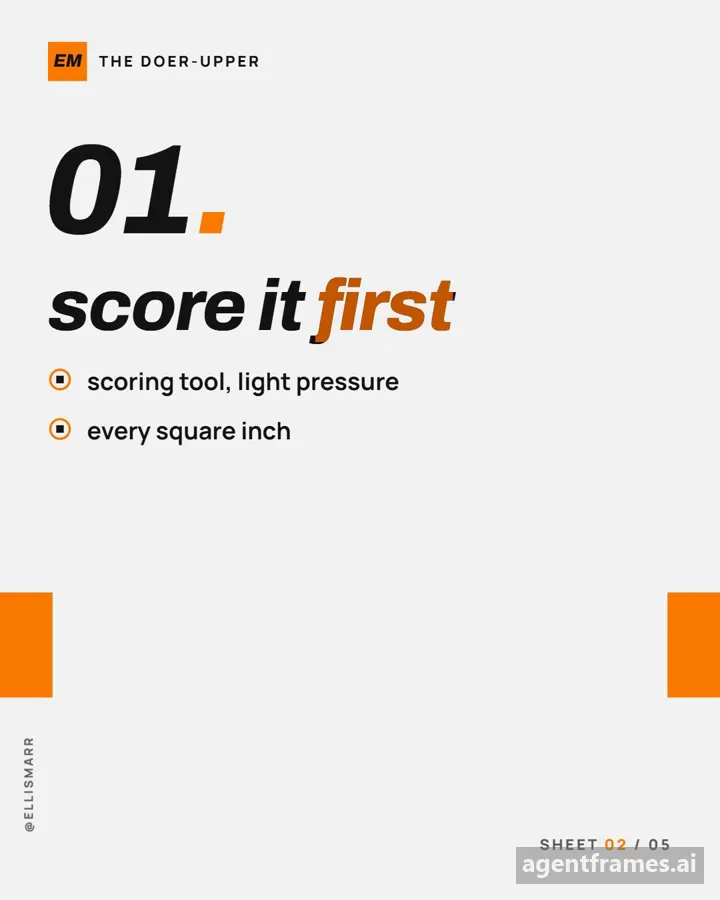
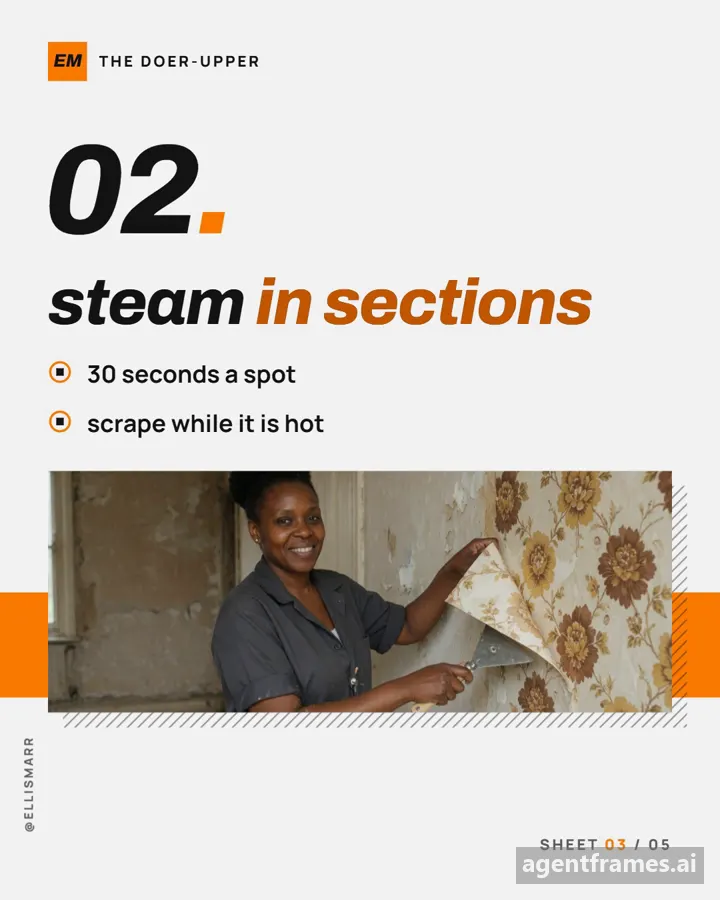
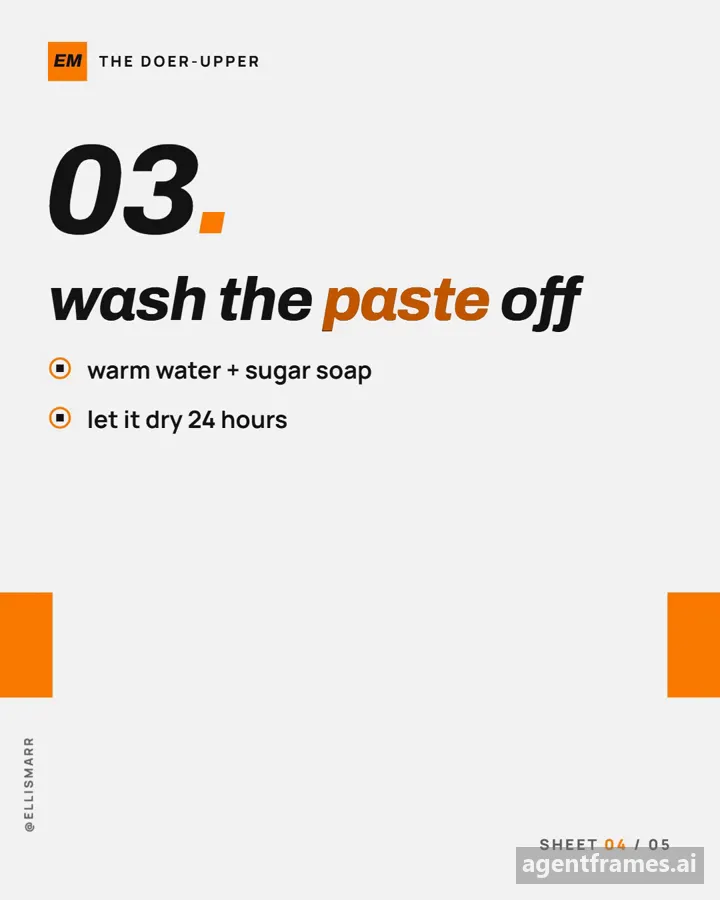
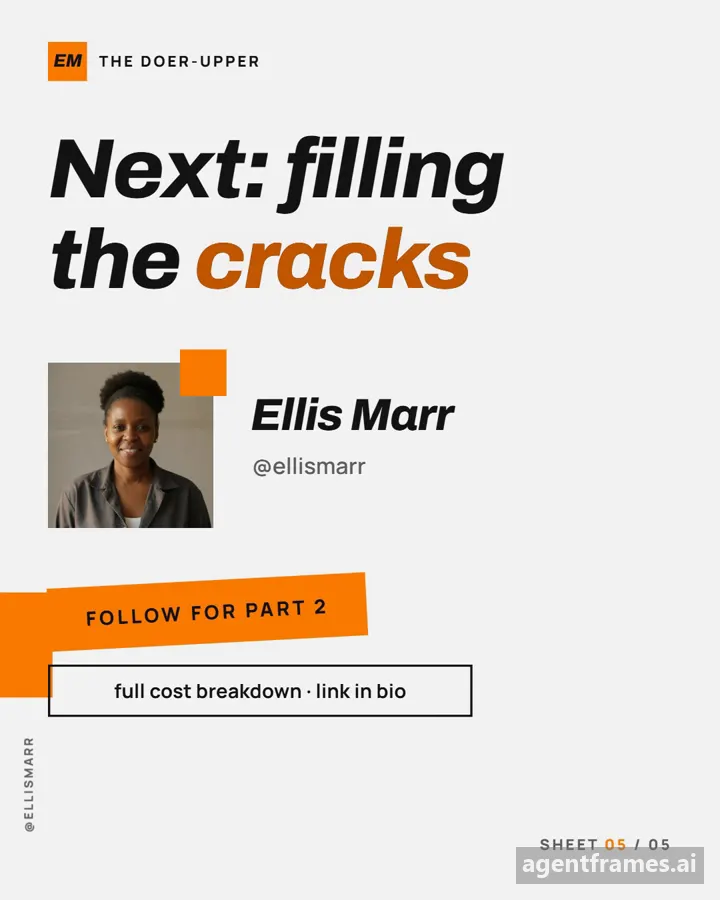
Story carousel · 5 slides
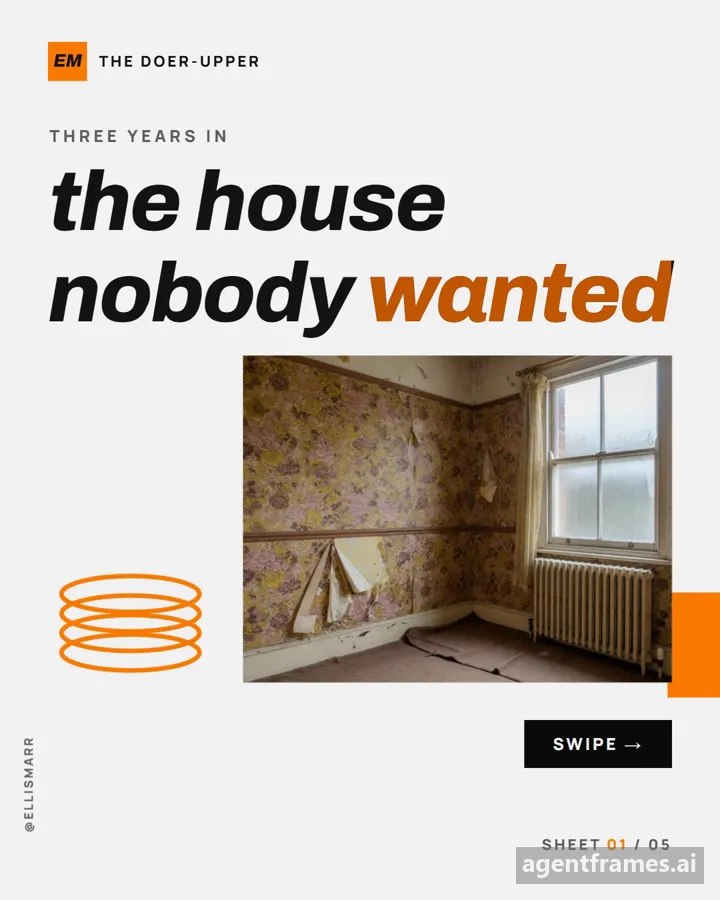
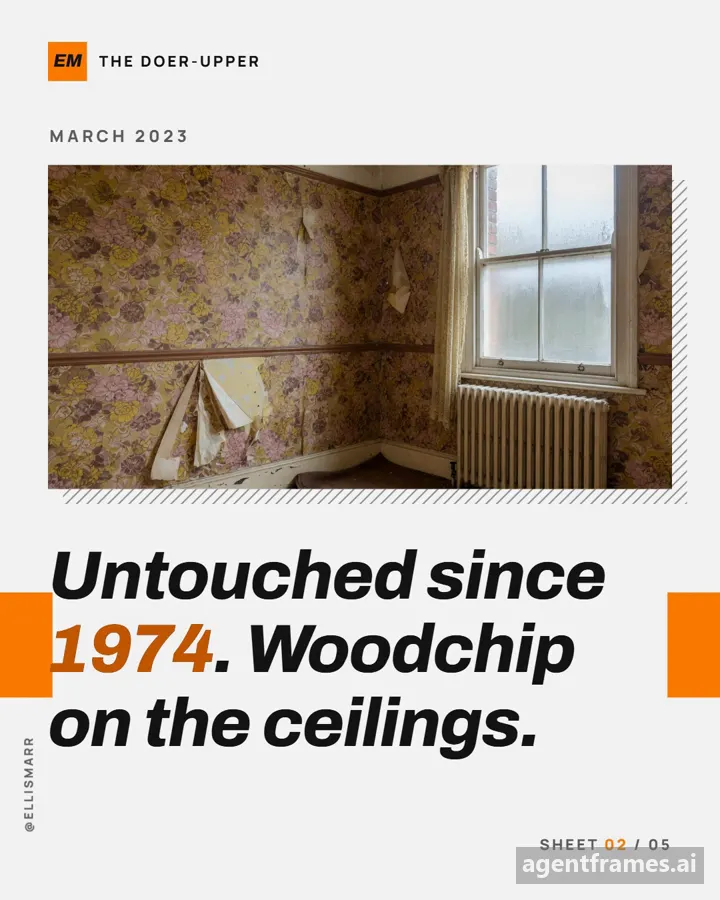
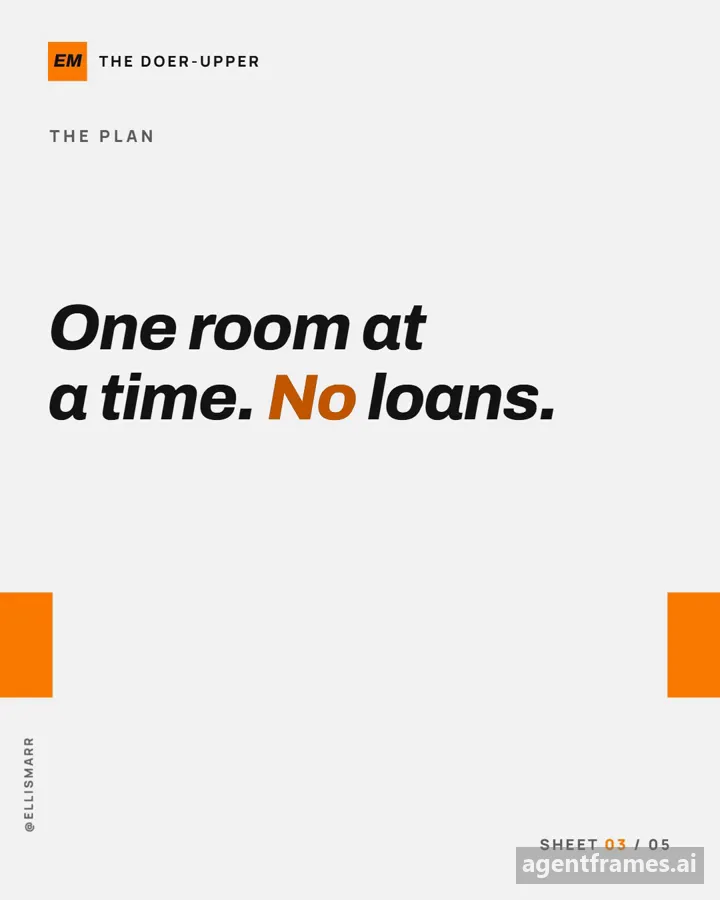
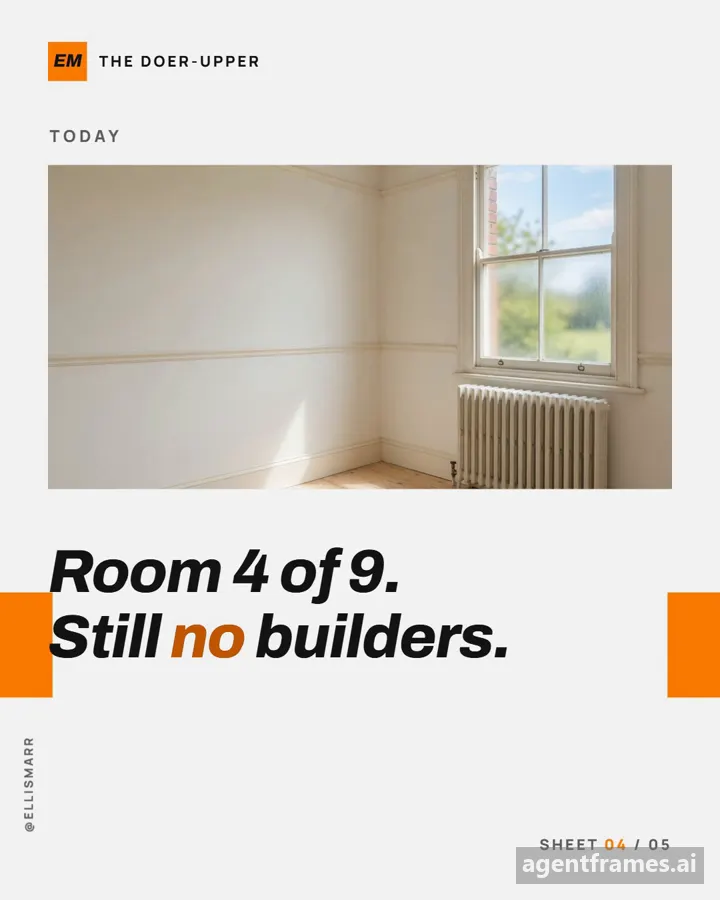
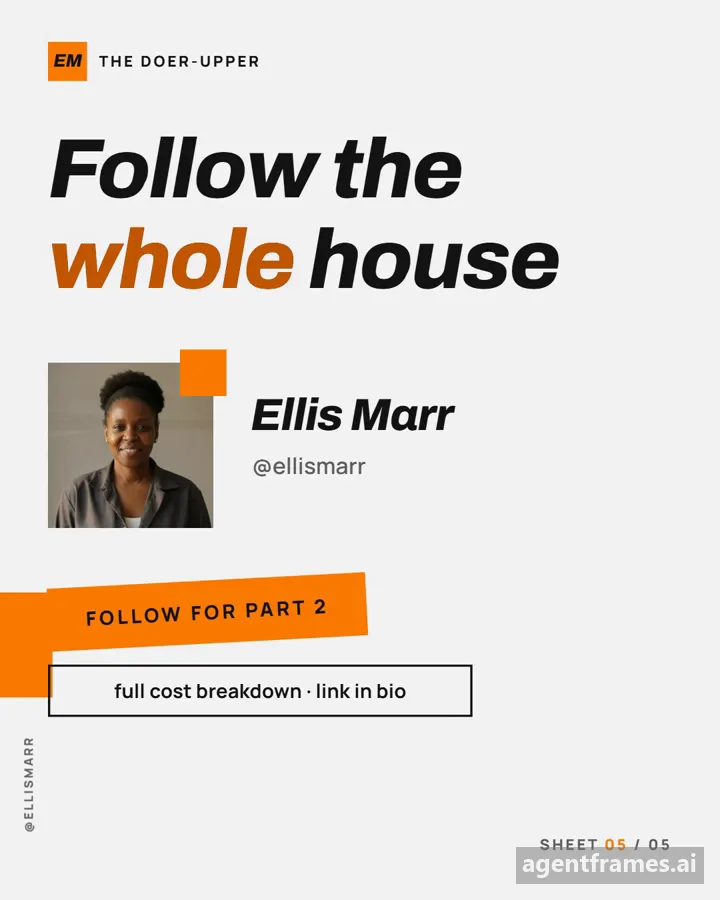
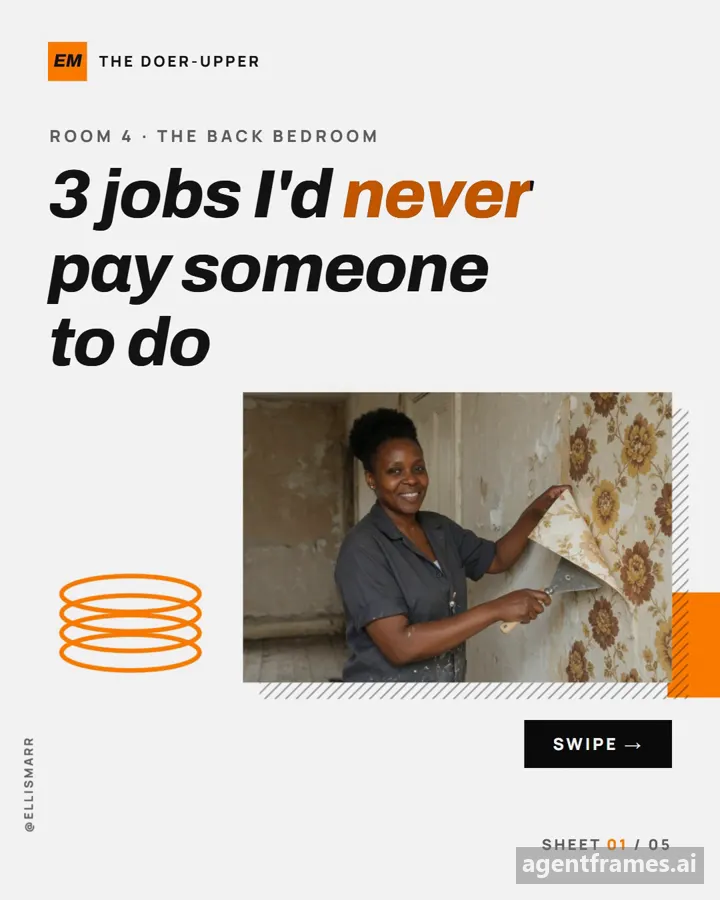
Tips carousel · 5 slides
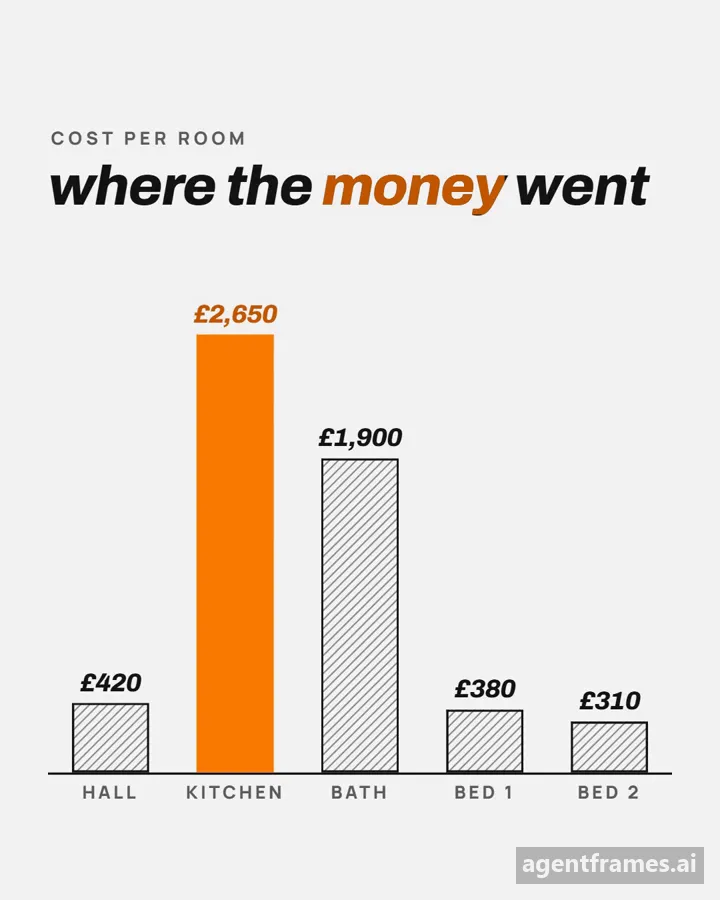 Bar chart
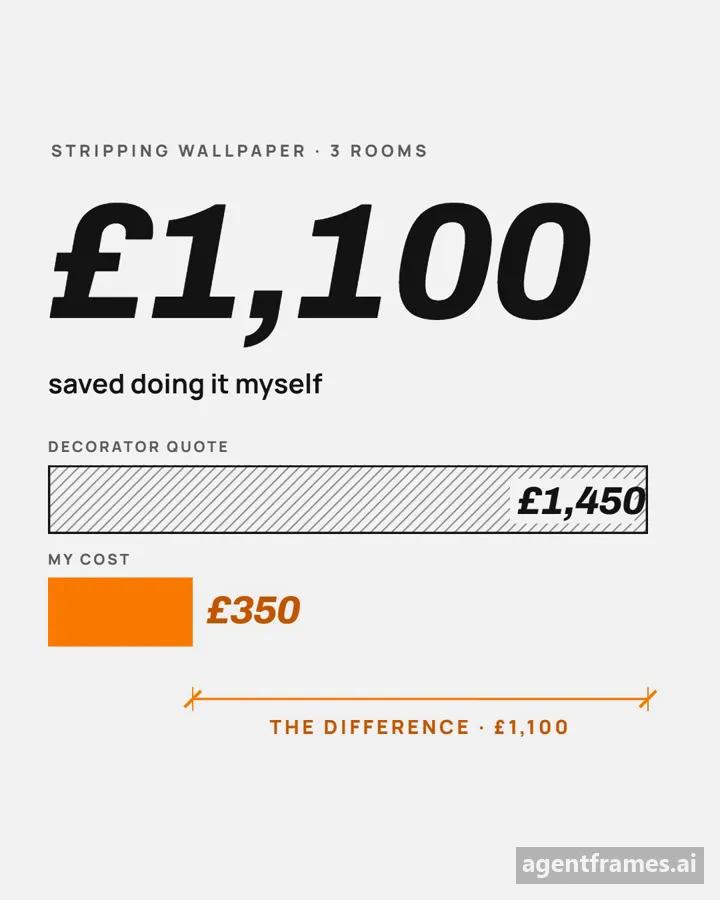 Big stat
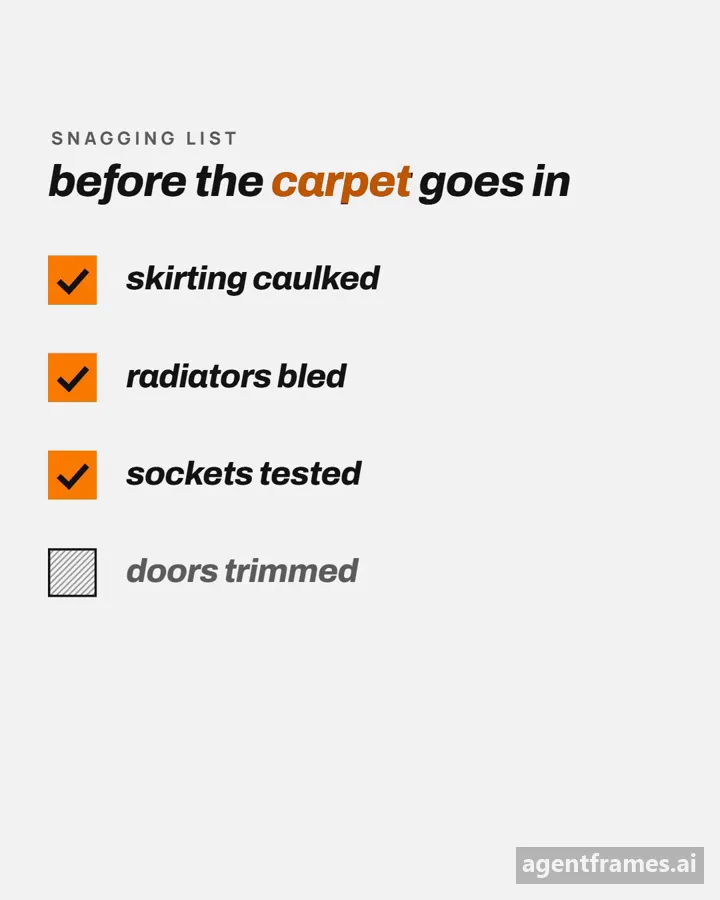 Checklist
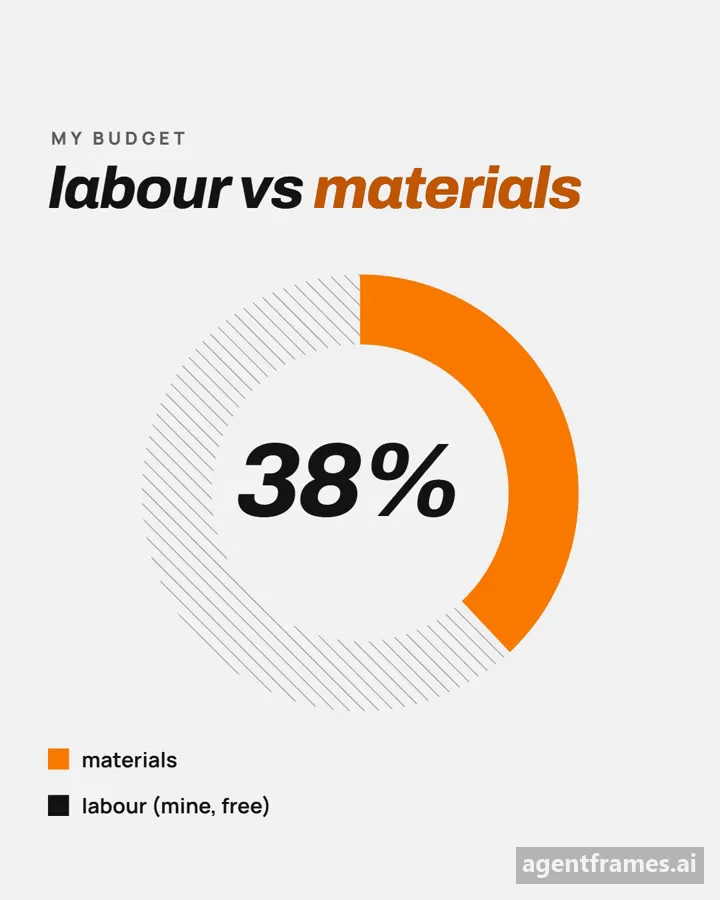 Donut chart
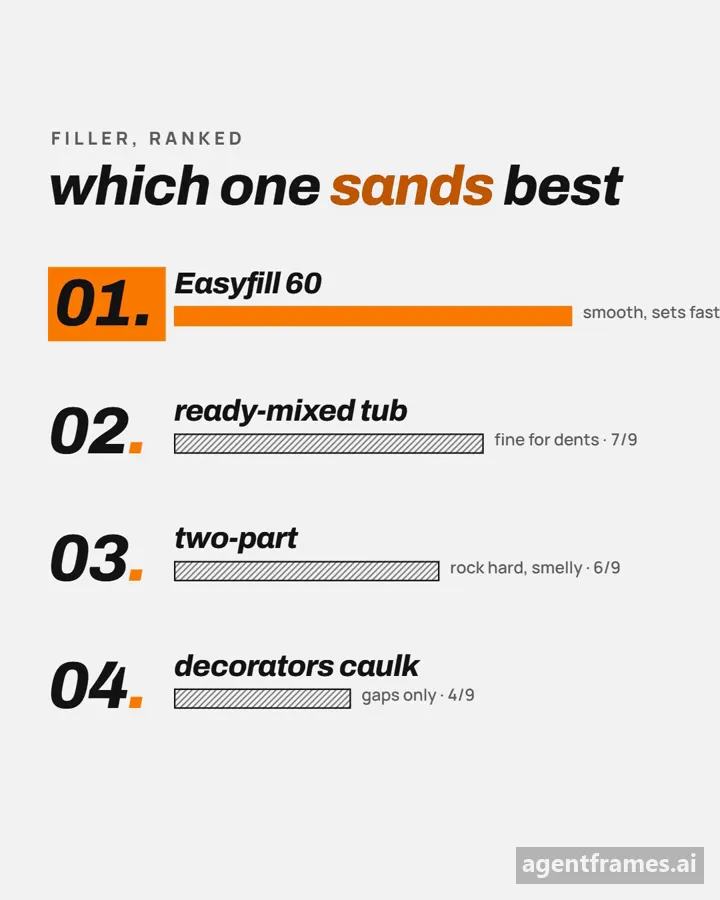 Rank bars
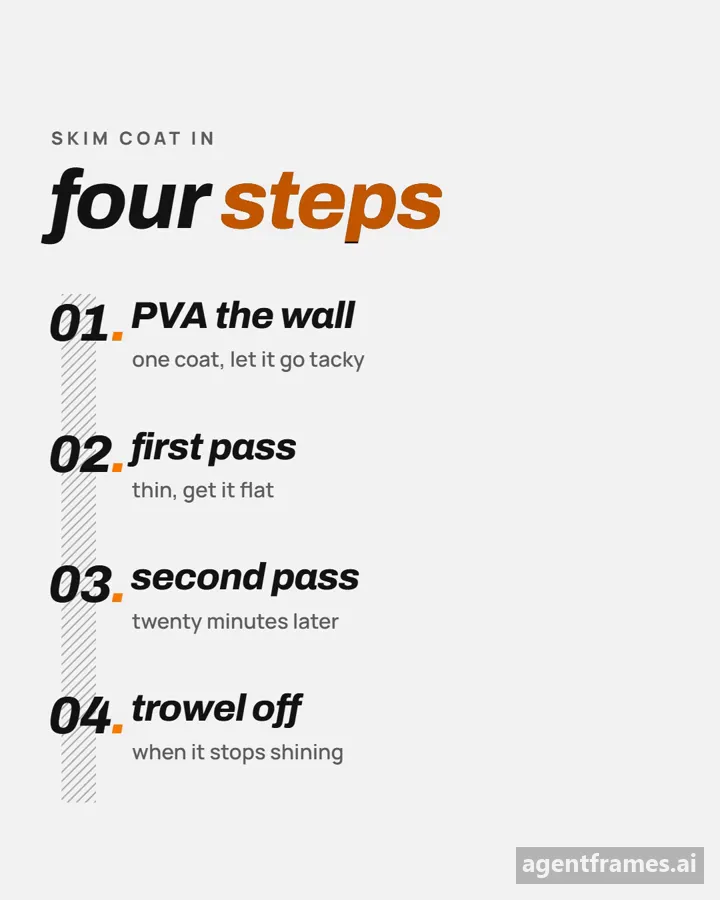 Steps process
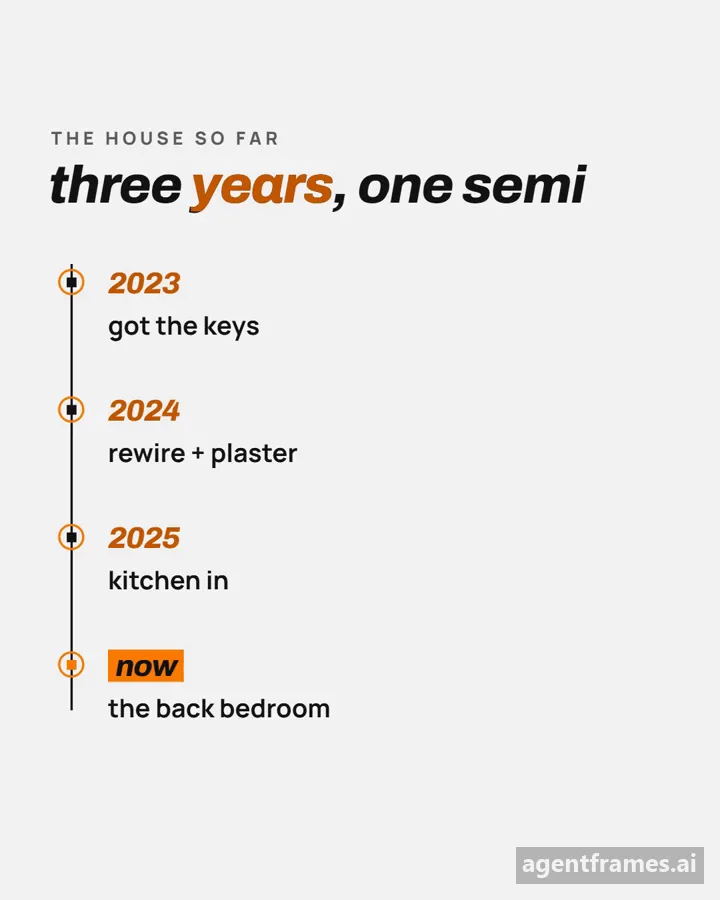 Timeline
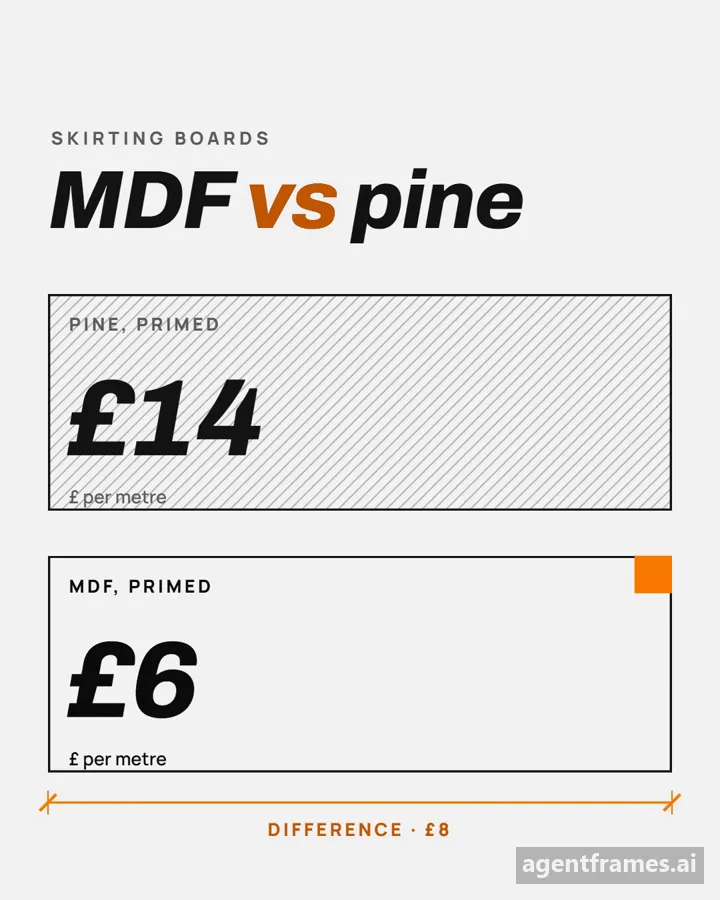 Versus
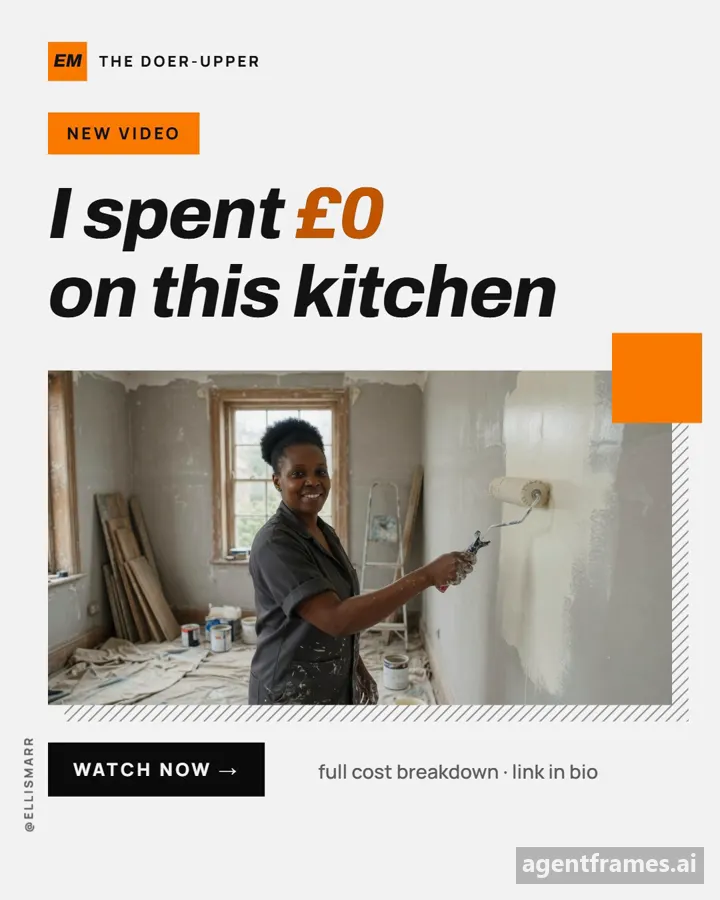 Announce post (4:5)
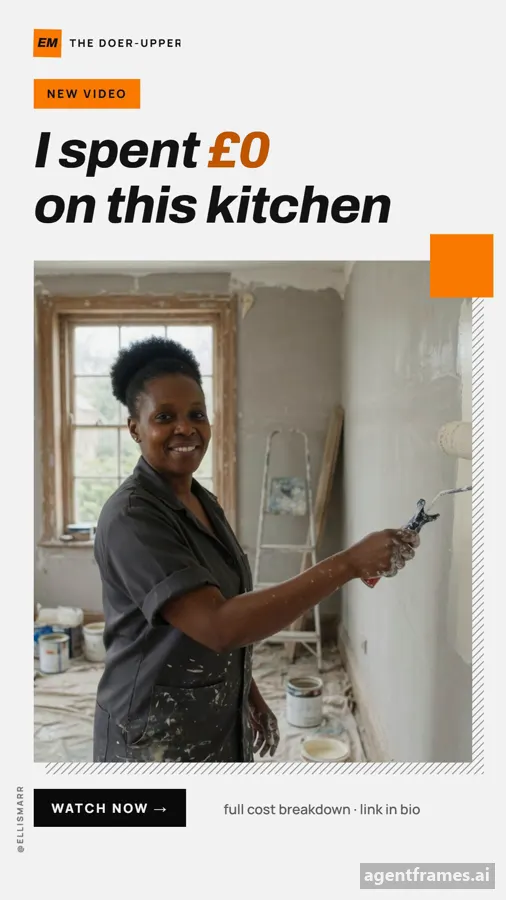 Story (9:16)
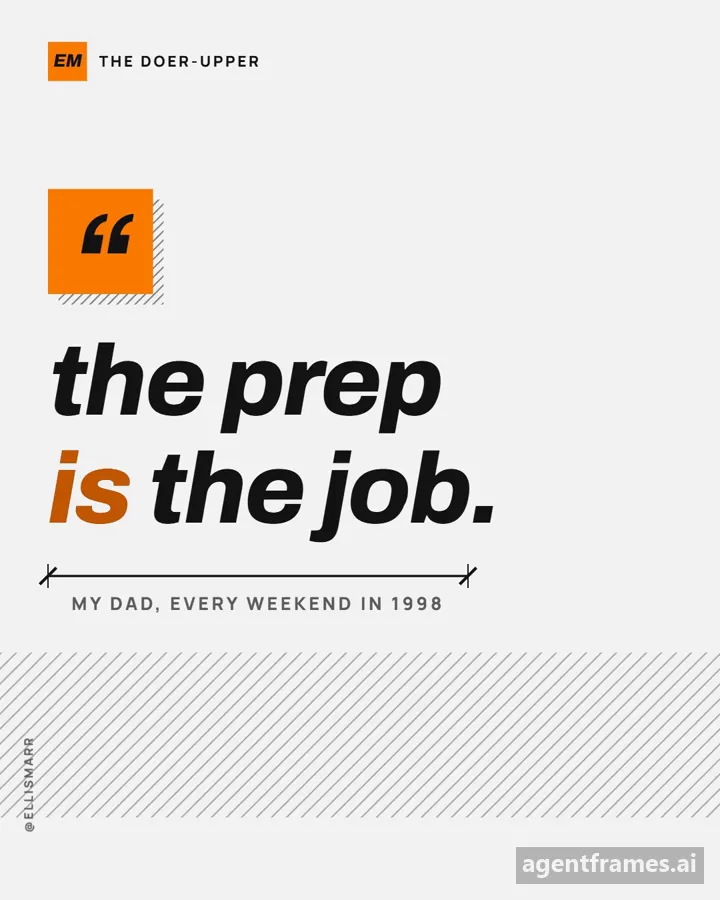 Quote post (4:5)
 Avatar frame
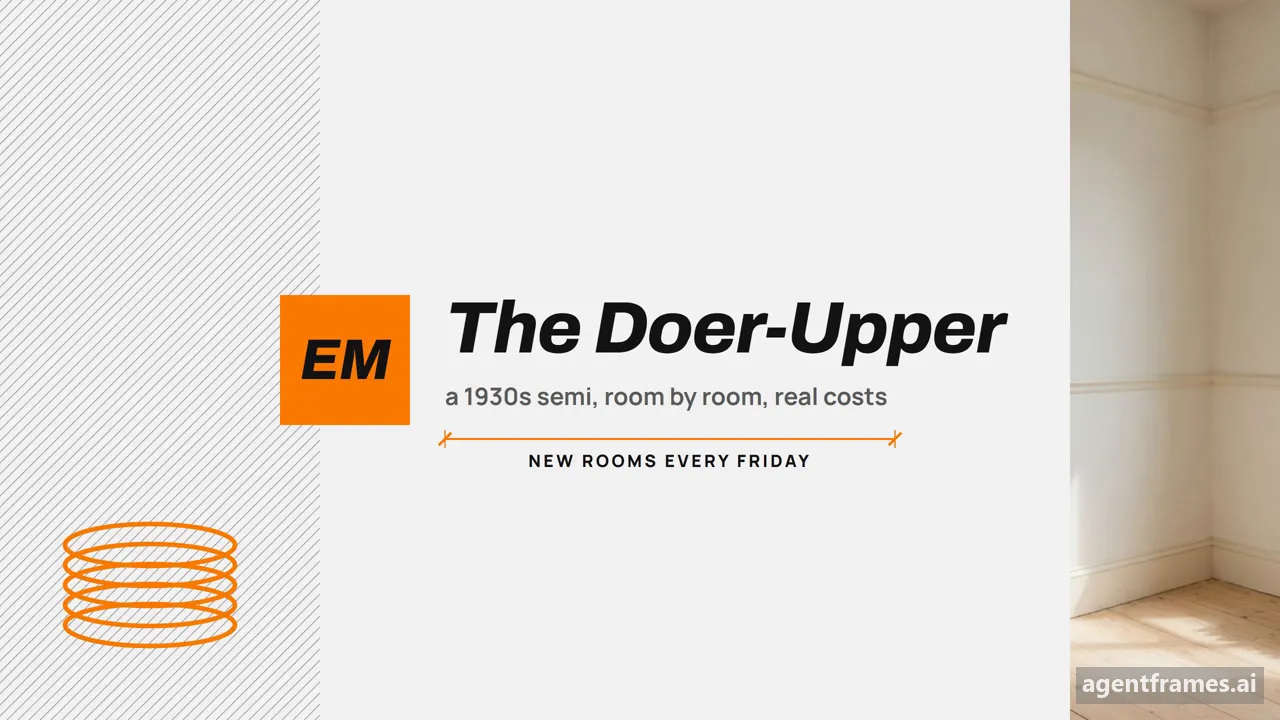 Channel banner
 Highlight 1
 Highlight 2
 Highlight 3
 Highlight 4
 Highlight 5
 Highlight 6
Your brand colours
Every colour in Hatch comes from a named colourway, and every name, handle and button comes from one brand.json file. Change that file and the whole pack is yours.
23 colours across 3 colourways · hover a square for its role and hex
Site (paper, safety orange)
Night shift (near-black, safety orange)
Plaster (warm plaster, amber)
One small file at the top of the pack: your name, @handle, channel, logo or monogram, and your calls to action.
Choose Site, Night shift, Plaster, or set one accent hex and the buttons, tags and highlights take it. The tools warn if it's hard to read.
All 45 elements, in 16:9, 9:16, 4:5, 1:1, plus the captions, carousels and thumbnails, read from that file. Motion and layout stay protected, so it still looks designed.
Set up the AgentFrames Hatch pack for my brand. Fill brand.json: creator "Sam Lee", handle "@samlee", accent #0A84FF, monogram "SL", follow CTA "follow for part 2". Then render one example and show me a contact sheet.Every element is included, in every size. Click one to see its preview, the slots your agent fills, and its editing contract. Browse elements from every pack →
Included in All-access · every pack on the store
$14 /month, billed annually
or $19 monthly · cancel any time
Get All-accessCreators who renovate, build and fix things on camera: doer-uppers, self-builders, DIY, home-improvement and 'what it cost' channels. The default copy is written in a creator's voice ('room 4 of 9', 'saved doing it myself', 'follow for part 2'), so it reads like you, not like a company. The demo creator, Ellis Marr, is fictional.
A complete look you can call your own, set once in brand.json and used everywhere you post: talking-head video in 16:9, 9:16, 4:5 and 1:1, captions, transitions and stickers, infographics, swipe carousels and image templates like YouTube thumbnails and a channel banner.
Yes. Record once in 16:9 with yourself centred; every size crops that one recording. Your clip opens tight on you, then pulls back into a square window with a hatched shadow. In 16:9 you sit beside the graphics and swap sides under a slant wipe; in 9:16, 4:5 and 1:1 you're on top and the graphics play underneath, clear of the platform buttons.
The demo costs are examples for a fictional creator. Charts, the budget tally and the cost stat take your own numbers from the script, and every chart starts from zero with its scale shown, so your agent has to use your real figures.
Node 22 or later, Chrome or Chromium, FFmpeg and HyperFrames 0.8.143 (open source; each starter pins it, so npm ci fetches it). Any coding agent that can run shell commands, such as Claude Code or Codex, can drive the pack.
Yes. The AgentFrames Licence explicitly allows AI agents to read, edit and render the templates for you. Every block ships a TEMPLATE.md and constraints.json, and out-of-range input stops with a message naming the slot to fix.
Also in All-access. Hover a pack to play it.


